

Accounts Receivable Automation: Three Jobs Replaced, But Most Vendors Skip Cash Matching

In short:
AR automation handles structured work well: clean invoices, obvious matches, scheduled reminders. The part that moves DSO lives elsewhere — the short payment with no explanation, the wire covering twenty invoices with a vague reference, the remittance that arrives as a scanned PDF three days later. Public materials suggest most AR platforms route these cases to a manual queue, so you automate the easy part and staff the expensive exceptions.
Your buying decision should start with where your bottleneck actually sits. If clean payments move slowly because of workflow gaps, AR platforms compete on depth and integration. If your AR staff spend mornings reading spreadsheets and puzzling out what each payment covers, you need something that handles the reasoning layer — reading context, inferring intent, and closing the exception queue rather than feeding it. A comprehensive AR automation approach should address both, but most vendors have only solved one.
The short version
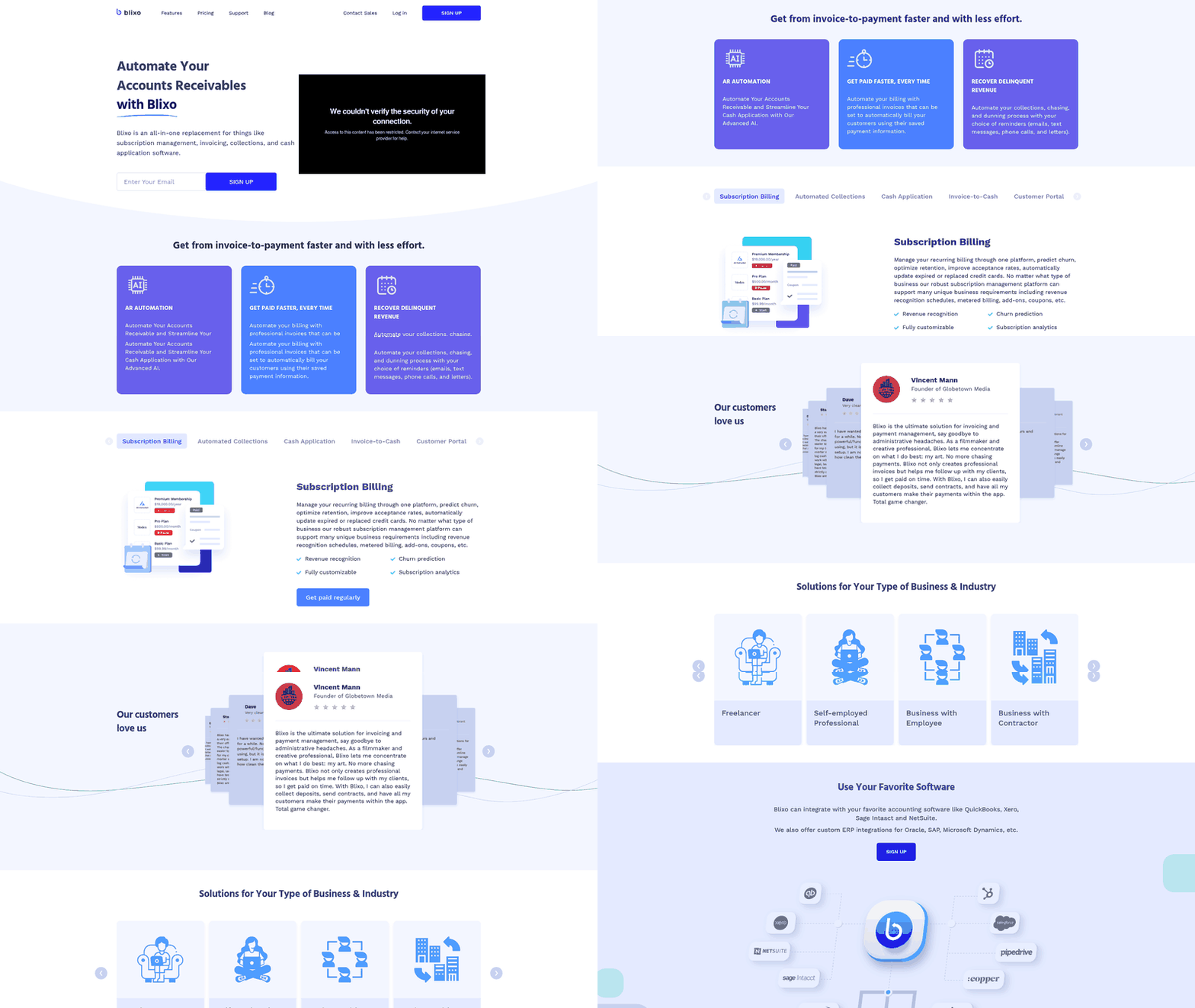
Accounts receivable automation can reduce overdue balances, improve DSO, and remove repetitive finance work from invoicing, collections, and cash application. The unresolved issue is cash matching: many systems perform well when payment data is clean, but the remaining exceptions consume disproportionate staff time. Those exceptions include unclear references, deductions, partial payments, delayed remittance files, and payment details scattered across bank feeds, emails, portals, and spreadsheets. When matching logic fails, IT teams often become the workaround layer, maintaining scripts and repairing integrations instead of eliminating the underlying reconciliation problem. The real test is not whether a platform says it has “cash application,” but whether it can interpret payment context and reduce the manual exception queue.
Why AR automation matters
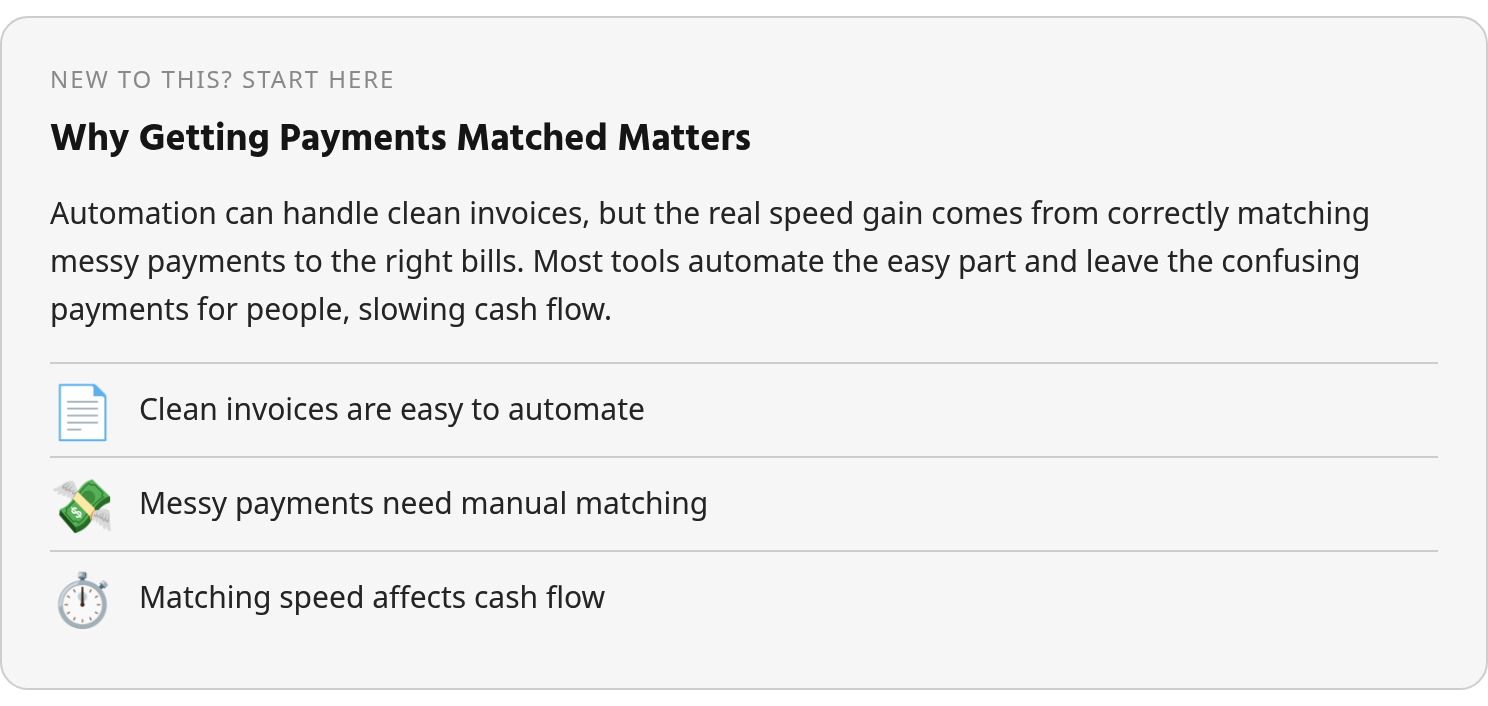
B2B invoices are often paid late, and that slice of overdue revenue sits in your customer’s bank account instead of yours. Late payment delays can force affected businesses to spend significant time chasing outstanding balances. Middle-market firms can lose meaningful revenue to payment delays, and finance leaders frequently report that unexpected receivables issues force changes to capital plans, hiring, and borrowing decisions.
Late payments are not just a collections problem. They represent working capital sitting idle while you pay for inventory, payroll, and operations out of pocket. Automated accounts receivable can improve DSO compared to manual processes, and many teams report better DSO performance after automating. Yet full AR automation remains uncommon despite widespread interest. The gap between intent and action reveals the real obstacle: many finance teams can automate the front end of AR faster than they can automate the judgment required to close disputed, incomplete, or poorly documented payments.
The cash matching gap
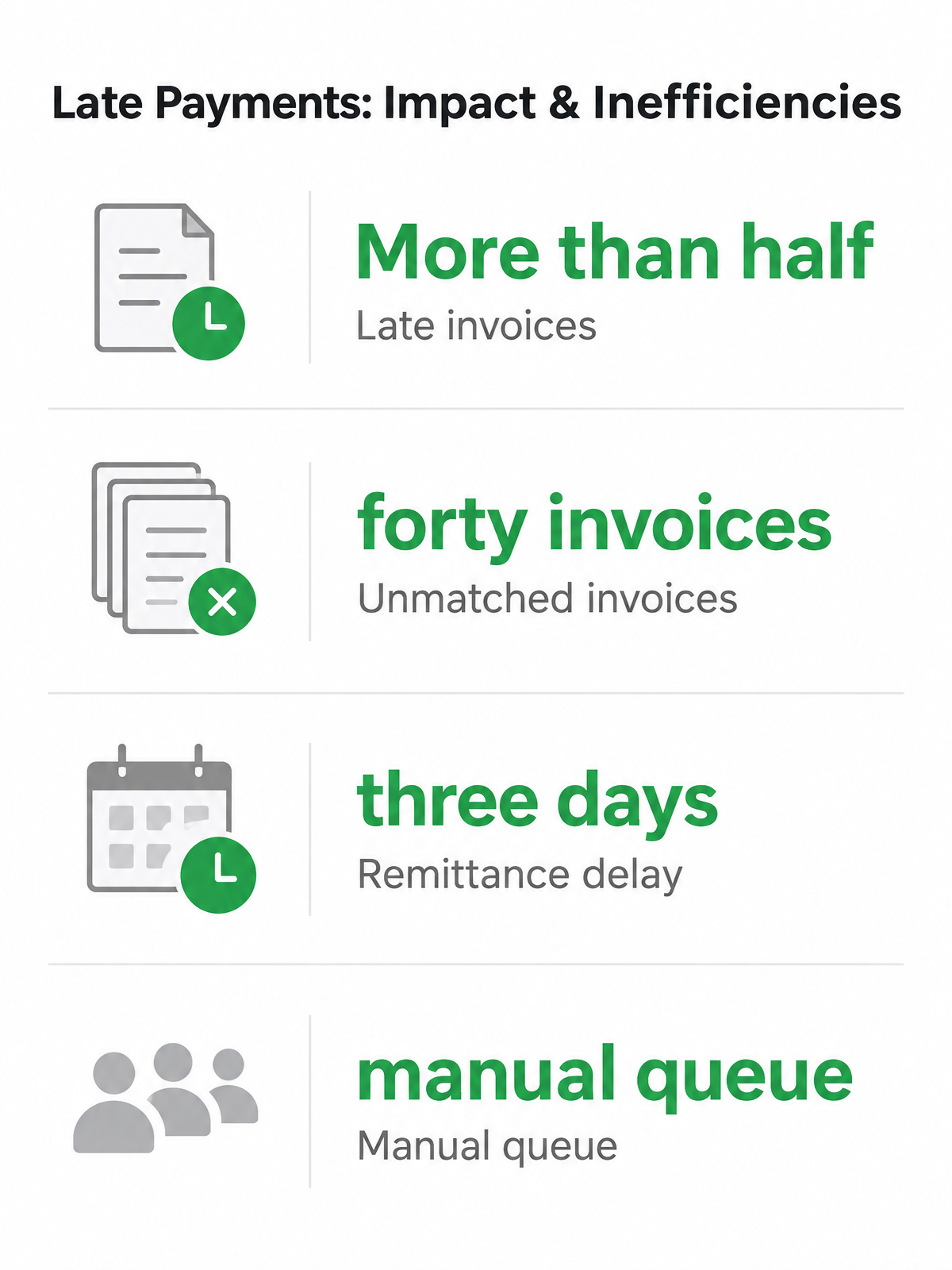
Automated receivables matching ties each incoming payment to the right invoice and marks it paid in your ledger, often within minutes. A well-tuned system achieves strong auto-match rates; weaker ones match considerably less. The difference sounds small until you look at the work behind the misses. These are not ordinary transactions waiting for a clerk to click “post.” They are ambiguous deposits that require someone to infer payer intent from incomplete data.
This is the invisible project draining your IT team: they become a human middleware layer building custom scripts, managing broken API connections, and re-keying payment data because the integration failed again. Disengagement from manual processes carries meaningful organizational costs, and AR staff turnover remains a persistent challenge.
The three core AR jobs most solutions automate
Most accounts receivable platforms split the work into three functional layers: invoicing and billing, collections and dunning, and cash application. These sound like clean buckets, but the third one, cash application, is where automation has to deal with customer behavior rather than system-generated data. That is the layer that determines whether you collect faster or simply route unresolved payments through a cleaner interface.

Invoicing, collections, and the cash-matching gap
Invoicing and billing automation generates invoices from your ERP, sends them to customers, and tracks delivery. This part works reliably across most platforms because the data is structured: you have an invoice number, an amount, a due date, and a customer record. The same applies to collections and dunning workflows, which sequence reminders based on aging and escalation rules. Both are high-volume tasks that vendors have solved competently.
The gap opens at cash application, which links each incoming payment to the open invoice or invoices it settles. Exact-amount payments with clear references are simple; fragmented customer behavior is not.
| AR Job | What It Automates | Where Automation Stops |
|---|---|---|
| Invoicing & Billing | Invoice generation, delivery tracking, format compliance | Dispute resolution, custom billing arrangements |
| Collections & Dunning | Scheduled reminders, escalation sequences, aging reports | High-value account conversations, payment plan negotiations |
| Cash Application | Clean payment-to-invoice matches (one payment, clear reference) | Short payments, lump sums, missing references, separated remittance data |
For cash application, the operational burden is context-gathering. AR teams may need to compare the bank feed with email attachments, lockbox files, customer portal exports, and ERP balances before they can post a payment. A strong headline match rate can still hide a backlog of high-friction exceptions.
Verify match capability, not generic “cash application” claims
When evaluating AR automation, ask whether the platform supports automatic bank-feed and remittance matching with exception handling, not whether it offers “cash application” as a feature. The distinction matters because some vendors define cash application as posting a payment once someone has already identified the match by hand. A capable system should show how it evaluates likely invoice candidates, applies confidence thresholds, and learns from approvals or corrections. Well-tuned systems reach high auto-match rates when the underlying invoice and customer data is clean.
The part vendors rarely show in demos is the exception queue. Does it present the likely payer, open balance, historical payment behavior, and related remittance documents in one place, or does it leave your team to reconstruct the story manually? For the payments that genuinely need judgment, a deduction, a disputed balance, or a deposit spanning entities, automation should reduce the detective work, not pretend judgment is unnecessary. RPA demonstrates superior consistency in standardized tasks, but systems handling unstructured remittance data require interpretation capabilities. A hybrid approach based on task characteristics delivers better results than either technology alone.
The honest check: if a vendor cannot show you their exception-handling workflow in a live demo, the feature likely punts unresolved cash back to your team with little added context. That is not full automation; it is manual reconciliation with better packaging.
Cash matching: the commonly skipped step
Accounts receivable automation often succeeds where inputs are predictable: structured invoice records, scheduled customer reminders, and deposits with enough metadata to post confidently. Cash matching becomes the skipped step when the system reaches the boundary between data capture and interpretation. At that point, the platform may record that money arrived but fail to determine what the payment settles.
Why remittance data travels separately from payments
The core problem is structural. Remittance information associated with electronic payments often travels separately from the actual payment, forcing AR teams to manually match payments to invoices. Here is how one messy payment moves through the system: a customer sends a wire for $47,500 on Tuesday. The bank feed shows the amount and the payer. The remittance advice, the document that says which invoices the payment covers, arrives as a PDF in an email attachment on Thursday. The system sees the money but cannot post it because it does not know what to clear. The item moves to the exception queue, where it shows the likely payer, open balance, and related remittance documents in one place. Your team reviews the suggested match, approves it, and the system posts it back to the ERP. The DSO impact comes from how quickly those missing details are found, interpreted, approved, and reconciled.
What current matching approaches can and cannot handle
Rules-based matching engines compare payments against open invoices by reference, amount, customer, and invoice combinations. A capable system can recognize that three invoices totaling $2,500 match a single payment with only the reference “April account” and no invoice number. Performance varies widely depending on configuration quality and data consistency.
What breaks the rules? Short payments from bank fees, deductions with no attached reason, partial payments split across billing periods, and remittances that require interpretation rather than extraction. RPA-based matching logic demonstrates superior consistency in standardized, repetitive tasks, invoice matching and cash receipts, but chokes on ambiguous scenarios involving unstructured data. Research on accounts receivable automation indicates GenAI can outperform RPA when remittance data requires reading and judgment, though adoption remains limited despite widespread evaluation.
The selection question is which layer holds your bottleneck. If the backlog consists mainly of ordinary deposits waiting for consistent processing, workflow automation may be enough. If the backlog consists of payment intent that has to be reconstructed from documents, portals, and customer history, the problem is exception reasoning. That is where a hybrid adoption strategy based on task characteristics and data structure proves more effective than relying on either technology alone.
Head-to-head vendor comparison
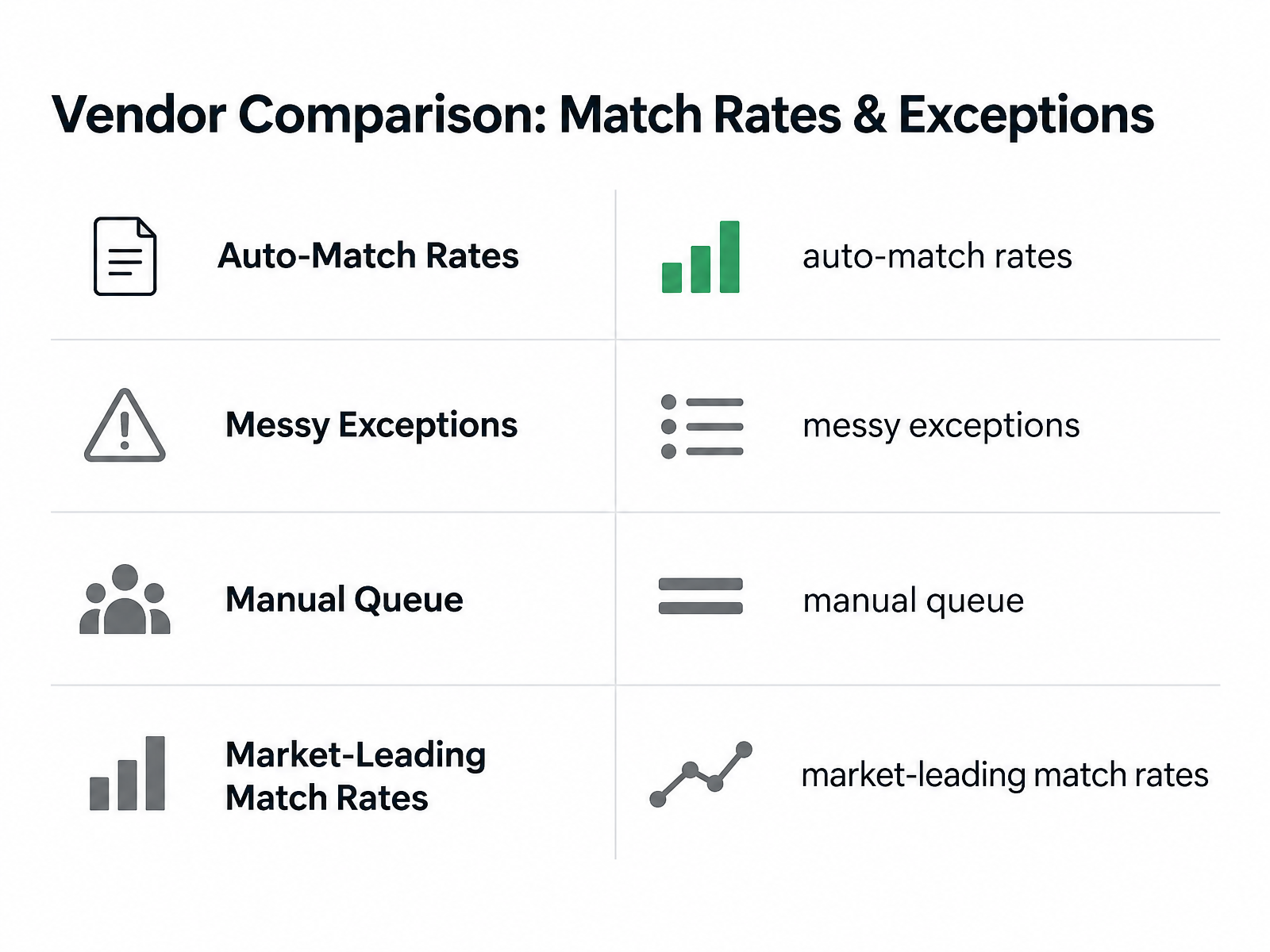
Most accounts receivable platforms handle the same core jobs, invoicing, payment reminders, and cash application, yet finance teams who test them quickly find that auto-match rates tell only half the story. A match percentage says little unless you know which transactions failed, how much cash they represent, and how long each one takes to resolve.
We built the comparison below around five dimensions that surface this gap. The first four, invoicing, collections, cash application coverage, and integration, are table stakes in 2026. The fifth, true cash-matching capability, separates platforms that lower DSO from those that mainly organize existing AR work.
The platforms we compared
We evaluated four vendors frequently cited in AR automation searches: HighRadius, Billtrust, Versapay, and Blixo. The comparison focuses on how each vendor handles the five dimensions below.
The selection includes both workflow-layer vendors that automate what happens once payment data is structured and a vendor focused on intelligent matching and approval workflows. Capabilities listed as “partial” or “manual” reflect what each vendor describes in its public materials.
| Feature | Blixo | HighRadius | Billtrust | Versapay |
|---|---|---|---|---|
| Invoicing automation | Automated invoice generation and delivery | Automated invoice generation and delivery | Automated invoice generation and delivery | Automated invoice generation and delivery |
| Collections automation | Reminder sequences and dunning workflows | Collections prioritization and dunning workflows | Reminder sequences and dunning workflows | Portal-based collections and dispute resolution |
| Cash-application coverage | Matching engine with approval workflow | High for clean payments; exceptions routed to manual review | High for clean payments; exceptions routed to manual review | High for portal payments; external payments less automated |
| True cash-matching capability | Can handle multiple payment sources and separated remittance with approval workflow | Stronger on structured data; separated remittance may need manual work | Stronger on structured data; PDF and lump-sum remittances may need manual work | High match rate for portal payments; external payments less automated |
| Integration & ease of use | Works with common accounting and ERP systems | Enterprise-focused; longer implementation may require IT involvement | Mid-to-large integrations; moderate setup time | Portal-centric; requires customer adoption |
HighRadius and Billtrust are often discussed as fits for larger organizations with complex credit and collections needs. Versapay’s portal approach can reduce disputes before they reach collections when customers engage with portals. Blixo focuses on intelligent matching and approval workflows.
The reality: if your payment data is already clean, customers consistently reference invoice numbers, remittances arrive in structured formats, and short payments are rare, the gap between platforms narrows. The ROI question is what happens to the exceptions, and whether automating that slice justifies the cost and implementation effort.
Implementation checklist and success metrics
Rolling out accounts receivable automation is not a software-install event. It is a sequence of configuration, connection, and verification steps that determines whether you end up with clean matched payments or a new manual queue. The path from purchase to working system typically runs through eight stages: an audit of your current AR state, data cleanup, customer and invoice import, ERP and bank-feed connection, matching-rule setup, a pilot run with real data, exception review, and go-live. After launch, the measurement phase begins: tracking whether the system actually lowered your DSO and cut exception volume or just moved the same work to a different screen.
Start with a current-state audit and bank-feed verification
Before you configure anything, map what you have: which invoices sit unpaid past terms, which customers pay consistently late, which remittance formats arrive most often, and which payment references are reliable enough to match on. This audit tells you where your DSO problem concentrates and which matching rules will handle the majority of your volume versus which will route payments to exceptions.
Next, verify that your bank feeds and payment gateways can deliver the data your matching engine needs. Ask the vendor to demonstrate how source documents enter the system, how payer identities are normalized, and how approval workflows preserve auditability. If the demo begins with a perfectly prepared upload rather than raw payment inputs, you are not seeing the riskiest part of implementation.
Pilot, measure, and track the right metrics
Run a pilot with real payment data before you move live traffic. A pilot surfaces which payment types the system handles cleanly and which it flags for review, and it lets you tune matching rules before the exception queue fills. Strong AR teams run notably lower DSO than their peers, and the gap is typically explained by how well exceptions are resolved, not how fast clean payments are posted.
After go-live, track DSO, auto-match rate, manual exception volume, and late-payment workload. A well-tuned matching system should hit around 90% or higher auto-match; weaker setups sit near 70%. But auto-match rate alone is misleading if the remaining 10% consumes most of your team’s hours. The more useful metric is what share of payment processing is fully automated end-to-end, meaning the payment is received, matched, posted, and reconciled with no human touch. Use the pilot to confirm that automation is reducing unresolved work, not merely categorizing it more neatly.
Quick Questions, Straight Answers
If my AR platform reports a 95% auto-match rate, why am I still spending hours on cash application?
Because the unmatched portion is usually the least standardized work. Review the exception queue by dollar value, age, cause, and effort required. A small percentage of failures can still dominate staff time if each item requires document hunting, customer follow-up, or approval before posting.
What should I ask vendors to show me during a demo to test real cash-matching capability?
Ask to see the full exception workflow, including raw payment intake, document capture, suggested invoice candidates, confidence scoring, approval steps, and posting back to the ERP. The demo should use imperfect inputs, not only a clean example that already contains the invoice number.
Why do remittance data and payments travel separately, and how does that affect automation?
Banks, customers, portals, and accounting systems do not always pass payment explanations through the same channel as the funds. Automation breaks down when the system records the deposit but lacks the supporting detail needed to clear invoices. Strong cash matching closes that gap by bringing the payment, remittance evidence, and open receivables into one workflow.