

6 Accounts Receivable Automation Integration Failures That Block Cash Application

Key Takeaways
In short: if your match rates look healthy but unapplied cash keeps piling up, check the integration before you blame the matching model.
- Weak AR automation can delay payment posting by up to three days and leave as much as 6% of receivables unapplied, according to a vendor-cited benchmark.
- A payment can be matched correctly and the invoice can still stay open. This happens when the result never posts back to the ERP or lands in an unmapped field.
- While a posting is lagging, a customer who already paid can look past due in the ERP.
- Flat-file, SFTP, and lockbox feeds can trail API or ERP-native connections. No reliable figure puts a cost on that lag.
The Short Version: Fix the Handoffs First
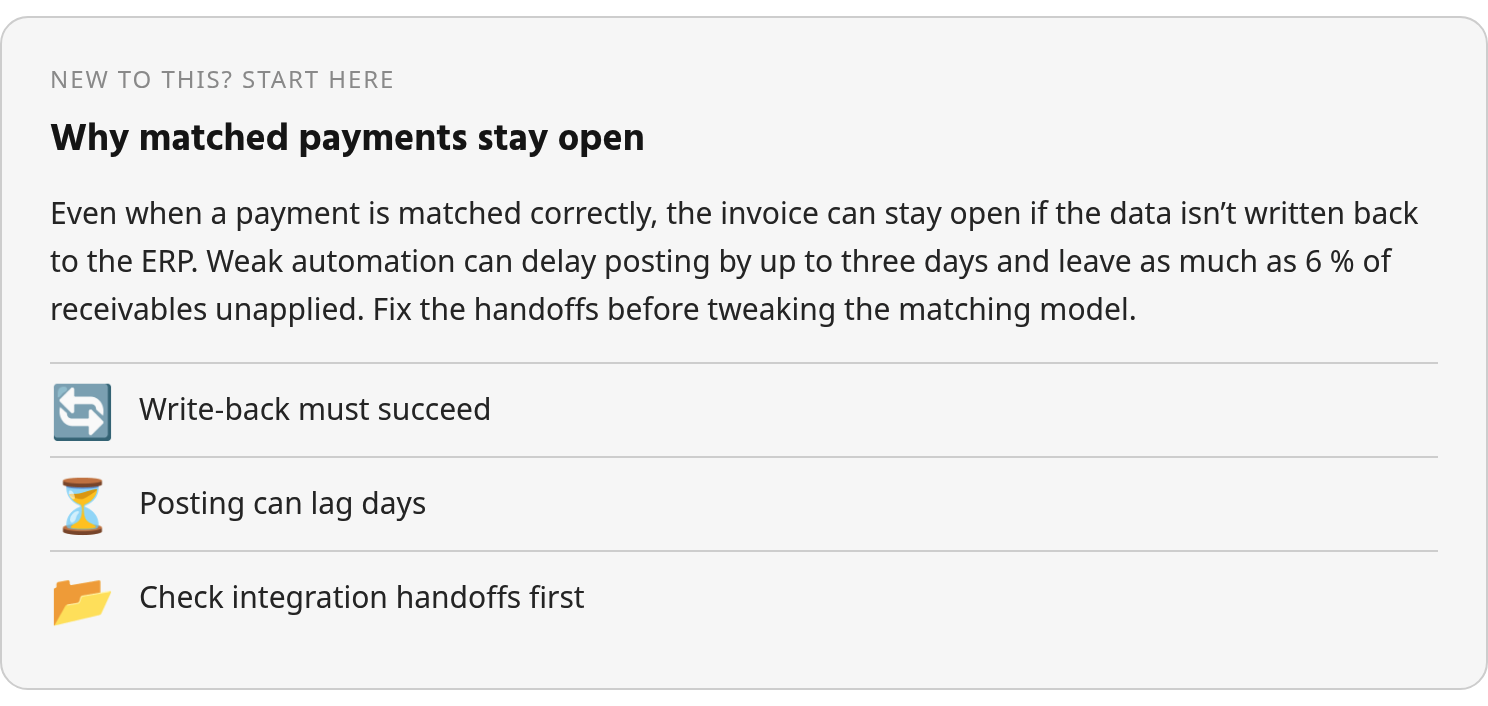
Your cash-application problem may have nothing to do with the matching model. Accounts receivable automation can match a payment perfectly and still leave the invoice open, because a file leaving your cash app tool is not the same event as a payment posting in the ERP. The result may never write back. It may arrive late through a batch run. It may land in a field the ERP doesn’t use for clearing.
This is written for controllers, AR leads, and finance ops people who already run some automation and still watch the unapplied bucket grow. The scope is narrow: get cash application flowing again by fixing data movement, remittance capture, mapping, latency, and exception handling.
One caveat up front. I won’t claim that most blockages come from integration gaps, because the evidence doesn’t show that. It does show that these gaps can stall cash application badly, even with AI in the middle.
Use the table as a diagnostic map.
| Failure type | Symptom | Evidence-backed delay or impact where available | Remediation effort | Quick tip |
|---|---|---|---|---|
| Missing write-back | Matched payments stay open in the ERP | Weak automation: up to 3 days to post, up to 6% of receivables unapplied | Medium | Confirm closed-item status syncs back |
| Batch or legacy connection | Balances look stale between file runs | No reliable figure. Flat-file, SFTP, or lockbox feeds can lag behind real-time API or ERP-native connections | Medium to high | Map which feeds truly need real-time |
| Remittance capture gaps | Payments arrive without invoice detail | No reliable figure | Medium | Audit bank, lockbox, and portal channels |
| ERP-specific mapping errors | Postings fail or hit wrong accounts | No reliable figure | High | Test mappings per ERP |
| Stale read-side data | Matches against outdated invoices or credit limits | No reliable figure | Low to medium | Check refresh frequency |
| Hidden exceptions | Failed postings go unnoticed | No reliable figure | Low | Require an exception queue |
My advice is simple. Start with write-back, because it fails quietly. Don’t rebuild every batch feed as real-time, since batch is a sensible default for most cash data. Save real-time for narrow cases like releasing blocked orders or posting instant portal payments.
Why a Perfect Match Can Still Leave Cash Unapplied
If the ERP never closes the invoice, the match didn’t happen as far as your books are concerned. So when your AR automation reports accurate matches but open balances won’t go away, test the data flow early.
The benchmark behind the three-day figure is cited secondhand in a vendor’s integration guide. During a lag like that, a client who paid on time can still show as past due in the ERP. That can trigger a dunning email or a credit hold on their next order. If you’ve ever taken a “we paid that two weeks ago” call from an annoyed agency client, you know how that conversation goes. Treat the number as a warning, not your baseline. It doesn’t isolate integration as the only cause.
Each Stage Inherits the Last Handoff’s Errors
AI-powered cash application follows a chain that runs from invoice to cash. It reads open items from the ERP, pulls in bank and remittance data, matches payments, and writes the result back. Every handoff needs clean inputs: current invoices, usable customer IDs, payment details, remittance references, posting rules, and a confirmed return path into the ERP.
Break one input and the problem rolls downstream. Lose the remittance detail and the matching engine loses its best signal. Let a sync fail and the two systems disagree about what the customer owes. Either way, someone on your team ends up chasing the payment by hand.
Batch Delays Visibility, but Real Time Isn’t Always Worth It
Batch connections like flat-file, SFTP, and lockbox transfers create visibility gaps. Activity changes before every system catches up. Vendor materials describe API-native and ERP-native approaches as real-time. Treat that as a claim until you’ve watched a payment clear in the ERP during a live demo.
Speed isn’t the only goal, though. Real-time connections add implementation and maintenance burden. Batch stays practical when nobody needs to act between scheduled runs. So ask the operational question: which payment channels change credit decisions, order release, or customer communications fast enough to justify a tighter integration?
Six Integration Failures That Stall AI-Powered Cash Application
Use these six as an audit checklist, not a ranking. Nothing in the evidence ranks integration failures by frequency. Two points are well supported: weak automation slows posting, and batch connections lag real-time ones. The list helps you find where your AR automation loses the thread between bank, matching engine, and ERP.
-
Broken ERP and AR sync. The matching engine reads open invoices and customer records from the ERP, then writes results back. If either direction fails, the tool either matches against stale items or the ERP never clears the invoice. Then the two systems disagree on the balance. Check write-back first, because nobody gets an alert when it breaks.
-
Missing or malformed remittance. AI matching needs invoice references, amounts, customer identifiers, and remittance detail. Bank feeds, lockbox files, and portal remittances travel through a separate channel from the ERP. When that channel drops fields or truncates references, no model can save the match.
-
Unrouted exceptions. Partial payments, deductions, credits, foreign currency, short pays, and overpays all need a rule or an owner. Without one, they sit in unapplied. Watch the exception queue as closely as you watch clean postings.
-
Data-mapping errors. An invoice number lands in the PO field. A payer name maps to the wrong customer account. A payment amount gets compared to a remittance amount with no allowance for fees. Every ERP structures these fields differently, so mappings rarely carry over cleanly from one platform to another.
-
Stale batch syncs. Scheduled integrations can leave the matching tool, bank feed, and ERP out of step for part of the day. That alone isn’t bad architecture. The failure is letting users believe the data is current when it’s only current as of the last successful run.
-
Weak regression testing. ERP upgrades, bank-file format changes, gateway swaps, and mapping edits all touch the flow. A harmless-looking change can halt postings for days before anyone notices. Usually it’s the person staring at a bloated unapplied report at month-end. Run a sample payment file end to end after every change.
Fix-It Playbook: Getting the Integration Working Again
Fix the handoffs before you touch the model. Retraining an engine that already matches well won’t close one invoice if the ERP never hears about it. Work through these steps in order. Each one assumes the data from the step before is clean.
Where Does Your Accounts Receivable Automation Lose Data?
Trace four records end to end: payment, invoice, customer, and remittance. Confirm each reaches both your AR platform and the ERP. Then look at import failure logs, posting delays, and the size and age of your unapplied-cash queue. A growing queue sitting next to high match rates points straight at write-back.
Next, line up the fields between systems:
- Customer account ID, so payer names don’t drive matching on their own
- Invoice number, so references don’t end up in notes, PO, or memo fields
- Payment amount, so fees, deductions, and short pays get handled consistently
- Remittance reference, so bank and portal data tie back to the same obligation
- Posting status, which has to sync back to the AR platform instead of staying one-way
Validate remittance files and bank data in a test environment before any production import. A malformed file that loads quietly does more damage than one that fails loudly.
How Do You Cut Latency Without Overbuilding?
List every feed, its schedule, its owner, and the business action it supports. If a feed drives order release, customer portal balances, or urgent credit decisions, it may need a faster path. If it only supports routine posting and reconciliation, a reliable scheduled process can be enough.
Then write exception rules with a named owner for each case:
- Partial payments
- Deductions
- Credits
- Foreign currency items
- Short pays
- Overpays
- Rejected postings
- Missing or unreadable remittance detail
Give each one an aging threshold and an escalation path.
Last, test in a sandbox and run regression checks after every ERP or bank-format change. Roll out one entity or payment channel at a time. To be clear, these steps reflect sound engineering practice, not proven post-go-live results. But skipping them is how quiet failures reach production.
Blixo in Action? Test Every Vendor the Same Way, Blixo Included
You won’t get a customer success story here. The research behind this guide contains no public case study, testimonial, or outcome data from the Blixo platform. Treat any unsourced before-and-after claim as marketing, including one from Blixo.
What you can do is put every accounts receivable automation vendor through the same test, starting with Blixo. Make each one prove the full path from bank deposit to closed ERP item. Documentation tells you what a vendor claims. A live demo tells you what happens to a payment.
Public materials often describe only the read side of an “ERP integration.” If write-back isn’t documented, that doesn’t mean the feature is missing. Absence of evidence isn’t absence of feature. But you should see it work before you sign.
Seven Questions for Any Accounts Receivable Automation Vendor
- ERP connectors: Which ERP versions do you support? Does the connector write results back or only read open items?
- Bank integrations: Which bank and lockbox feeds connect, and how often does data arrive?
- Webhooks and APIs: Which events push status updates? What can your team query after a failure?
- Remittance parsing: Which formats can the system read? Show us what happens to a malformed one.
- Exception routing: Who receives a failed match or rejected posting, and does the alert state the reason?
- Mapping controls: Who can change field mappings, and does the system log each change?
- Regression testing: How do you retest the flow after an ERP update or connector change?
Expect public materials to leave some of these unanswered. Verify each answer against a workflow your team recognizes: a payment comes in, the system matches it, an exception gets routed if needed, and the ERP shows the final state. After that, run the five checks to clear before automation replaces a manual AR desk.
Your Next Move: Decide Which Feeds Actually Need to Be Faster
Batch earns its place when you can see what it’s doing. A scheduled file that completes, reconciles, and alerts on failure is usually safer than a faster connection nobody monitors. So when you evaluate options, ask for proof of real posting behavior, not connector labels on a slide.
The dividing line is practical. Do people or systems make decisions before the next scheduled run? If yes, tighten that path. If no, spend this week on confirmation, logging, and exception ownership instead. Paying for a more complex integration can wait until those basics hold up.
FAQ
1. Should I retrain or replace my matching model if unapplied cash keeps growing?
Not as a first move. Compare match rates with ERP clearing status, failed-posting logs, and exception aging. If the model finds the right invoice but the ERP remains open, the fix belongs in integration, mapping, or posting controls rather than model retraining.
2. Why would a customer who already paid get a dunning email?
Because the customer communication workflow usually reads the ERP balance, not the matching tool’s internal result. If those systems are out of sync, collections activity can follow outdated open-item data. The safeguard is to make posting status and failed-posting alerts part of the same AR operating rhythm as matching accuracy.
3. Do I need to replace my lockbox or SFTP feed with a real-time API?
Only when the business case supports it. Review the feed’s schedule, failure alerts, and downstream decisions. Many legacy feeds work well when they are monitored, reconciled, and tied to clear exception ownership.
4. Can I reuse my existing field mappings if I switch ERPs?
Assume they need review. Even familiar fields can change meaning across ERPs, especially customer identifiers, invoice references, payment amounts, and posting status. Rebuild the mapping logic in a test environment before moving production volume.