

Essential Features for Accounts Receivable Software
Related Video
Watch: NetSuite Accounts Receivable Software: Reports & Dashboards by NetSuite
Key Takeaways
- 62% of organizations plan to upgrade AR technology in 2024 to improve efficiency and reduce inefficiencies.
- Automating over 50% of AR processes reduces Days Sales Outstanding (DSO) by 32%, accelerating cash flow.
- Companies saved $600,000 in fees and increased automated payment match rates from 45% to 90% using AR software.
- Manual data entry errors cost $53.50 per paper invoice correction, making automation critical for cost control.
- Real-time dashboards cut reconciliation time by 40%, improving cash flow visibility and accuracy.
- 30% of finance teams spend significant time reconciling data manually, risking errors and delayed collections.
- Small businesses benefit from streamlined workflows, while enterprises prioritize advanced credit management and multi-entity support.
Why Accounts Receivable Software Matters
Financial Impact of Inefficient Accounts Receivable Management
Poor accounts receivable (AR) management can cripple cash flow and revenue. Industry data shows 62% of organizations plan to upgrade their AR technology in 2024 to address inefficiencies, with businesses automating over 50% of their AR processes reporting a 32% reduction in Days Sales Outstanding (DSO). One company saved $600,000 in fees and boosted automated payment match rates from 45% to over 90% after implementing AR software. Without automation, manual data entry errors and delayed collections risk bad debt, with 30% of finance teams spending their time reconciling data across systems.
- Automate invoicing to get paid 2X faster, reducing DSO and accelerating cash flow. As mentioned in the Invoicing and Payment Capabilities section, these tools streamline workflows and reduce manual tasks.
- Eliminate manual data entry errors that cost $53.50 per paper invoice correction. Building on concepts from the Automation and Workflow Efficiency section, automation minimizes such errors while accelerating processing.
- Track real-time cash flow with dashboards that cut reconciliation time by 40%..
Who Benefits Most from AR Software and Why
Small businesses, enterprises, and mid-sized companies all gain value from AR software, though their priorities vary. Small businesses benefit from streamlined workflows and reduced manual tasks, while enterprises use advanced credit management and multi-entity support. For example, a B2B provider with complex credit workflows reduced bad debt risks by $57 million using automated invoice matching and credit monitoring. Blixo’s tools, for instance, cater to both scales by offering transparent pricing and scalable features like AI-powered analytics.
- Small businesses save 10–15 hours monthly by automating invoicing and collections.
- Enterprises handle multi-currency payments and integrate with ERP systems to unify financial data. As mentioned in the Invoicing and Payment Capabilities section, these integrations ensure seamless cross-border transactions.
- Mid-sized companies reduce past-due accounts by 20% through personalized automated reminders..
Improving Customer Relationships and Reducing DSO
AR software isn’t just about efficiency-it strengthens customer relationships. Automated, personalized collections improve response rates by 30%, while flexible payment options (ACH, credit cards) speed up settlements. One company cut DSO by 34 days using AI-driven worklist prioritization, recovering $33.4 million in overdue payments. Real-time reporting also helps teams identify at-risk accounts early, preventing disputes and fostering trust.
- Reduce DSO by 10–32% using AI to prioritize high-risk invoices and automate dunning processes. Building on concepts from the Automation and Workflow Efficiency section, these tools optimize collections workflows.
- Boost customer satisfaction with seamless payment portals that cut processing time by 50%.
- Minimize bad debt by 20% through real-time credit checks and risk-based collections workflows..
Real-World Results from AR Automation
Case studies illustrate tangible benefits. A healthcare provider reduced manual reconciliation time by 80% using smart cash application tools, while a manufacturing firm achieved zero bad debt for four years via credit application automation. Another company slashed DSO from 60 to 40 days by implementing AI-powered collections. These outcomes highlight how automation transforms AR from a reactive task to a strategic asset.
- Recover $500K+ in fees annually by optimizing payment methods and reducing interchange costs. As mentioned in the Automation and Workflow Efficiency section, these efficiencies stem from streamlined, error-free processes.
- Double revenue growth through faster collections and improved cash flow forecasting.
- Cut bad debt entirely using blocked order reviews and credit limit alerts.
Invoicing and Payment Capabilities
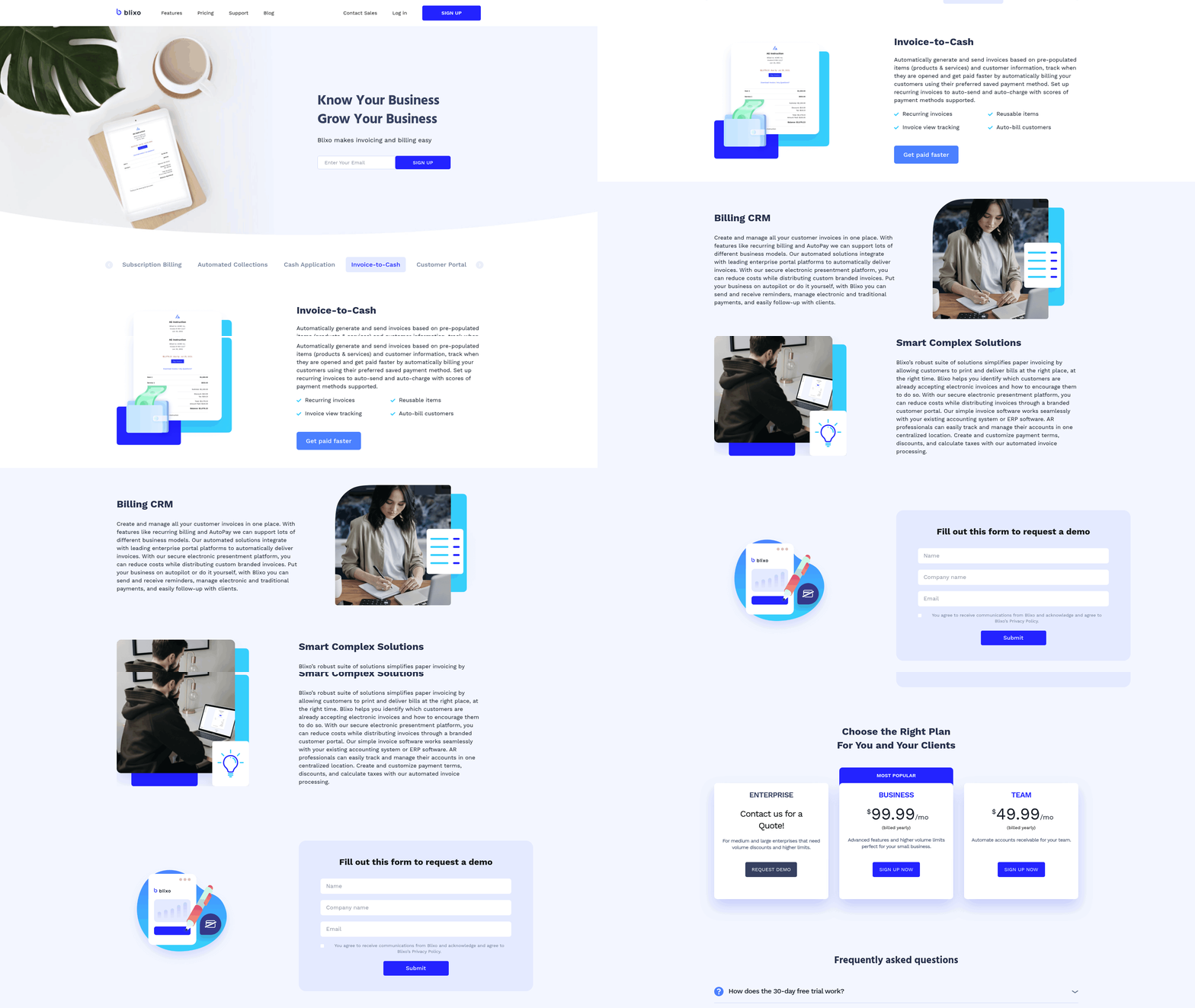
Customizable templates let businesses reflect their brand identity while maintaining professionalism. For example, Blixo allows users to embed logos, choose color schemes, and add personalized fields-critical for maintaining brand consistency. This customization extends to recurring invoices, which automate billing for subscriptions or regular services. As mentioned in the Subscription Management and Recurring Billing section, these automated billing cycles reduce manual oversight and ensure consistent revenue streams.
…
Automated reminders-sent via email, SMS, or in-app notifications-keep payments top-of-mind without overwhelming teams. Blixo uses tiered dunning notices: a gentle reminder on day 1, a firm notice on day 7, and a final warning with late fees on day 14. Building on concepts from the Automation and Workflow Efficiency section, these workflows minimize manual follow-ups and accelerate cash flow by reducing Days Sales Outstanding (DSO).
…
Connecting accounts receivable software with ERP or accounting systems (like QuickBooks, NetSuite, or Xero) eliminates double data entry and ensures real-time accuracy. Blixo syncs with these platforms automatically, matching payments to invoices and updating ledgers instantly. As covered in the Implementation and Onboarding section, seamless integration is critical during setup to avoid disruptions and ensure user adoption.
Automation and Workflow Efficiency
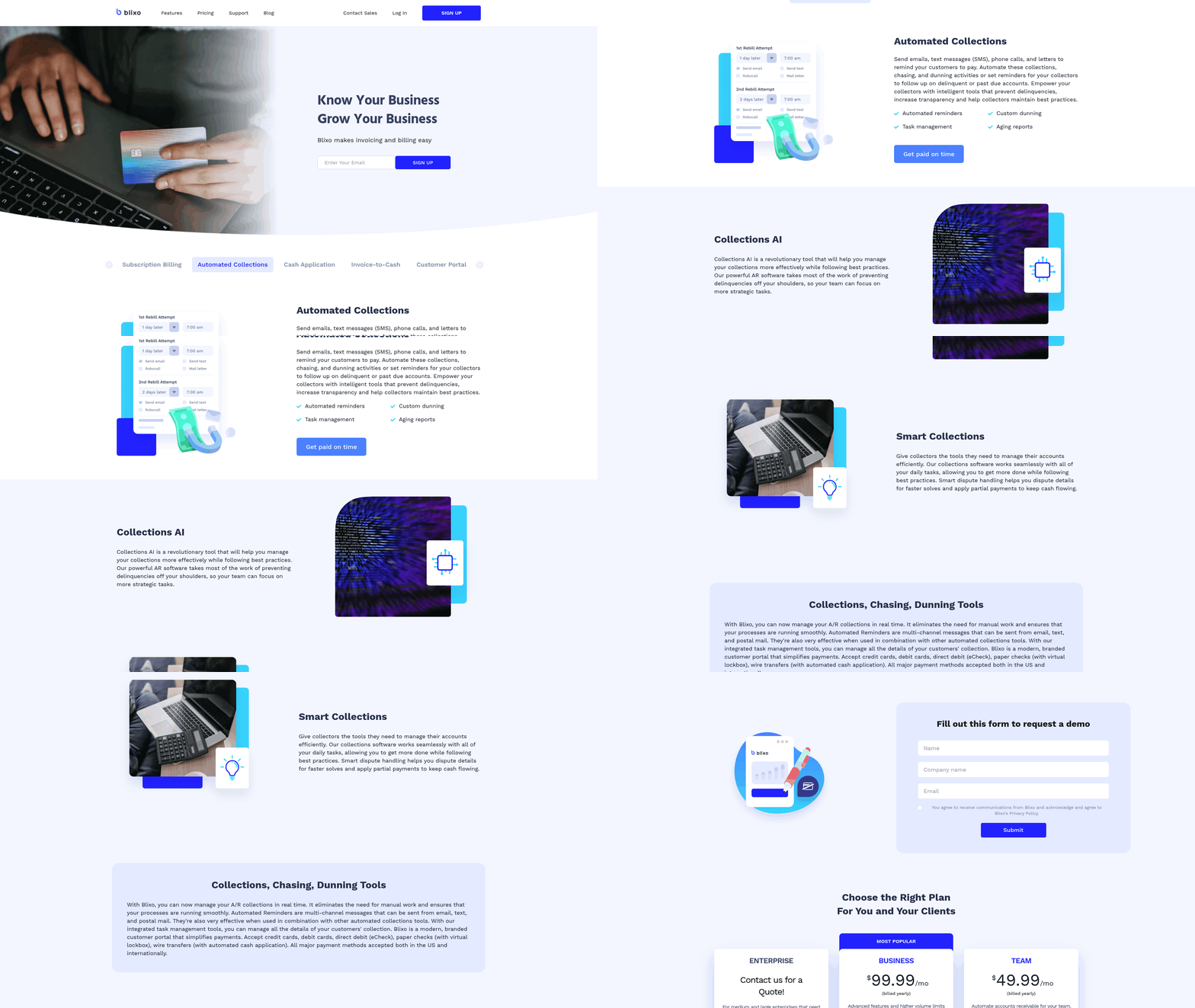
Automation streamlines accounts receivable processes by reducing manual tasks, accelerating cash flow, and minimizing errors. A strong AR software should prioritize workflows that automate invoicing, payment processing, and cash application while allowing customization to fit specific business needs. As mentioned in the Why Accounts Receivable Software Matters section, poor management of these processes can severely impact cash flow, making automation a critical solution..
What Makes Automated Workflows Essential?
Automated workflows eliminate repetitive tasks like invoice creation, payment reminders, and cash reconciliation. For example, Blixo reduces Days Sales Outstanding (DSO) by automating recurring invoices and sending real-time payment alerts. This ensures faster collections and frees staff to focus on strategic priorities.
-
Automate invoicing and payment processing Automated invoicing cuts processing time in half, while integrated payment gateways (ACH, credit card) speed up customer payments. One company improved collections by 30% using a solution that syncs with its accounting system, a capability also highlighted in the Invoicing and Payment Capabilities section.
-
Enable customizable automation rules Rules can prioritize high-risk accounts, trigger reminders based on payment behavior, or escalate overdue invoices. A mid-sized business automated 80% of its collections using conditional workflows tied to customer payment history.
-
Integrate with CRM and ERP systems Seamless integration between AR software and platforms like Salesforce or NetSuite ensures real-time data sharing. A case study shows a 50% drop in manual errors after syncing AR with an existing ERP, a process that aligns with best practices in the Implementation and Onboarding section..
Why Real-Time Reporting Matters
Real-time dashboards provide visibility into cash flow, aging reports, and collection performance. For instance, Blixo offers live DSO tracking and CEI (Collection Effectiveness Index) metrics to help finance teams adjust strategies instantly.
-
Track key performance indicators (KPIs) Monitor metrics like DSO, overdue percentages, and cash application accuracy. Real-time reporting reduces the time spent compiling financial updates by up to 40%.
-
Generate customizable reports Reports should include aging summaries, payment trends, and reconciliation logs. One finance team cut month-end close time by 30% using automated AR reports.
-
Access analytics for decision-making AI-driven insights predict cash flow gaps or credit risks. For example, a software provider flagged a 20% increase in late payments for a client, prompting proactive credit policy updates..
How AI Enhances Efficiency
AI-powered tools improve accuracy in matching payments to invoices and reduce manual intervention. A leading provider claims a 96% cash application rate using machine learning to resolve discrepancies automatically.
-
Use AI for cash application Intelligent matching engines reduce errors in payment allocation. One business saw a 45% drop in reconciliation time after adopting AI-based cash application.
-
Automate collections with predictive analytics AI prioritizes accounts based on payment likelihood and risk. A case study highlights a 34-day resolution time for disputes using AI-driven workflows.
-
Streamline dispute resolution Automated tools identify mismatched payments and suggest resolutions. A finance team reduced dispute resolution time by 50% with AI-powered exception handling..
Key Benefits of Streamlined Workflows
By combining automation, integration, and AI, accounts receivable software transforms manual processes into efficient, scalable operations. For example, Blixo customers report a 25% increase in cash flow visibility and a 15% reduction in collection costs.
-
Reduce manual data entry Integration with accounting platforms like QuickBooks or Xero eliminates duplicate data entry. One company saved 200+ hours annually by automating reconciliation, a core feature detailed in the Invoicing and Payment Capabilities section.
-
Improve customer experience Personalized payment options (e.g., flexible due dates) boost customer satisfaction. A provider noted a 10% increase in on-time payments after offering tailored payment plans.
-
Scale with business growth Cloud-based solutions adapt to growing invoice volumes. A startup handling 500+ monthly invoices scaled to 5,000+ without additional staff using an automated AR platform.
By prioritizing automation and workflow efficiency, businesses can optimize cash flow, reduce errors, and focus on strategic growth.
Subscription Management and Recurring Billing
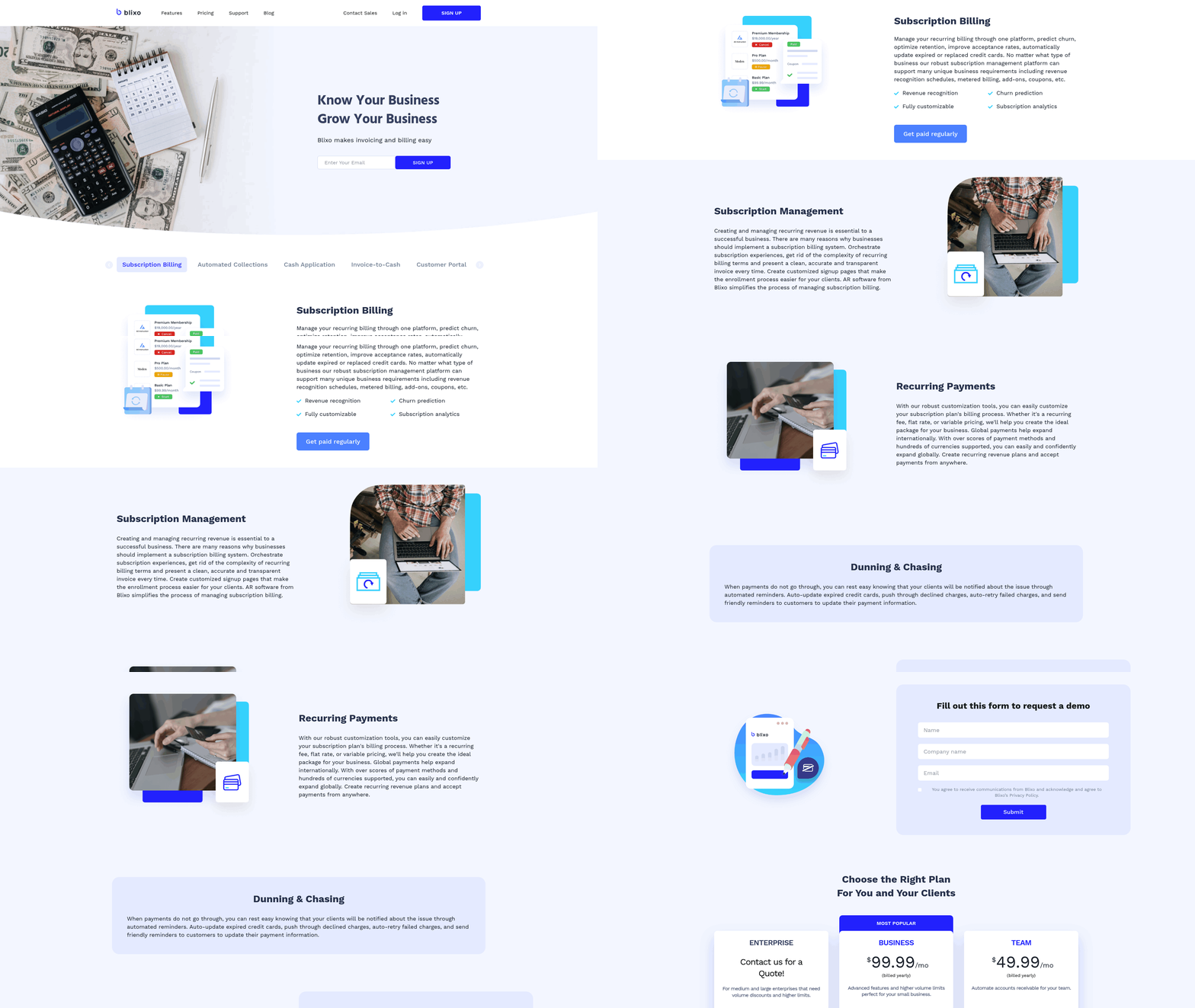
Subscription management and recurring billing are critical for businesses relying on subscription models, ensuring consistent revenue streams while minimizing manual oversight. These features automate complex financial processes, reduce errors, and provide visibility into customer payment behaviors. Below is a structured checklist of essential capabilities to prioritize when evaluating accounts receivable software..
Why Is Subscription Management Critical for AR Software?
Subscription-based businesses require tools that streamline recurring payments, track renewals, and adapt to diverse pricing models. Without strong automation, companies risk revenue leakage, customer churn, and inefficiencies in managing subscription lifecycles.
- Support for multiple subscription plans and pricing models Your software must handle tiered pricing, usage-based billing, and custom plans (e.g., monthly, annual, or pay-as-you-go). For example, a SaaS company might offer discounted annual plans while charging hourly rates for service add-ons. This flexibility ensures you can cater to different customer segments without manual invoicing.
- Automated recurring billing and invoicing Manual invoicing for recurring payments is error-prone and time-consuming. Automated systems generate invoices on schedule, apply discounts, and manage failed payments. As mentioned in the Invoicing and Payment Capabilities section, efficient invoicing directly reduces overdue payments and accelerates cash flow. A mid-sized business using Blixo reported reducing overdue payments by 30% after automating billing cycles.
- Real-time tracking of subscription status and payment history Visibility into subscription health-like active, paused, or canceled plans-helps identify at-risk accounts. Real-time dashboards showing payment success rates or failed attempts let teams act quickly. One case study noted a 50% drop in manual errors after implementing live payment tracking..
How Do Multiple Subscription Plans Enhance Flexibility?
Diverse pricing structures require software that adapts to your business model.
- Customizable pricing tiers Businesses often offer discounts for long-term commitments or volume-based pricing. Your AR software should allow easy configuration of these tiers without coding.
- Dynamic billing rules For usage-based models (e.g., gig economy platforms charging per service), the system must calculate charges based on real-time data.
- Multi-currency and tax handling International subscriptions demand automatic currency conversion and compliance with regional tax laws..
What Integration Capabilities Should You Prioritize?
Disconnected systems create silos, making it hard to align billing with customer data or inventory.
- CRM and ERP synchronization Integrating with customer relationship management (CRM) tools ensures subscription data updates in real time. For instance, when a customer upgrades their plan, the CRM reflects the change immediately. Blixo’s integration with ERP systems reduces reconciliation time by automating data flow between billing and inventory modules.
- Payment gateway compatibility The software should connect seamlessly with popular gateways (e.g., Stripe, PayPal) to process recurring payments reliably. Building on concepts from the Invoicing and Payment Capabilities section, strong gateway support ensures payments align with invoicing workflows.
- Audit trails and reporting Unified reporting across subscriptions, payments, and customer interactions simplifies compliance and financial forecasting..
How Can Workflows Be Tailored to Business Needs?
Custom workflows ensure the software aligns with your unique processes.
- Automated onboarding and renewal triggers Set rules to send reminders before subscription expiration or apply penalties for late payments.
- Role-based access controls Restrict sensitive operations (e.g., plan changes) to authorized users while allowing others to view basic subscription details.
- Scalable automation As your business grows, workflows should adapt-whether handling 100 or 10,000 subscribers-without performance degradation..
Real-World Impact of Effective Subscription Management
A business using automated AR software integrated with its CRM reduced manual data entry errors by 50% and improved cash flow predictability. As highlighted in the Financial Impact of Inefficient AR Management section, such improvements directly counteract the risks of poor AR practices. By automating invoicing and syncing subscription statuses across teams, customer support agents could resolve billing disputes faster, boosting retention.
When selecting software, focus on solutions that offer these capabilities out-of-the-box while allowing customization. Tools like Blixo emphasize transparency in pricing and seamless integration, which generic providers often lack. For deeper insights into automating payments, explore how Blixo streamlines accounts receivable processes.
In short, subscription management isn’t just about collecting payments-it’s about building a scalable, customer-friendly revenue model. Prioritize software that adapts to your needs while reducing operational friction.
Security, Compliance, and Customer Support
What Security Features Should You Prioritize?
A strong accounts receivable (AR) system must protect sensitive financial data through data encryption, secure payment processing, and access controls. These features prevent breaches and ensure customer trust.
- Enable end-to-end encryption for data at rest and in transit using AES-256 and TLS 1.3 protocols. This shields financial information from interception during transfers.
- Verify secure payment processing with tokenization and PCI-DSS compliance. For example, Blixo uses tokenization to replace sensitive card data with unique identifiers, reducing fraud risk during transactions. Building on concepts from the Invoicing and Payment Capabilities section, secure payment features are foundational to minimizing financial risks.
- Implement multi-factor authentication (MFA) for all user accounts. MFA adds a second layer of verification, such as a code sent to a mobile device, to block unauthorized access.
Blixo integrates these measures by default, ensuring compliance with global security standards. Unlike generic providers, Blixo also offers role-based access controls, limiting data visibility to only those who need it..
Why Compliance Matters for AR Software
Regulatory compliance isn’t optional-it’s a legal and operational necessity. Software must align with PCI-DSS, GDPR, and industry-specific standards to avoid penalties and maintain customer trust. As mentioned in the Why Accounts Receivable Software Matters section, poor compliance can lead to significant financial and reputational damage.
- Confirm PCI-DSS compliance for handling credit card data. This includes secure storage, regular security audits, and encrypted payment gateways.
- Ensure GDPR alignment for businesses processing EU customer data. Features like data anonymization and user consent tracking are critical.
- Adopt SOC 2 or HIPAA compliance if your industry requires stricter data governance (e.g., healthcare or finance).
Blixo’s SaaS service is audited annually for PCI-DSS and GDPR compliance, providing documentation for audits. Other providers in this space often lack transparent compliance reports, leaving businesses vulnerable to scrutiny..
What Makes Customer Support Essential?
Even the most advanced software fails without reliable support. Look for 24/7 assistance, training resources, and automatic updates to minimize disruptions.
- Demand dedicated customer support with live chat or phone access. Blixo offers real-time help through its support team, resolving issues faster than generic ticketing systems.
- Require onboarding and training tools like video tutorials or webinars. Blixo provides step-by-step onboarding sessions, reducing the learning curve for new users. As detailed in the Implementation and Onboarding section, structured onboarding is critical for user adoption.
- Ensure automatic software updates for security patches and compliance changes. Blixo deploys updates without downtime, maintaining protections against emerging threats.
One company using Blixo reported a 40% reduction in payment errors after using its training resources, highlighting the value of proactive support..
How to Evaluate Ongoing Maintenance
Security and compliance aren’t static-they require continuous improvement. Regular maintenance ensures your AR software adapts to new threats and regulations.
- Check for quarterly security audits to identify vulnerabilities. Blixo publishes audit summaries, giving users confidence in its security posture.
- Verify compliance with evolving standards like updated PCI-DSS requirements. Blixo’s compliance team monitors regulatory changes and adjusts features accordingly.
- Test disaster recovery plans to ensure data is recoverable after breaches or outages. Blixo maintains redundant backups across multiple regions for business continuity.
By prioritizing these features, businesses protect financial data, avoid costly penalties, and maintain smooth operations. For deeper insights into secure payment automation, explore Blixo’s guide on streamlining payments with AR automation.
Implementation and Onboarding
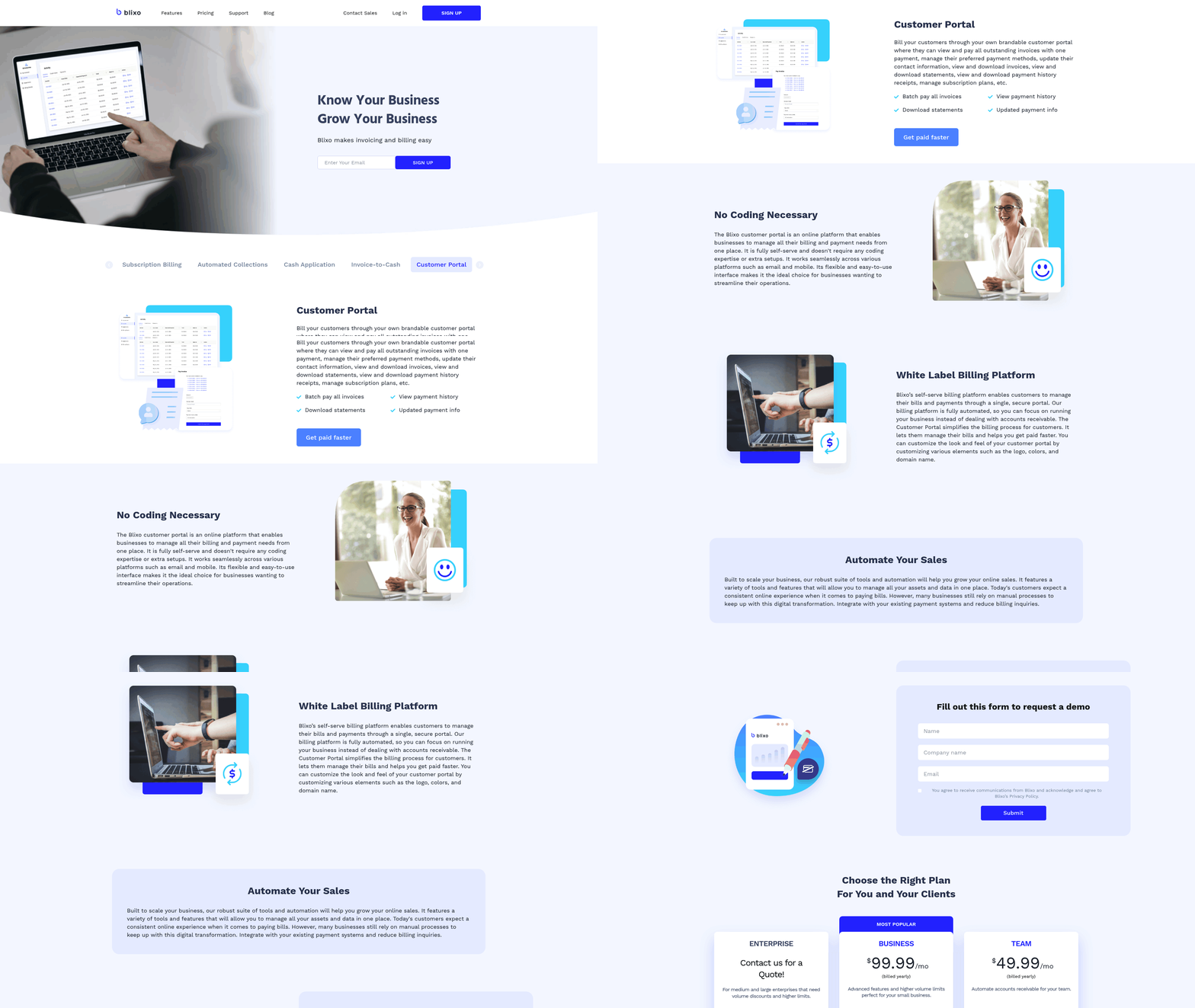
Implementation and onboarding for accounts receivable software require a structured approach to ensure seamless integration and user adoption. A well-planned rollout minimizes disruptions, reduces training time, and aligns the software with your business workflows. Below is a step-by-step guide to help you manage the process effectively.
What Should Your Implementation Process Include?
Start by defining your business requirements and mapping them to the software’s capabilities. For example, if your team handles high-volume invoices, prioritize features like automated payment processing and real-time dashboards, as mentioned in the Invoicing and Payment Capabilities section. Next, allocate resources: assign internal stakeholders to oversee implementation and ensure IT teams are prepared for data migration. Finally, set a timeline that balances urgency with thorough testing. Rushing the process can lead to overlooked errors in integrations or workflows.
- Define business requirements to align the software with your team’s needs
- Assign internal stakeholders for accountability during setup
- Schedule testing phases to validate functionality before full deployment
How Do You Ensure Smooth Data Migration?
Data migration is critical to maintaining continuity. Begin by auditing your existing systems to identify which data (e.g., customer records, invoice history) needs transferring. Use tools like Blixo’s two-way sync with platforms such as QuickBooks or Xero to automate this process, reducing manual entry errors. Building on concepts from the Automation and Workflow Efficiency section, automated migration tools streamline data transfers while minimizing disruptions. Validate the migrated data against source systems to confirm accuracy. One company reported a 40% reduction in onboarding time by using automated migration tools, ensuring minimal downtime.
- Audit existing data to determine migration scope
- Use automated sync tools to transfer data securely
- Verify data integrity after migration to avoid discrepancies
What Training Resources Should You Prioritize?
Dedicated onboarding support is essential for user adoption. Opt for platforms that offer role-based training-such as webinars for finance teams and hands-on workshops for administrators-to address different learning styles. Blixo, for instance, provides documentation and live demos to help teams master features like customizable workflows. Training should also include troubleshooting scenarios, such as resolving payment disputes or adjusting automation rules.
- Provide role-specific training for different user groups
- use live demos to illustrate key features
- Include scenario-based exercises for practical problem-solving
How Do You Customize Workflows for Your Team?
Customizable workflows ensure the software adapts to your business, not the other way around. Building on concepts from the Automation and Workflow Efficiency section, begin by identifying repetitive tasks-like sending payment reminders or generating reports-and configure automation rules to handle them. For example, setting up auto-charge rules for late payments can reduce follow-up efforts by 30%. Use no-code tools, if available, to let non-technical users adjust workflows without developer assistance.
- Map repetitive tasks to automation rules
- Test workflows with small teams before full rollout
- Assign ownership for workflow updates to ensure adaptability
Why Is Ongoing Support a Must-Have?
Post-implementation support prevents operational hiccups. As mentioned in the Security, Compliance, and Customer Support section, choose providers that offer 24/7 technical assistance and proactive updates. Blixo’s support team, for example, monitors system performance and provides quarterly training refreshers to keep teams updated on new features. Regularly review user feedback to identify pain points-such as slow payment processing-and escalate them to the support team for resolution.
- Verify 24/7 technical support availability
- Schedule quarterly check-ins for performance reviews
- Create a feedback loop for continuous improvement
By following this structured approach, businesses can minimize implementation risks and maximize the value of their accounts receivable software. For insights into optimizing workflows, explore Blixo’s guide on automated payment solutions.
Frequently Asked Questions
1. What are the top benefits of using accounts receivable software?
The top benefits include reducing Days Sales Outstanding (DSO) by 32% through automation, cutting reconciliation time by 40% with real-time dashboards, and saving $600,000 in fees by improving payment match rates from 45% to 90%.
2. How much can automation save businesses in error costs?
Automating AR processes saves $53.50 per paper invoice correction by eliminating manual data entry errors, which 62% of organizations aim to address in 2024 upgrades.
3. Why do small businesses benefit from AR software?
Small businesses gain streamlined workflows and reduced manual tasks, while enterprises use advanced credit management. AR software helps small firms cut reconciliation time and improve cash flow visibility by 40%.
4. How does automation impact Days Sales Outstanding (DSO)?
Automating over 50% of AR processes reduces DSO by 32%, accelerating cash flow and ensuring faster payments compared to manual methods.
5. What role do real-time dashboards play in AR management?
Real-time dashboards cut reconciliation time by 40% and improve cash flow accuracy, helping 30% of finance teams avoid errors from manual data reconciliation.
6. Which businesses see the biggest ROI from AR software?
Enterprises with complex credit workflows see the largest ROI, reducing bad debt risks by $57 million through automated invoice matching and credit monitoring.
7. How does AR software reduce manual workload?
AR software automates 50%+ of tasks, saving 30% of finance teams’ time spent on manual data reconciliation and reducing error risks from delayed collections.