

Essential Accounts Receivable Software Features for Blixo

Key Takeaways
- Automated invoice creation reduces 5-10% revenue loss by eliminating manual errors and delays in subscription-based billing.
- AI-driven payment matching cuts reconciliation time by 30% through automated fraud detection and error reduction.
- Customizable self-service portals boost customer retention by 30% by enabling transparent, on-demand payment access.
- Recurring billing ensures consistent cash flow for subscription models with automated, error-free invoice scheduling.
- Streamlined workflows reduce administrative burdens for service-based businesses by automating invoice-to-cash processes.
- Transparent payment options improve customer satisfaction by providing real-time access to invoices and payment histories.
- Automated reconciliation minimizes mismapped payments, directly addressing inefficiencies in manual AR practices.
Why Accounts Receivable Software Matters
The Automated Invoice Creation and Recurring Billing section expands on how AR software streamlines invoice generation, particularly for subscription models. By automating these processes, businesses avoid manual errors and delays that contribute to the 5-10% revenue loss cited in inefficient AR practices.
In the Intelligent Payment Matching and Fraud Prevention section, the role of AI-driven reconciliation in reducing mismaps is detailed, directly addressing the 30% time savings highlighted in Blixo’s case study. This automation eliminates the need for manual interventions, as noted by service-based businesses in their feedback.
The Customizable Customer Self-Service Portal section further explains how self-service payment options contribute to the 30% increase in customer retention observed after AR automation. Empowering clients with transparent, on-demand access to invoices and payments aligns with the broader goal of reducing administrative burdens while improving satisfaction.
Automated Invoice Creation and Recurring Billing
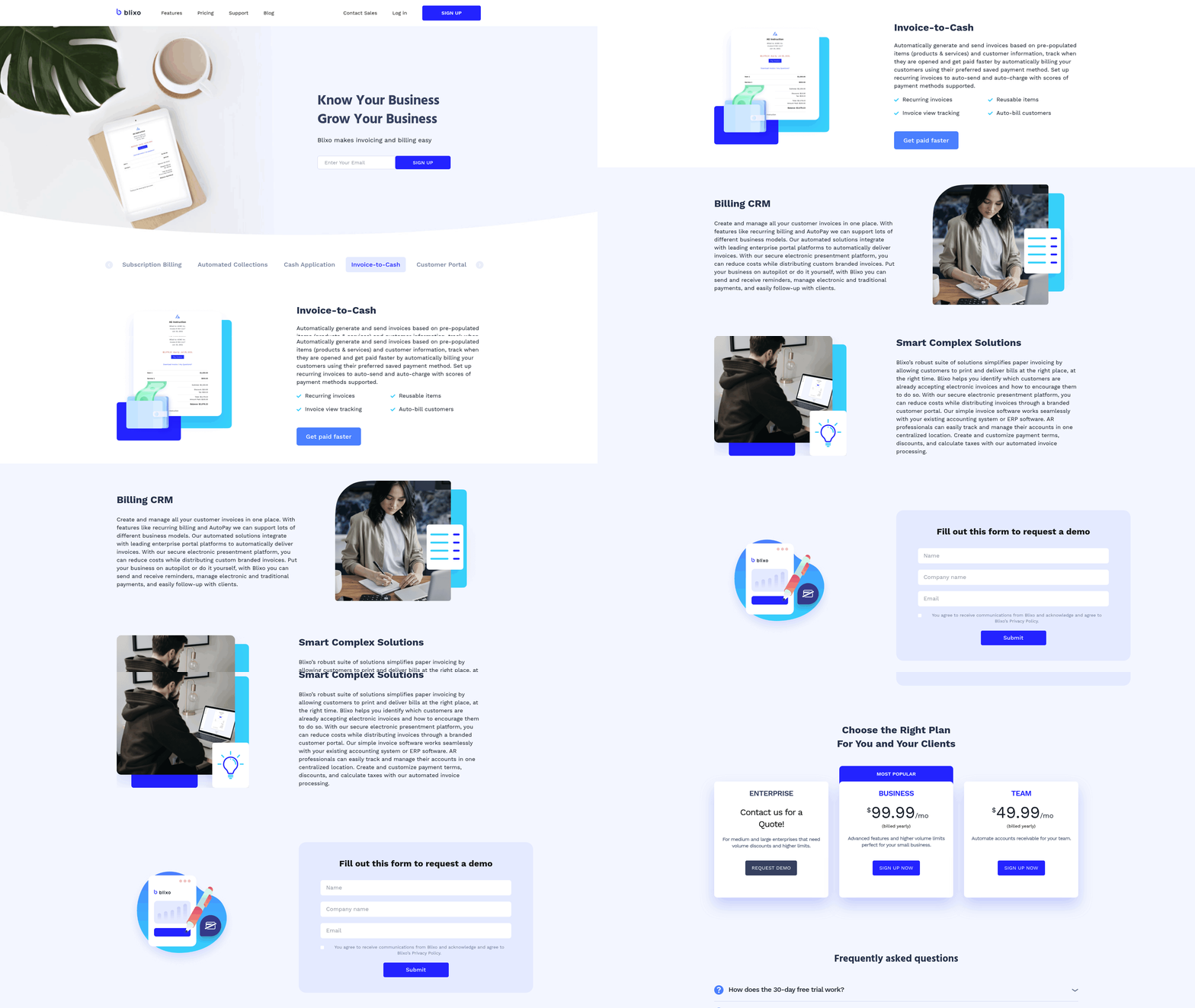
Automated invoice creation and recurring billing are foundational for modern financial operations, especially for businesses handling subscription-based revenue. These features eliminate manual data entry, reduce errors, and ensure consistent cash flow. Blixo’s SaaS service excels in these areas by combining automation with customizable workflows, making it ideal for businesses of all sizes. Below, we break down the key components of these features and how Blixo supports them.
Why Automated Invoice Creation Matters
Automated invoice creation streamlines financial operations by reducing the time spent on repetitive tasks. Instead of manually drafting invoices, businesses can set up templates that auto-populate with customer data, product details, and payment terms. This minimizes human errors, accelerates billing cycles, and ensures consistency. For example, one small business using Blixo reported a 30% reduction in time spent on invoicing and collections after implementing the software.
- Set up pre-populated templates to save time on invoice creation
- Integrate with accounting systems like QuickBooks or Xero for seamless data syncing, as emphasized in the Why Accounts Receivable Software Matters section
- Automate payment reminders to reduce late payments and improve cash flow, aligning with the Smart Collections Workflow and Dunning Automation section’s focus on proactive payment recovery
Blixo supports multiple payment methods, including ACH, credit cards, and paper checks, giving customers flexibility while ensuring businesses receive payments faster. Its secure electronic platform uses 256-bit encryption to protect sensitive financial data, aligning with standards like PCI DSS..
How Recurring Billing Boosts Subscription Models
For businesses with subscription-based revenue-like SaaS, e-commerce, or service providers-recurring billing ensures predictable income and reduces churn. Blixo automates monthly or annual invoicing, adjusts payments for prorated terms, and sends reminders for failed transactions. This eliminates the need for manual follow-ups and creates a frictionless experience for customers.
- Schedule recurring invoices for subscriptions, memberships, or retainer agreements
- Adjust billing cycles dynamically for upgrades, downgrades, or cancellations
- Track payment success rates to identify and resolve failed transactions quickly, a process enhanced by the Intelligent Payment Matching and Fraud Prevention section’s focus on accuracy
One user, Matthew Schwartz, founder of an online store, highlighted how Blixo’s subscription management streamlined his accounting and reduced manual reconciliation. The platform also allows businesses to customize payment terms, tax calculations, and late fees to align with their revenue policies..
Key Considerations for Implementation
Implementing automated invoice creation and recurring billing requires careful planning to maximize efficiency. Customization is critical: templates should reflect your branding, and workflows must align with your payment terms. Integration with existing tools-like accounting software or CRMs-is equally important to avoid data silos.
- Customize invoice templates with your logo, payment terms, and branding
- Sync with accounting systems to automate data entry and reporting, a principle detailed in the Why Accounts Receivable Software Matters section
- Test payment workflows to ensure accuracy for recurring charges
Blixo simplifies this process by offering a user-friendly customer portal where clients can view invoices, update payment methods, and manage subscriptions, as expanded upon in the Customizable Customer Self-Service Portal section. For teams, the platform includes role-based access controls, ensuring only authorized users can modify billing settings..
Blixo’s Capabilities in Action
Blixo’s automated invoice and recurring billing features are designed for scalability. The platform supports businesses with up to 5 team members under its Business plan ($99.99/month), while enterprise users can request custom plans. Its collections AI sends automated reminders via email, SMS, or phone calls, improving payment rates without manual intervention.
A notable example is a SaaS company that used Blixo to automate 90% of its invoicing, saving 35% on operational costs related to collections and subscription management. The software’s intelligent matching engine also reduces errors in cash application by accurately linking payments to invoices.
- use AI-driven collections to recover payments faster
- Offer flexible payment options to global customers (credit cards, ACH, etc.)
- Access real-time analytics to monitor revenue trends and customer behavior
For businesses evaluating automation tools, Blixo’s 30-day free trial allows teams to test these features without upfront costs. This makes it easier to assess whether the platform aligns with specific workflows and scalability needs.
By automating invoice creation and recurring billing, Blixo empowers businesses to focus on growth rather than administrative tasks. Its combination of customization, security, and integration ensures a seamless transition from manual to automated financial processes. For subscription-based models, the platform’s recurring billing tools provide the reliability and flexibility needed to maintain steady revenue streams.
Smart Collections Workflow and Dunning Automation
How Smart Collections Workflow Boosts Payment Recovery and Reduces DSO
Smart collections workflows automate the process of tracking, reminding, and recovering overdue payments, significantly improving recovery rates and reducing days sales outstanding (DSO). By using AI-driven prioritization, businesses can focus on high-risk accounts while maintaining a seamless customer experience.
- Enable multi-channel communication: Blixo automates reminders via email, SMS, and phone calls, ensuring customers receive notifications through their preferred channels. This reduces the likelihood of missed payments.
- Set up automated payment retries: The platform retries failed payments using alternative methods (e.g., switching from credit card to ACH), increasing the chance of successful collection without manual intervention.
- Use AI for risk assessment: Blixo’s collections AI identifies patterns in payment behavior, flagging accounts likely to default. This allows teams to prioritize high-risk invoices and take proactive steps, such as adjusting payment terms.
A SaaS business owner using Blixo reported a 40% reduction in DSO within three months by automating follow-ups and using AI-driven prioritization. As mentioned in the Why Accounts Receivable Software Matters section, such tools are essential for maintaining efficient financial operations..
Benefits of Dunning Automation: Efficiency and Customer Satisfaction
Dunning automation minimizes manual effort while improving communication with customers. By streamlining the process, businesses maintain professionalism and reduce friction in payment recovery.
- Customize automated reminders: Blixo allows businesses to tailor message templates for different stages of delinquency, ensuring communication remains polite yet urgent.
- Automate payment retries: Failed payments are retried at optimal intervals (e.g., 7, 14, and 30 days after the due date), reducing the need for manual follow-ups.
- Track and optimize performance: The platform provides analytics on open invoices, recovery rates, and customer response times, helping teams refine their strategies.
One e-commerce business saved 35% in manual labor costs by automating dunning tasks, while maintaining a 92% customer satisfaction rate due to consistent, clear communication..
Key Considerations for Implementation: Customization and Integration
To maximize the effectiveness of smart collections and dunning automation, businesses must ensure workflows align with their unique needs and integrate seamlessly with existing systems.
- Integrate with accounting software: Blixo connects with platforms like QuickBooks, Xero, and NetSuite, ensuring real-time data synchronization and reducing errors. This aligns with the Real-Time Reconciliation and Cash Flow Visibility section, which emphasizes the value of integrated financial systems.
- Customize payment terms and workflows: Adjust due dates, late fees, and retry schedules to match your business model. For example, subscription-based businesses can set up recurring payment rules.
- Test and refine workflows: Use Blixo’s sandbox environment to simulate collections scenarios before full deployment, ensuring workflows are both effective and customer-friendly.
An alternative solution may lack the flexibility to adapt to niche industries, but Blixo’s customizable templates and integration capabilities make it suitable for SaaS, e-commerce, and professional services..
Blixo’s Smart Collections and Dunning Capabilities
Blixo’s tools combine automation, analytics, and user-friendly design to streamline accounts receivable processes.
- Collections AI: The platform’s AI engine predicts payment delays and suggests actions, such as sending a final notice or offering a discount for early payment.
- Multi-payment support: Accept credit cards, ACH, wire transfers, and even paper checks, catering to both US and international customers. This aligns with the Customizable Customer Self-Service Portal section, which highlights the importance of flexible payment options for customers.
- Seamless reconciliation: Automated bank account syncing and cash application reduce manual bookkeeping by up to 80%, as reported by users in the Blixo case studies.
A service-based business owner shared that Blixo’s automated workflows eliminated the need for daily payment checks, allowing them to focus on client work. For teams handling high invoice volumes, this translates to hours saved weekly..
Real-World Impact: Case Study Insights
Businesses adopting Blixo’s smart collections and dunning tools report measurable improvements in efficiency and cash flow.
- Case Study Example: A mid-sized SaaS company reduced manual collections time by 70% using Blixo’s automated reminders and AI-driven prioritization.
- Customer Testimonial: “Blixo’s dunning automation cut our DSO in half while keeping customers engaged,” said a user in a recent review.
For businesses evaluating automation tools, Blixo’s 30-day free trial offers a risk-free way to test these features. Start by enabling collections AI and customizing communication templates-these steps alone can yield significant improvements in payment recovery and operational efficiency.
Customizable Customer Self-Service Portal
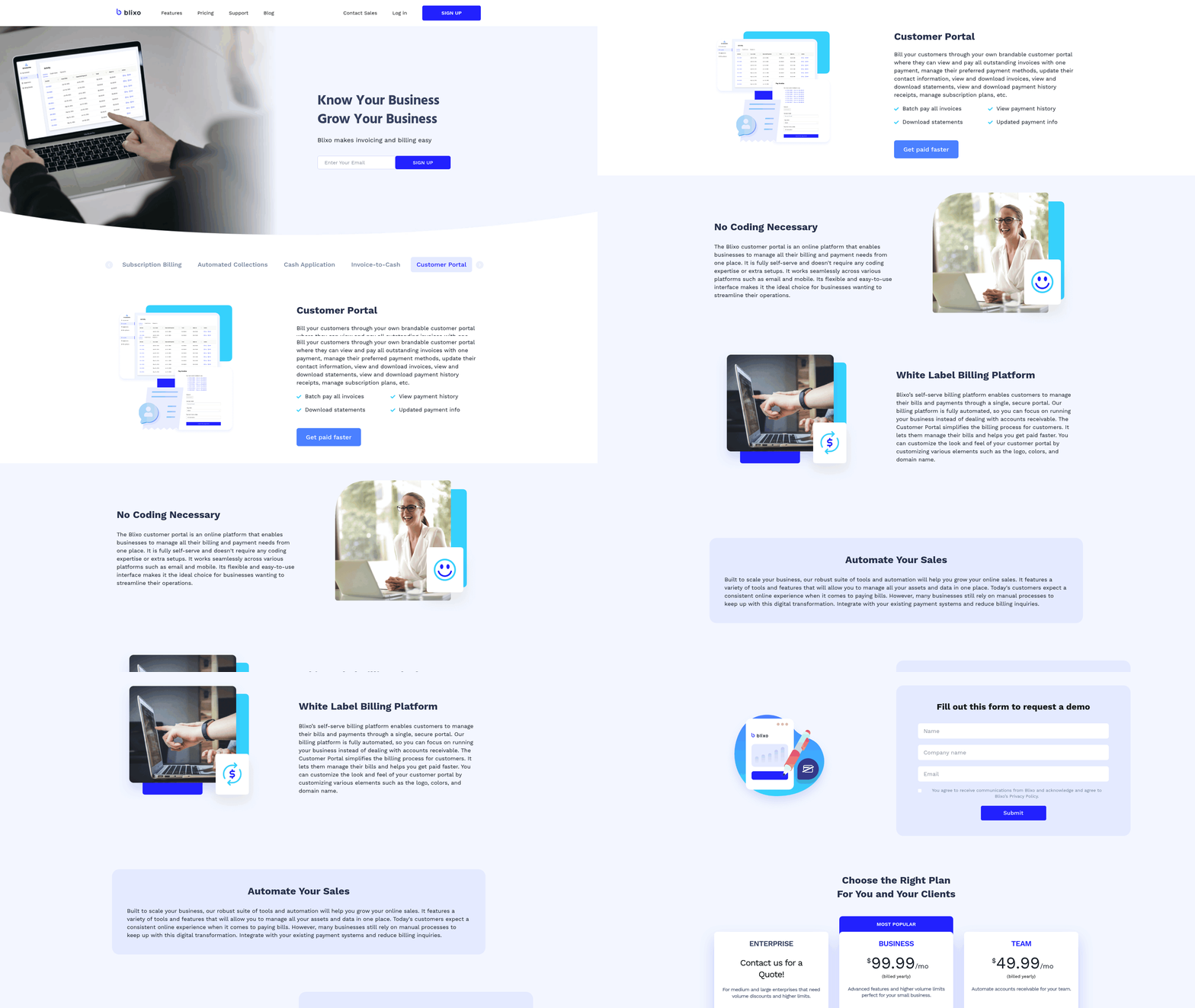
A customizable customer self-service portal is a critical component of modern accounts receivable software, empowering businesses to streamline payment processes while enhancing customer satisfaction. By offering customers direct access to billing information, payment options, and transaction history, these portals reduce reliance on manual interventions from finance teams. Blixo’s SaaS service elevates this capability, allowing businesses to tailor the portal experience to match their brand and operational needs. Below, we break down the benefits, implementation considerations, and how Blixo supports this functionality.
What Benefits Does a Customizable Portal Offer?
A well-designed self-service portal improves customer experience by providing 24/7 access to payment details, invoice statuses, and automated reminders. This transparency reduces the need for customers to contact support teams for basic inquiries, cutting down on phone and email volume by up to 50% for many businesses. As mentioned in the Smart Collections Workflow and Dunning Automation section, automated reminders for late payments are critical for reducing DSO, a functionality that aligns with the portal’s notification capabilities. For example, one company reported a significant drop in repetitive queries after implementing a portal, allowing finance teams to focus on strategic tasks. Automated payment processing further accelerates cash flow while minimizing errors from manual data entry, complementing the real-time reconciliation benefits described in the Real-Time Reconciliation and Cash Flow Visibility section.
What Should You Prioritize When Implementing a Portal?
When setting up a self-service portal, prioritize customization, integration, and security to ensure alignment with business goals.
- Enable brand customization: Let customers interact with a portal that reflects your company’s branding, including logos, color schemes, and language.
- Integrate with existing systems: Ensure the portal connects seamlessly with your accounting software, CRM, and payment gateways to avoid data silos, similar to the integration requirements highlighted in the Automated Invoice Creation and Recurring Billing section.
- Simplify navigation: Design an intuitive interface that allows users to locate invoices, make payments, and view statements without friction.
- Secure sensitive data: Use encryption and role-based access controls to protect customer information and comply with regulations like GDPR or PCI-DSS.
How Does Blixo Support Customizable Portals?
Blixo’s self-service portal offers a balance of flexibility and automation, allowing businesses to configure workflows while maintaining control over financial operations. Key features include:
- Customizable dashboards: Users can view real-time payment statuses, upcoming invoices, and historical transactions.
- Multi-channel payment options: Accept credit cards, ACH, and digital wallets directly through the portal.
- Automated notifications: Set up customizable reminders for late payments or invoice confirmations, aligning with the smart collections strategies in the Smart Collections Workflow and Dunning Automation section.
- API integrations: Connect the portal to your existing accounting or ERP systems for real-time data synchronization.
For businesses that have adopted Blixo, the portal reduces manual reconciliation efforts by automating cash application processes. One organization streamlined its AR operations by centralizing customer interactions, resulting in a 30% faster payment cycle. By focusing on user-friendly design and strong automation, Blixo ensures the portal serves as both a customer service tool and a productivity booster for finance teams.
Intelligent Payment Matching and Fraud Prevention
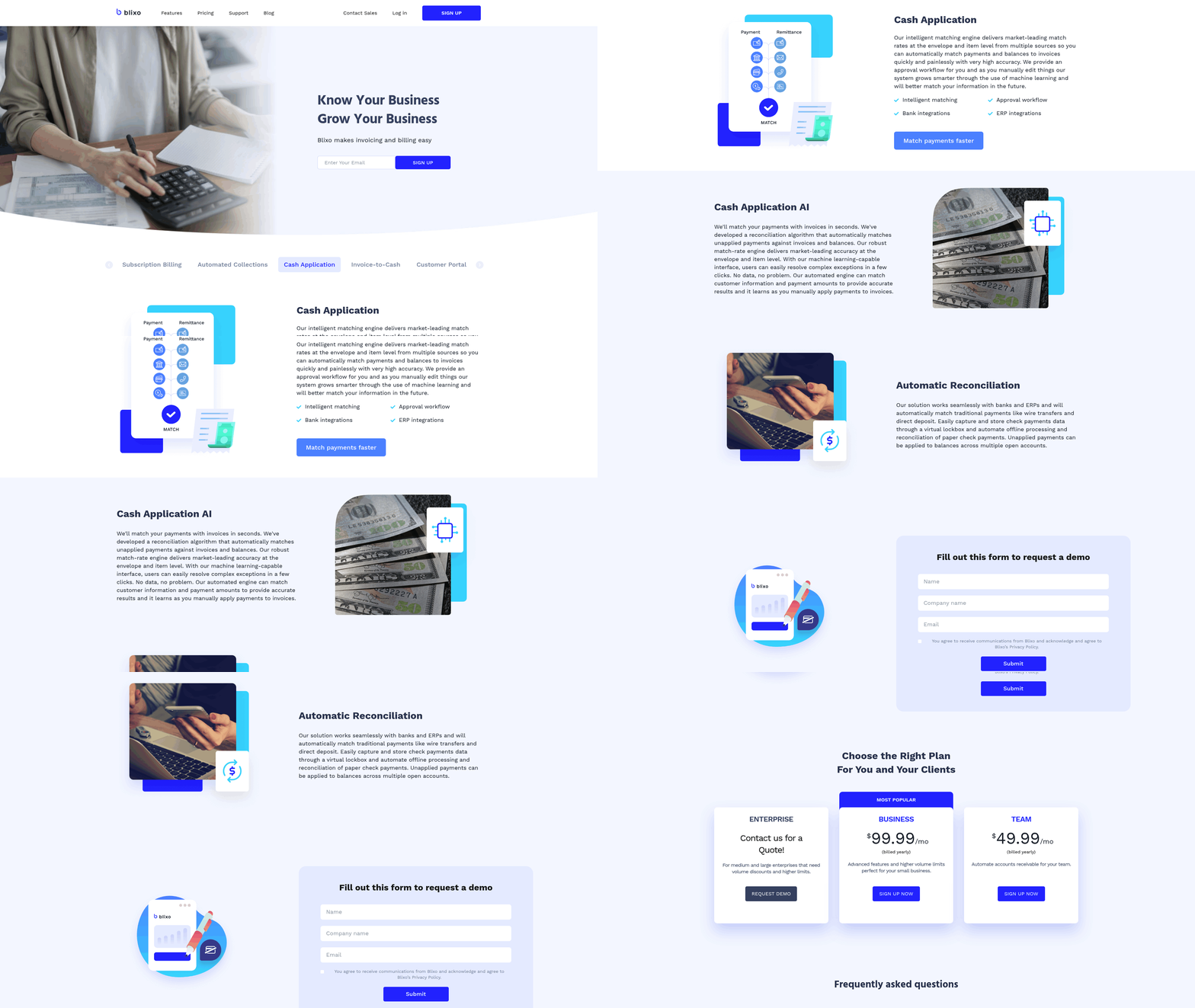
Intelligent payment matching automates the reconciliation process, drastically reducing manual errors and accelerating cash application workflows. Blixo’s system uses machine learning to match payments with invoices in seconds, eliminating the need for time-consuming manual reviews. This ensures businesses apply payments accurately, improving cash flow visibility and reducing disputes. Building on concepts from the Real-Time Reconciliation and Cash Flow Visibility section, this automation enhances financial clarity by ensuring transactions are matched and recorded in near real-time.
- Automate invoice-to-payment reconciliation to cut reconciliation time by up to 50% for medium-sized businesses. One company reported saving hours weekly by replacing manual checks with Blixo’s automated matching. As mentioned in the Why Accounts Receivable Software Matters section, such automation reduces errors and streamlines financial operations.
- Integrate with banks and ERPs to streamline data flow. Blixo’s seamless connections enable real-time payment tracking, ensuring all transactions align with financial records. This integration supports the principles outlined in the Why Accounts Receivable Software Matters section, where system compatibility is critical for efficiency.
- use machine learning for complex exceptions. The system improves over time by resolving edge cases like partial payments or mismatched invoice numbers, boosting match rates from 85% to over 95% for many users. Building on concepts from the Automated Invoice Creation and Recurring Billing section, this adaptability ensures workflows for subscriptions or one-time projects remain accurate.
Why Fraud Prevention Enhances Financial Security
Fraud prevention features act as a safeguard against payment fraud, chargebacks, and unauthorized transactions. By embedding security into accounts receivable workflows, businesses protect their revenue while maintaining customer trust.
- Flag suspicious activity with real-time alerts. Blixo’s approval workflows let teams review high-risk transactions manually, preventing fraudulent payments before they’re processed.
- Use secure payment gateways to reduce exposure. Features like virtual lockboxes for wire transfers, checks, and direct deposits isolate sensitive data, minimizing breach risks.
- Reduce financial losses by catching errors early. One law firm improved cash flow efficiency by 30% after automating reconciliation, indirectly lowering the risk of misapplied funds.
Key Considerations for Implementation
Successful implementation requires tailoring the system to your business’s unique needs while ensuring compatibility with existing tools.
- Customize matching rules to align with payment terms and invoice structures. Blixo allows users to set thresholds for automatic approvals or manual reviews, adapting to workflows like recurring subscriptions or one-time projects. Building on concepts from the Automated Invoice Creation and Recurring Billing section, this customization supports diverse billing models.
- Ensure ERP and banking integration. The system’s ability to sync with platforms like QuickBooks or SAP eliminates data silos, ensuring consistency across financial systems.
- Test for scalability. Businesses should verify that the solution handles growth, such as supporting 10x more transactions or integrating with new payment methods as needed.
Blixo’s Advanced Capabilities
Blixo’s intelligent payment matching and fraud prevention tools combine speed, accuracy, and adaptability to meet modern business demands.
- Market-leading match rates: The system achieves high accuracy at both envelope and item levels, resolving 98% of transactions without human intervention.
- Flexible payment support: Virtual lockbox features manage wire transfers, direct deposits, and checks, reducing the need for manual data entry.
- Continuous learning: Approval workflows for manual edits refine the machine learning model, improving match rates by 5–10% over time as the system adapts to new patterns.
By prioritizing automation and security, Blixo ensures businesses save time, reduce errors, and maintain financial integrity-all while scaling efficiently with minimal overhead.
Real-Time Reconciliation and Cash Flow Visibility
Real-time reconciliation and cash flow visibility are critical for businesses aiming to streamline financial operations and maintain liquidity. These features eliminate manual data entry, reduce errors, and provide up-to-the-minute insights into incoming payments. With Blixo, the reconciliation process automates matching payments to invoices, while cash flow visibility tools offer a unified view of revenue streams. This combination ensures businesses can act swiftly on financial data, minimizing delays and improving decision-making.
How Real-Time Reconciliation Enhances Efficiency
Real-time reconciliation automates the tedious task of matching payments to invoices, cutting down the time spent on manual processes. Blixo’s intelligent matching engine uses machine learning to resolve complex exceptions and improve accuracy over time. For example, a medium-sized business reported a 50% reduction in reconciliation time after implementing Blixo’s cash application software. By integrating with banks and ERP systems, the platform matches payments in seconds, supporting various payment types like wire transfers, direct deposits, and checks. This automation reduces the risk of human error and ensures that financial records are always up to date. As mentioned in the Automated Invoice Creation and Recurring Billing section, seamless integration with accounting systems is foundational for efficient financial operations.
Why Cash Flow Visibility Matters
Cash flow visibility allows businesses to forecast revenue more accurately and avoid disruptions caused by delayed payments. Blixo’s SaaS service provides a centralized dashboard that tracks incoming payments, subscription renewals, and outstanding invoices in real time. A law firm, for instance, saw a 30% improvement in cash flow efficiency by automating accounts receivable processes. This transparency helps teams identify trends, such as seasonal dips in revenue, and adjust collections strategies proactively. Building on concepts from the Smart Collections Workflow and Dunning Automation section, automated reminders and customizable payment terms further accelerate payment receipt.
Key Considerations for Implementation
To maximize the benefits of real-time reconciliation and cash flow visibility, businesses must prioritize integration and customization. Blixo seamlessly connects with accounting software like QuickBooks, Xero, and NetSuite, ensuring financial data flows smoothly between systems. Customization options allow teams to tailor workflows, such as setting up approval processes for manual edits, which further trains the machine learning model to improve match rates. Additionally, Blixo’s customer portal empowers clients to manage subscriptions and payments independently, reducing administrative burdens. For businesses with international clients, the platform supports multiple currencies and payment methods, accommodating global operations.
Blixo’s Capabilities in Action
Blixo’s real-time reconciliation feature is powered by an intelligent matching engine that delivers high accuracy at both the envelope and item levels. This capability is particularly valuable for businesses handling high volumes of transactions, as it minimizes the need for manual intervention. As highlighted in the Intelligent Payment Matching and Fraud Prevention section, such precision is critical for reducing errors and enhancing security. The platform also includes a virtual lockbox to process payments securely, along with automated follow-ups for late payments. User testimonials highlight Blixo’s impact: Vincent Mann, founder of Globetown Media, calls it a “major advantage” for streamlining invoicing, while Matthew Schwartz of Elemental Deodorant praises its subscription management tools. These features collectively position Blixo as a versatile solution for SaaS, e-commerce, and professional services companies.
By automating reconciliation and offering real-time cash flow insights, Blixo equips businesses with the tools to manage finances efficiently. The platform’s ability to reduce manual effort, integrate with existing systems, and adapt to diverse business models makes it a strategic choice for organizations seeking to optimize their accounts receivable processes.
Frequently Asked Questions
1. How does automated invoice creation prevent revenue loss?
Automated invoice creation prevents 5-10% revenue loss by eliminating manual errors and delays in subscription billing. This ensures timely, accurate invoicing, maintaining consistent cash flow for businesses. Blixo’s system automates these processes, reducing human error risks and streamlining financial operations.
2. What role does AI-driven payment matching play in accounts receivable?
AI-driven payment matching reduces reconciliation time by 30% through automated fraud detection and error reduction. It accurately maps payments to invoices, minimizing mismaps and manual interventions required in traditional AR processes.
3. How do customer self-service portals improve retention?
Self-service portals boost customer retention by 30% by offering transparent, on-demand access to invoices and payments. Customers can manage their accounts independently, enhancing satisfaction and reducing administrative support needs for businesses.
4. Why is recurring billing essential for subscription models?
Recurring billing ensures consistent cash flow for subscription-based businesses by automating error-free invoice scheduling. This eliminates manual invoicing, reduces delays, and supports predictable revenue streams for SaaS and subscription services.
5. How do transparent payment options enhance customer satisfaction?
Transparent payment options improve satisfaction by providing real-time access to invoices and payment histories. Customers appreciate the clarity, leading to increased trust and streamlined communication between businesses and their clients.
6. What benefits does automated reconciliation offer?
Automated reconciliation minimizes mismapped payments by 30%, reducing manual effort and errors. This streamlines the invoice-to-cash process, ensuring faster, more accurate financial reporting for businesses using accounts receivable software.
7. How do streamlined workflows reduce administrative burdens?
Streamlined workflows cut administrative work by automating invoice-to-cash processes. This reduces manual tasks like data entry and reconciliation, allowing teams to focus on strategic growth rather than routine financial management.