

CSV‑to‑Cash 2026: Link AR Exports to HighRadius, Versapay, BILL, and Billtrust

Quick Summary
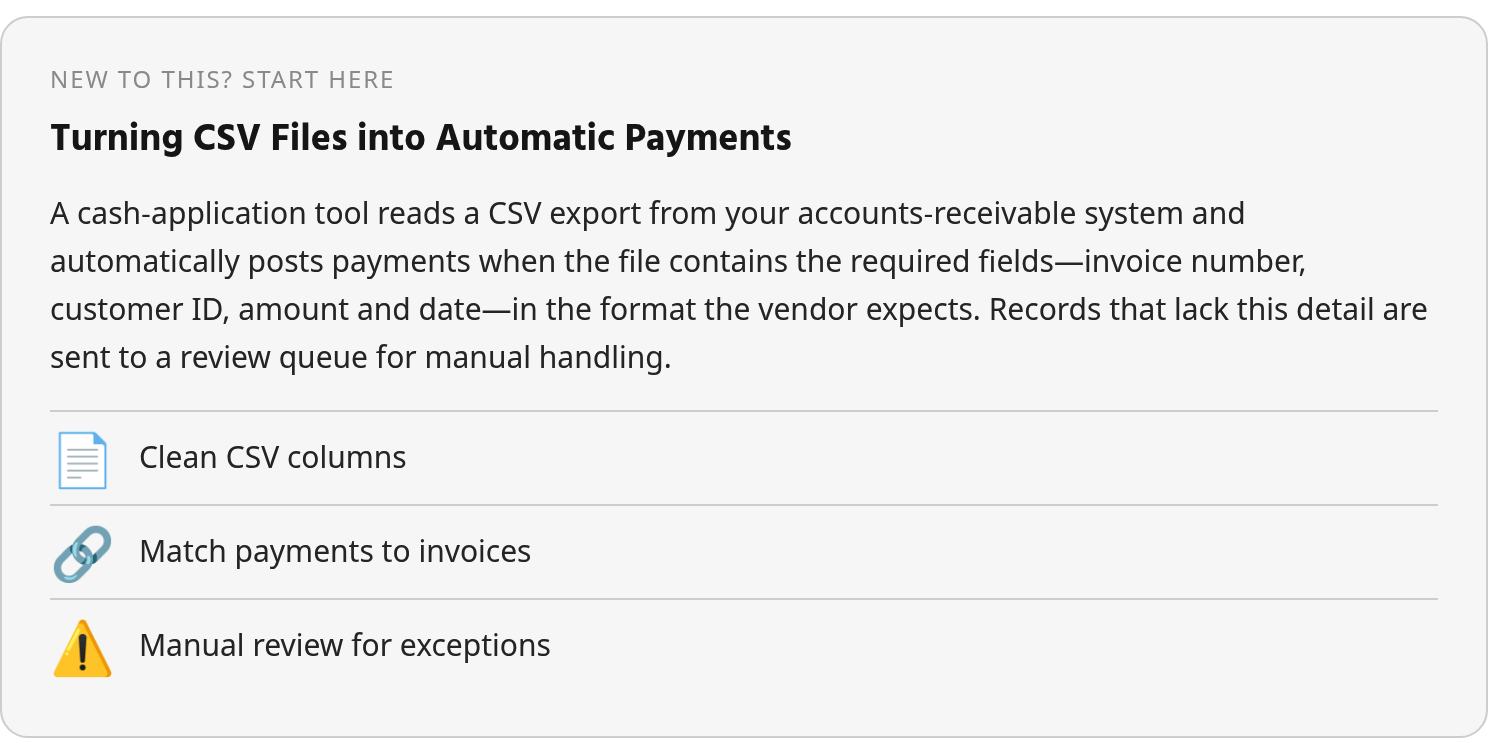
Connecting CSV exports from your AR system to a cash-application platform streamlines manual posting when the remittance data is clean and structured. AI-driven tools aim for high straight-through processing rates, but results depend on whether your exported columns match the vendor’s schema and whether unusual transactions are handled well instead of simply entering a queue. Successful integration requires both a field-mapping plan and a process for reviewing unresolved payments.
What CSV-to-cash integration actually delivers
Tools like HighRadius, Billtrust, Versapay, and similar systems address manual AR processes by automating three components: linking remittance and payment data, matching payments to invoices, and posting to the ERP. When you export from your AR system to CSV and import that file into a cash-application tool, the platform infers those links from column headers and row structure. If the export includes invoice number, payment date, amount, and customer ID in a format the vendor recognizes, the tool can match and post automatically. Otherwise, the affected records require review.
Structured input is essential; the file you export matters as much as the application receiving it.
How vendor-specific schemas and optional enrichment columns affect your match rate
Cash-application platforms typically publish CSV templates or API specifications that distinguish required columns from optional ones. Required fields usually include customer name or ID, invoice number, payment amount, and payment date. Optional enrichment, such as payment method, discount codes, purchase order numbers, and remittance notes, can improve match accuracy without being essential to a basic import.
Mature deployments validate the export schema against the vendor’s requirements during setup. Strong results depend on matching column names, data types, and required headers rather than on the platform name alone. If documentation does not provide enough schema detail, test the mapping in a live demonstration before committing to an export-import workflow.
Why CSV‑to‑Cash Integration Matters
Many organizations still rely on manual cash application across fragmented remittance sources: emails, PDFs, lockbox scans, and customer portals. That fragmentation turns AR automation into a working-capital concern as well as an efficiency initiative.
What straight-through processing rates reveal about automation maturity
Rule-based cash-application systems handle straightforward remittances but send ambiguous records to human review. Exception handling separates basic automation from intelligent matching when short payments, deductions, or lump-sum checks arrive without invoice breakdowns.
Where AR complexity concentrates and why it demands validation
The most expensive cash-application problems involve payment channels that separate remittance from cash: checks mailed without detail, ACH transfers whose remittance arrives by email several days later. A second source of complexity occurs when one buyer submits payment across multiple entities, applies partial discounts, or makes deductions without explaining them. Lockbox services can key check information, but incomplete invoice references or garbled line items force AR staff to inspect scanned images and repeat the work.
Integration helps only when the vendor’s mapping engine accommodates your export structure and exception profile. Payments tied to disputed amounts, customer-specific discount rules, or invoices not yet loaded into the system need a review path with enough context for a decision. Otherwise, the new workflow may improve routine posting without changing the labor associated with reconciliation.
Exporting CSV from HighRadius, Versapay, BILL, and Billtrust
The four platforms differ in how they position cash application and data access. Public materials emphasize broader order-to-cash capabilities—collections, credit, invoicing, payment facilitation—while detailed instructions for exporting AR ledgers or remittance files are limited. That distinction matters when determining whether your team can retrieve structured data on demand or must use a proprietary integration layer.
| Platform | What the reviewed materials establish | What to validate for CSV export |
|---|---|---|
| HighRadius | Comprehensive enterprise order-to-cash platform spanning credit, collections, cash application, deductions, and a large library of AI agents. Its cash-application module is designed for remittances that fit established rules, while unusual records generally require an approval or review process. | Whether that approval process can exchange the necessary payment, invoice, and deduction detail. |
| Billtrust | Established in payment facilitation and invoicing; positioning centers on payment networks and billing-led AR. | Whether customers can schedule SFTP drops or retrieve AR ledger files on demand. |
| Versapay | Emphasizes collaborative AR and buyer-seller dispute resolution rather than pure posting automation. | Whether exports include complete line-level remittance detail instead of account summaries or collaborative activity. |
| BILL | Operates across payment and accounts-payable workflows. | Whether payment records, invoice references, and remittance attachments can be exported together and in what format. |
The reviewed sources do not verify file-naming conventions, batch-size caps, encryption options, or scheduled export settings for these platforms. Confirm those operational details directly rather than assuming that a full order-to-cash suite includes unrestricted structured-data access.
Automating the CSV‑to‑Cash Workflow in Blixo
Teams often explore a CSV connection when their existing platform handles routine posting but leaves reconciliation work outside the automated path. The appropriate scope depends on the incoming data. One-payment-per-invoice files with complete references can usually follow a rules-based route; files containing deductions, cross-invoice allocations, or missing detail need a more deliberate workflow.
What to validate before connecting CSV exports to Blixo
Start with ingestion first. Check Blixo’s documentation to understand how data enters the system and whether duplicate detection is available. One provider’s customer received single checks accompanied by over 60 pages of remittance data; if your vendor exports that volume, confirm how Blixo handles duplicate rows and amount-tolerance checks rather than applying every line.
Next, review field mapping. Obtain Blixo’s required-column reference sheet and compare it to your vendor’s export format. If field names differ, you need either custom mapping rules or a transformation layer. Look for examples in product documentation or community posts showing concatenation (a prefix combined with an invoice number) or data-type conversions (MM/DD/YYYY dates converted to ISO format). Because reviewed AR platforms rarely publish complete export schemas, validate these transformations in a live demo.
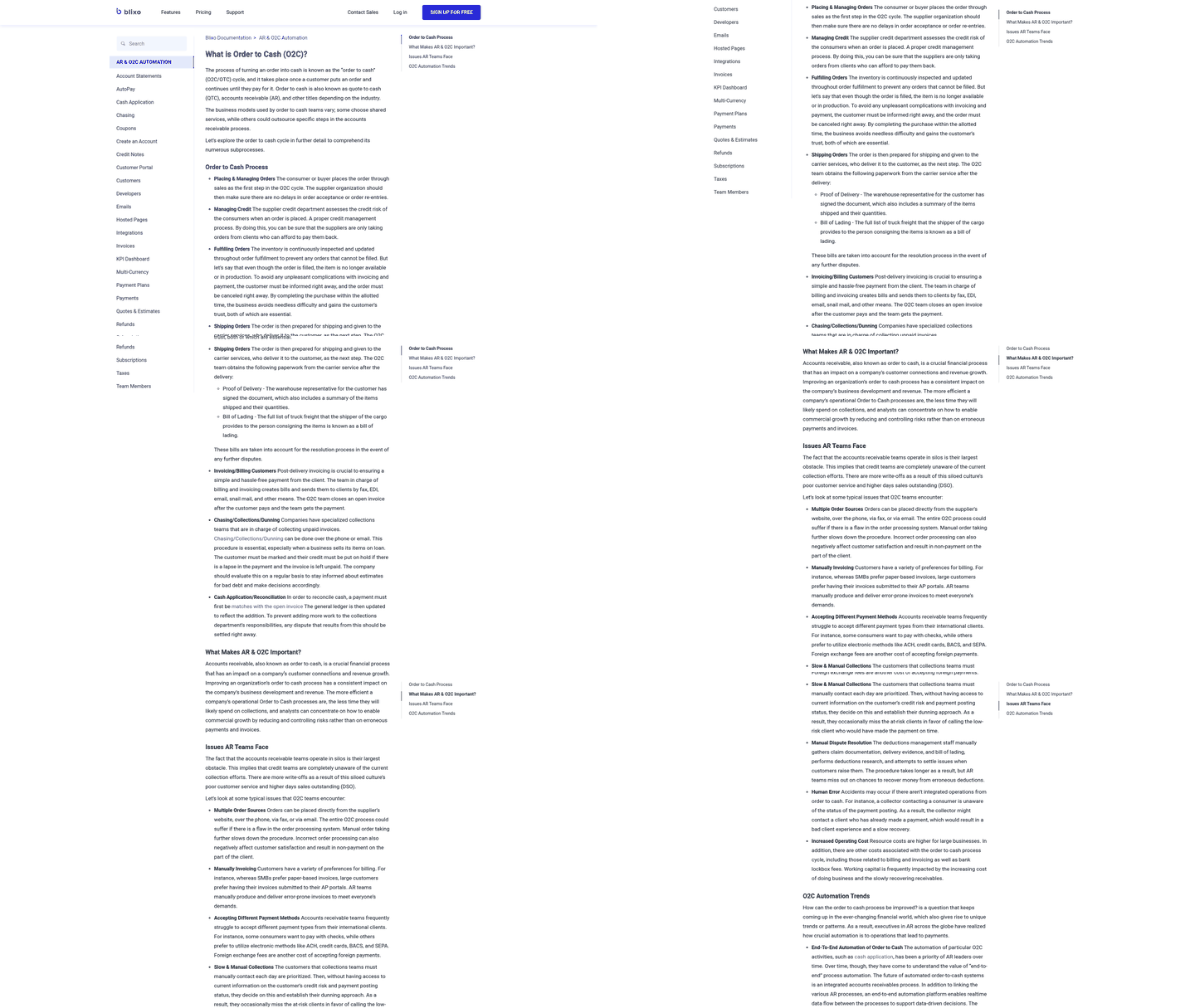
Exception handling determines whether the workflow genuinely reduces effort or merely relocates it. Find where Blixo surfaces import errors—dashboard alerts, email notifications, or both—and what remediation it recommends. Confirm whether corrections can influence later imports, whether failed files can be retried safely, and whether the system produces a reconciliation report separating matched and unmatched rows. Verify capabilities like recurring-invoice synchronization and real-time dashboards in product documentation before treating them as part of the deployment.
Implementation Checklist & ROI Quick‑Calc
A phased rollout lets your team test data quality before the connection reaches every payment channel.
ROI inputs: hours saved, processing costs, and phased timing
Base the ROI model on documented outcomes rather than generic benchmarks. Measure the current workload first. If your team processes 500 invoices per month at 10 minutes per invoice and automation cuts that to 3 minutes, the change frees 58 hours monthly. Compare that figure with analyst cost and overtime exposure.
Processing-cost reduction depends on the payment mix. Lockbox services typically charge per check for capture, keystrokes, and transmission. Manual re-keying adds to the baseline when lockbox data is incomplete. Overtime, correction cycles, and dunning-notice rework should remain assumptions until they are logged for at least one month.
Implementation timing varies by vendor and scope, so plan accordingly. A pilot covering one payment channel and 20% of invoice volume still requires setup, testing, and training. Scale in stages instead of switching every CSV export at once; a sequential rollout makes mapping and review problems easier to isolate.
Still Wondering?
1. If my AR platform already auto-matches clean remittances, why export to CSV for cash application?
The strongest reason is to connect information that currently sits outside the posting workflow. For example, a team may need to combine an AR ledger export with payment records from a lockbox or remittance files received through a customer portal. If the existing platform already completes the entire process, exporting the routine records adds little value. The business case rests on whether the additional system can resolve more of the unresolved work, not on moving files for its own sake.
2. What’s the minimum field set a cash-application platform requires for my AR CSV export?
There is no universal minimum because each vendor defines its own schema. Ask the provider to identify the mandatory headers, accepted data types, identifier rules, and treatment of blank values. Also request a rejected-file example and a sample output so the implementation team can see how validation errors are reported. Optional fields may become operationally important if they carry the information needed to explain a deduction or allocate a payment.
3. How do I measure whether CSV-to-cash integration saved time versus moving the workload?
Separate posting time from investigation time. Track how long analysts spend on imports, how many records require review, the age of unresolved items, and whether corrected decisions are reused on later transactions. Compare those measures with the pre-pilot baseline for the same payment channel. A shorter import is not meaningful if analysts still perform the same research in another spreadsheet or queue.