

Cloud Based Invoice Processing Checklist for Blixo

Key Takeaways
- Manual invoice errors cost U.S. firms $1.3 trillion annually, with 39% of invoices containing mistakes.
- Cloud automation reduces invoice processing cycles from 45 days to 3.1 days, cutting administrative costs by 80% per invoice.
- 82% of AP teams spend hours daily on manual reconciliation, which automation can streamline for strategic focus.
- A mid-sized firm cut administrative overhead by 35% using cloud-based invoice processing solutions.
- Delays from manual processing can tie up $140,000 monthly for businesses handling 1,000 invoices.
- SaaS companies improve revenue predictability by 30% through automated recurring billing systems.
- Automated reminders and task management reduce disputes by aligning invoice data with bank feeds weekly.
Why Cloud-Based Invoice Processing Matters
Cloud-based invoice processing is a critical upgrade for businesses aiming to streamline operations, reduce costs, and improve cash flow. Manual errors, delayed payments, and fragmented workflows cost U.S. firms $1.3 trillion annually, with 39% of invoices containing mistakes. By automating these processes, companies cut invoice cycles from 45 days to 3.1 days and reduce administrative costs by 80% per invoice. Below is a breakdown of why this shift matters, supported by real-world results and Blixo’s tailored solutions.
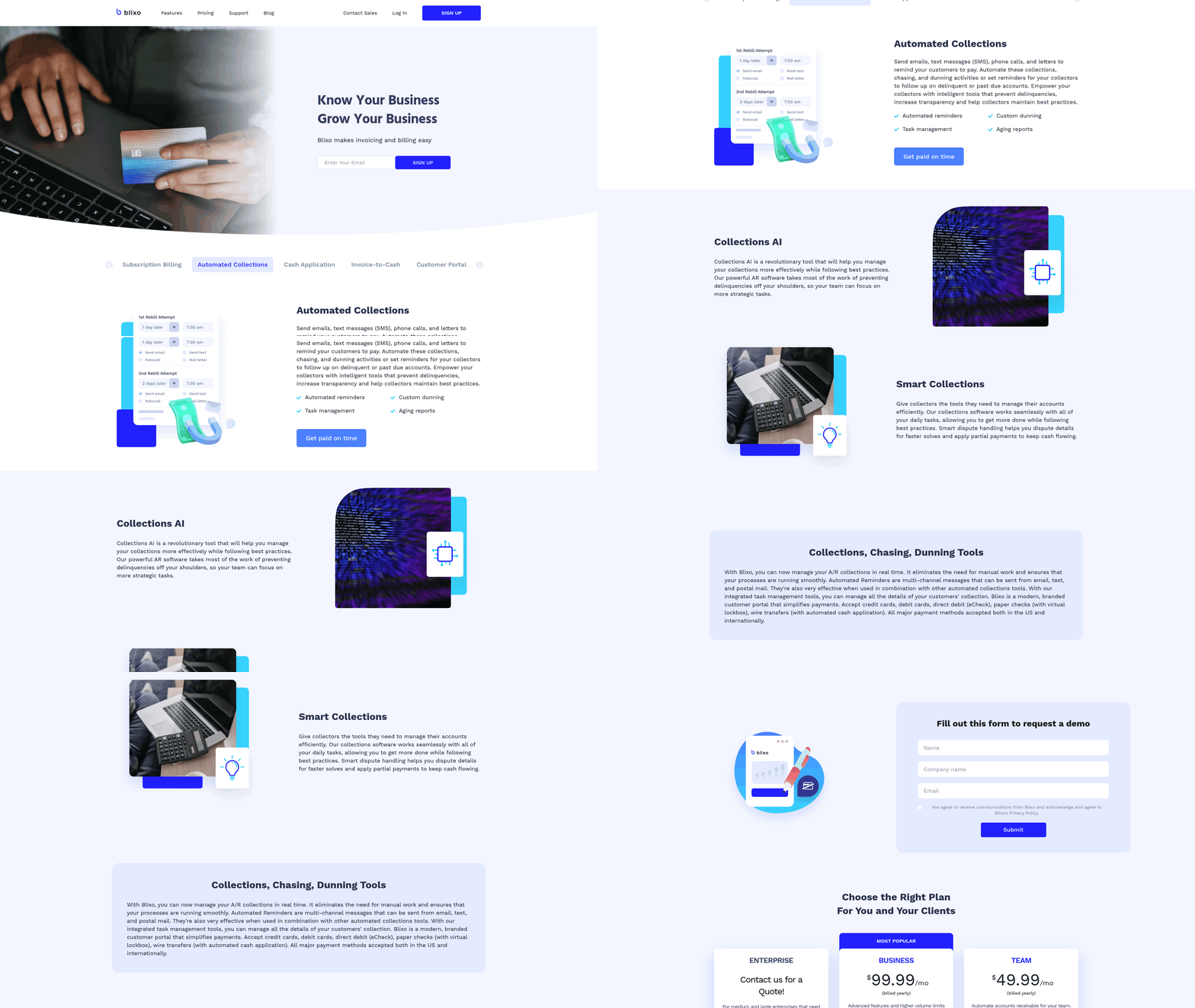
How Inefficient Invoice Processing Hurts Businesses
Manual invoice processing creates bottlenecks that drain resources and revenue. For example:
- 39% of invoices contain errors, leading to disputes, delayed payments, and lost trust.
- 82% of AP teams spend hours daily on manual reconciliation, leaving little time for strategic work. As mentioned in the Weekly Invoice Review and Follow-Up section, reconciling invoices with bank feeds and resolving discrepancies are critical weekly tasks that automation can streamline.
- A business processing 1,000 invoices monthly could tie up $140,000 in cash due to delays.
These inefficiencies disproportionately affect small businesses and enterprises alike. One mid-sized firm cut administrative overhead by 35% through automation, while a SaaS company improved revenue predictability by 30% using recurring billing features.
Key Benefits of Cloud-Based Solutions
Cloud SaaS providers like Blixo address these pain points directly:
Error Reduction and Faster Payments
- AI-powered tools reduce errors by 97% through automated data extraction and validation.
- Automated reminders and payment tracking accelerate collections, improving cash flow by 30% (as seen in one small business case).
Scalability for All Business Sizes
- Small businesses benefit from customizable templates and recurring billing, reducing manual invoicing time by 50%. Building on concepts from the Daily Invoice Processing Tasks section, these tools minimize manual effort in day-to-day operations.
- Enterprises integrate with ERP systems like SAP or Oracle, cutting processing time by 50% for high-volume workflows.
Cost Savings and Security
- Automating 80% of invoicing tasks saves $9–$15 per invoice, dropping to $3–$5 post-automation.
- 256-bit encryption and audit trails ensure compliance, protecting sensitive financial data from breaches.
Real-World Impact of Blixo’s Features
Blixo’s cloud-based platform turns invoice processing from a cost center into a strategic asset:
- AI Cash Application: Matches payments to invoices with 97% accuracy, saving 70% of reconciliation hours for one manufacturer.
- Fraud Detection: Stopped a $12,000 fraudulent payment attempt using anomaly detection algorithms.
- Seamless Integrations: Connects with QuickBooks, Xero, and Stripe, eliminating manual entry for 12 hours/week at one firm.
User testimonials highlight these wins:
“Blixo turned invoicing from a chore into a strategic advantage,” says Matthew Schwartz of Elemental Deodorant. “Automation lets me focus on scaling my business, not chasing payments,” adds Duy, a Blixo user.
Who Should Prioritize Cloud-Based Invoice Processing?
While all businesses benefit, certain industries see the fastest ROI:
- Subscription-based models: Automating recurring billing reduces errors and improves customer retention. Building on concepts from the Daily Invoice Processing Tasks section, recurring billing is a cornerstone of efficient daily operations.
- High-volume processors: Enterprises handling thousands of invoices monthly cut costs by $1.3 trillion annually (industry-wide potential).
- Growth-stage companies: Real-time analytics and fraud detection protect revenue during scaling.
Action Items to Maximize Blixo’s Capabilities
Start with these steps to enable efficiency:
- Audit your current cycle: Track error rates, processing times, and cash-flow gaps. As mentioned in the Implementation and Optimization section, this audit is the first step in identifying inefficiencies.
- Set up recurring billing: Automate 80% of invoices for subscription models, boosting predictability.
- Enable AI matching: Reduce reconciliation time by 70% with Blixo’s cash-application tools.
- Monitor KPIs: Use dashboards to track processing time, error rates, and cost per invoice.
By addressing manual errors, delays, and scalability challenges, cloud-based invoice processing isn’t just an upgrade-it’s a necessity for modern finance teams. Blixo’s tools turn these challenges into opportunities, ensuring businesses stay agile and financially resilient.
Daily Invoice Processing Tasks
Daily invoice processing in a cloud-based system requires a structured approach to ensure accuracy, efficiency, and compliance. With Blixo’s automation tools, businesses can reduce manual effort, minimize errors, and accelerate cash flow. Below is a checklist of daily tasks optimized for cloud-based workflows, using Blixo’s features to simplify operations..
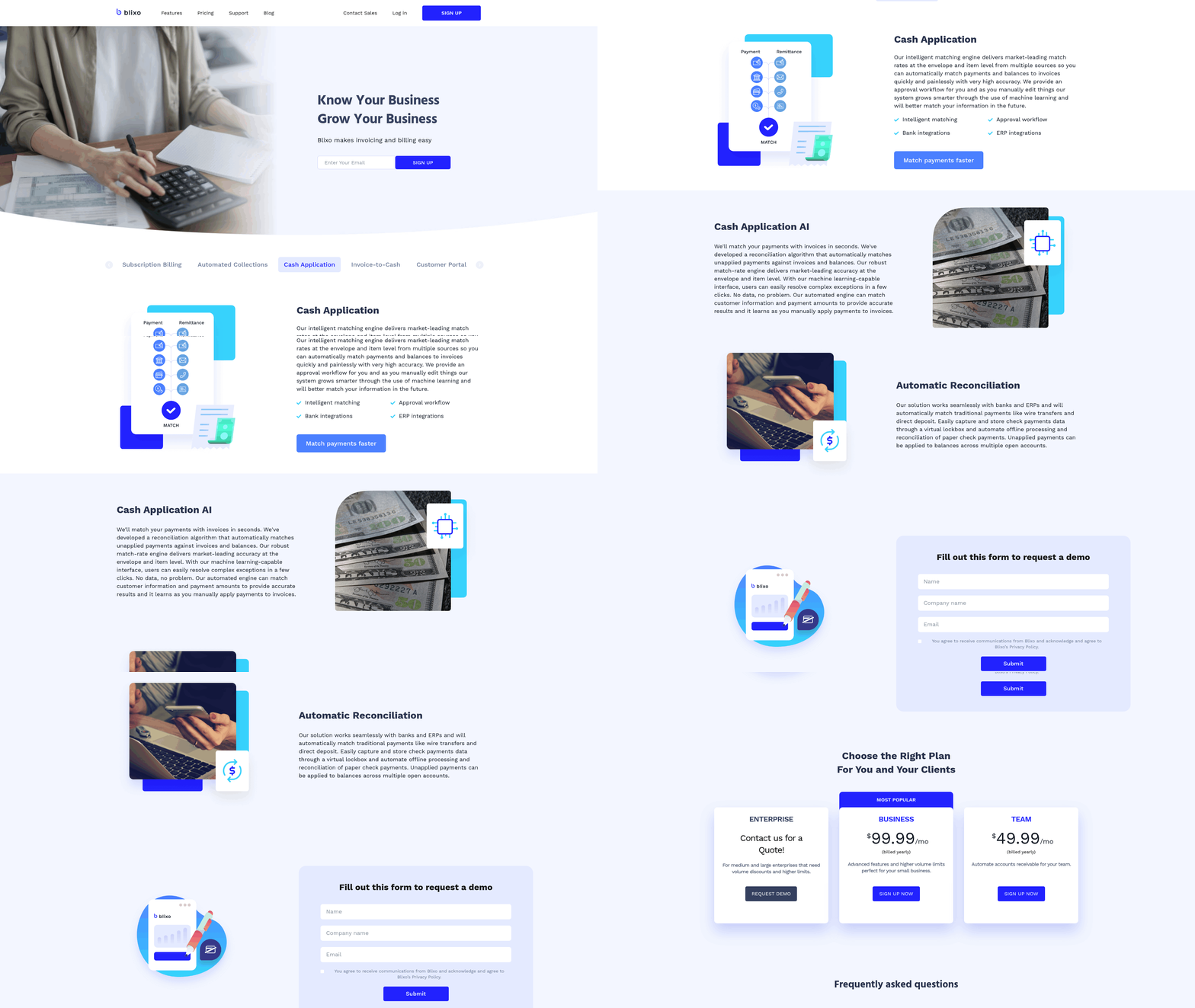
What Are the Core Daily Tasks in Cloud-Based Invoice Processing?
Your daily routine should include invoice generation, payment tracking, and transaction reconciliation. Blixo streamlines these tasks by automating repetitive workflows, such as generating invoices from pre-populated customer and product data. As mentioned in the Why Cloud-Based Invoice Processing Matters section, cloud systems eliminate fragmented tools and reduce errors caused by manual data entry. For example, businesses using Blixo’s automated invoice dispatch report a 30% increase in cash flow within months of implementation.
- Generate and dispatch invoices: Use Blixo to create invoices automatically based on sales or service records. The platform supports recurring billing and AutoPay, ensuring timely delivery without manual intervention.
- Track invoice status: Blixo’s real-time notifications show when invoices are viewed, paid, or require follow-up. This visibility reduces the need for manual chasing and speeds up collections.
- Reconcile payments: Link payments to invoices instantly using Blixo’s cash application feature, which matches incoming funds to outstanding balances and updates financial records automatically..
How Does Automated Invoice Dispatch Save Time?
Blixo’s automated invoice dispatch eliminates delays caused by manual formatting and delivery. According to internal data, automation cuts invoice processing time from 45 days to 3.1 days, slashing administrative costs by 80% per invoice. The platform uses 256-bit encryption to secure data during transmission, ensuring compliance with financial regulations.
- Set up recurring invoices: For subscription-based models, schedule invoices to send on specific dates without manual input.
- Customize templates: Use branded templates to maintain professionalism while reducing formatting effort.
- Enable multi-channel delivery: Blixo sends invoices via email, ERP integrations, or customer portals, ensuring recipients receive them through their preferred method.
A mid-sized enterprise integrated Blixo with its ERP system and improved invoice processing time by 50%, demonstrating how automation scales with business needs..
Why Is Cash Transaction Recording Critical?
Recording cash transactions accurately ensures financial transparency and supports decision-making. Building on concepts from the Monthly Reconciliation and Reporting section, Blixo’s cash application feature automates this process by categorizing payments, updating ledgers, and flagging discrepancies. Manual reconciliation, which takes 38% longer without automation, becomes unnecessary with real-time synchronization between payments and invoices.
- Record incoming payments: Blixo logs payments instantly, linking them to specific invoices and customers.
- Categorize transactions: Assign payments to revenue streams, expenses, or accounts receivable with predefined rules.
- Generate payment confirmations: Send automated receipts to customers, reducing disputes and improving trust.
One company reduced administrative overhead by 35% using Blixo’s cash application tools, reallocated staff to strategic projects, and improved financial reporting accuracy..
What Best Practices Should You Follow Daily?
Adopting best practices ensures consistency and compliance. As outlined in the Weekly Invoice Review and Follow-Up section, daily audits form the foundation for weekly reconciliation. Start by capturing receipts digitally and categorizing transactions using Blixo’s built-in templates. Since 39% of invoices contain manual errors, automation is critical to maintaining accuracy.
- Capture receipts electronically: Upload scanned or photographed receipts into Blixo for automatic data extraction and storage.
- Review transaction categorization: Validate that expenses and revenues are tagged correctly to avoid misstatements in financial reports.
- Run daily audits: Use Blixo’s dashboards to spot-check invoice statuses, payment confirmations, and reconciliation logs.
For example, a small business using Blixo’s receipt capture feature reduced invoice errors by 60%, avoiding costly corrections and audit delays..
Real-World Example: Streamlining Daily Tasks with Blixo
A medium-sized logistics company adopted Blixo to handle 500+ daily invoices across multiple clients. By automating dispatch and cash application, the team reduced processing time from 10 hours to 2 hours per day. The platform’s integration with their ERP system eliminated duplicate data entry, while real-time payment tracking cut late fees by 40%. Over six months, the business improved cash flow by 30% and reallocated accounting staff to client-facing roles.
This example highlights how Blixo transforms daily workflows: automation reduces manual effort, cloud-based tools enhance collaboration, and real-time insights empower proactive financial management. By prioritizing these tasks, businesses can focus on growth while maintaining accuracy and compliance.
Weekly Invoice Review and Follow-Up
Your weekly review should include reconciling invoices with bank feeds, tracking payment statuses, and resolving discrepancies. Blixo’s cloud-based tools automate these steps, reducing manual errors that cost U.S. firms $1.3 trillion annually. By dedicating 2–3 hours weekly to these tasks, teams can cut invoice processing time from 45 days to 3.1 days.
- Reconcile invoices with bank feeds daily to catch discrepancies early. As mentioned in the Daily Invoice Processing Tasks section, Blixo’s bank feed monitoring syncs transactions in real time, ensuring financial records match actual cash flow.
How Does Blixo Improve Cash Flow Management?
Blixo’s bank feed monitoring acts as a financial dashboard, linking invoice data directly to bank accounts. Building on concepts from the Why Cloud-Based Invoice Processing Matters section, this integration ensures teams see real-time cash flow, avoiding overdrafts and improving forecasting.
- Set cash flow thresholds in Blixo to receive alerts when balances dip below safe limits. This prevents operational disruptions and maintains vendor relationships.
- Generate weekly cash flow reports using Blixo’s automated templates. These reports highlight trends like seasonal payment delays or sudden spikes in expenses.
- Link subscription renewals to payment schedules. Blixo automatically adjusts invoices for recurring clients, reducing missed renewals by 45%.
Why Are Automated Collections Essential?
Manual collections waste hours each week, but Blixo automates reminders, escalations, and even partial payment requests. One company cut collections time from 15 hours to less than 3 by using Blixo’s tiered reminder system. The platform’s AI also identifies high-risk clients early, allowing teams to prioritize follow-ups.
Best Practices for Subscription Management
For businesses with recurring billing, Blixo’s integration with subscription management systems ensures invoices align with service periods. As outlined in the Monthly Reconciliation and Reporting section, maintaining accurate records while reducing manual interventions by 80% per invoice is achievable through consistent weekly reviews. Teams should:
- Review subscription health weekly, flagging clients at risk of churn.
- Use Blixo’s dunning management to retry failed payments with optimized timing.
- Sync customer portals with subscription dashboards, letting clients manage renewals or pause payments themselves.
Monthly Reconciliation and Reporting
Monthly reconciliation and reporting are critical for maintaining accurate financial records, optimizing cash flow, and ensuring compliance in cloud-based invoice processing. Blixo streamlines these tasks with automation, real-time insights, and tools for error reduction. Below is a structured guide to executing these tasks effectively using Blixo’s SaaS service.
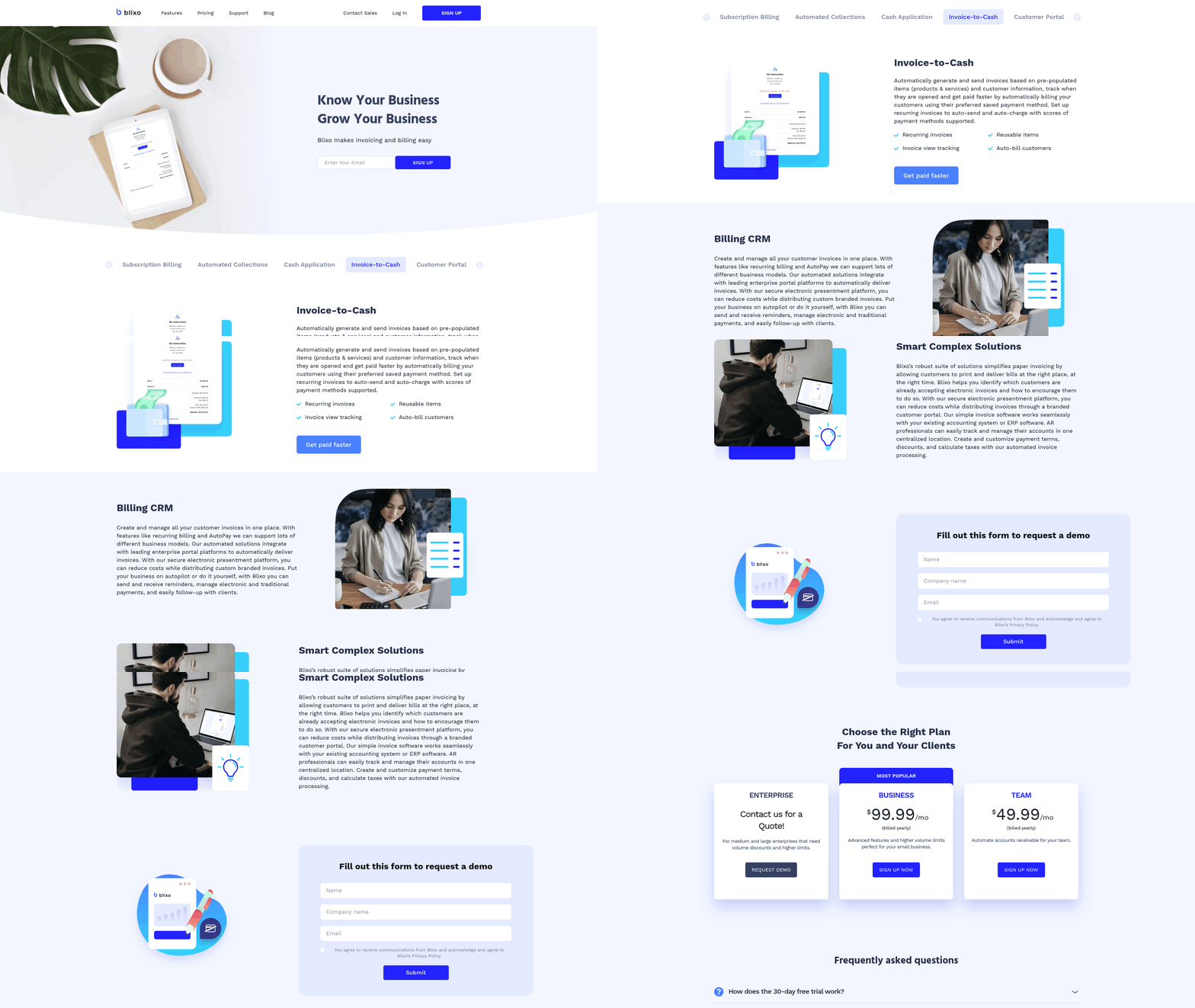
What Are the Core Monthly Reconciliation Tasks?
Reconciliation ensures that all invoices, payments, and accounting records align. Without automation, 82% of accounts-receivable teams spend their time on manual reconciliation, slowing down financial workflows. Blixo reduces this burden by automating key steps:
- Match invoices to payments automatically using AI-powered tools that achieve 97% accuracy in data extraction, eliminating manual cross-checking.
- Verify cash application to confirm payments are correctly allocated to the right invoices, reducing errors by up to 97%.
- Generate audit trails for every transaction, ensuring transparency and simplifying compliance audits.
- Reconcile bank statements with accounting records in real time, flagging discrepancies instantly.
These steps cut reconciliation time by 70% compared to manual processes, freeing teams to focus on strategic tasks. As mentioned in the Why Cloud-Based Invoice Processing Matters section, cloud systems inherently reduce manual errors and delays, which aligns with Blixo’s automated reconciliation approach.
How Does Real-Time Reconciliation Improve Accuracy?
Blixo’s real-time reconciliation feature continuously aligns incoming payments with invoices, ensuring financial records are always up to date. This is especially valuable for businesses handling high-volume transactions, where even small errors can lead to cash-flow gaps.
For example, a medium-sized enterprise using Blixo automated collections and reduced invoice processing time by 50%, avoiding $140,000 in monthly cash lock-up. Real-time reconciliation also integrates with accounting systems like QuickBooks and Xero, ensuring zero manual data entry and 256-bit encryption for security.
Key benefits include:
- Faster dispute resolution: Instantly identify and correct mismatches between invoices and payments.
- Improved cash flow visibility: Track receivables and payables in real time to avoid late fees or liquidity issues.
- Reduced fraud risk: Automated alerts flag suspicious transactions, such as duplicate payments or mismatched vendor details.
What Financial Reports Should You Generate Monthly?
Financial reports derived from invoice data help businesses make informed decisions. Blixo’s reporting tools provide insights into key performance indicators (KPIs) like processing time, error rates, and days sales outstanding (DSO).
- Track processing efficiency by measuring how long invoices take to move from receipt to payment.
- Monitor error rates to identify recurring issues, such as incorrect amounts or missing documentation.
- Analyze cash flow trends using DSO metrics to assess how quickly receivables are collected.
- Generate compliance reports for tax and audit requirements, with customizable templates and role-based access.
One SaaS company used Blixo’s revenue predictability features to boost forecasting accuracy by 30%, aligning payments with subscription renewals and reducing revenue volatility.
What Best Practices Ensure Smooth Reconciliation?
To maximize Blixo’s capabilities, follow these guidelines:
- Document all workflows: Maintain clear records of payment rules, vendor contracts, and reconciliation procedures to avoid ambiguity. Building on concepts from the Daily Invoice Processing Tasks section, structured documentation ensures consistency across daily and monthly processes.
- Train AI with historical data: Regularly update Blixo’s machine learning models with new invoice formats and payment patterns to improve accuracy.
- Review KPIs weekly: Use Blixo’s analytics dashboard to spot trends early, such as a sudden spike in disputes or delays. This aligns with the Weekly Invoice Review and Follow-Up section’s emphasis on proactive monitoring.
- Assign roles strategically: Limit access to sensitive financial reports using role-based dashboards, ensuring compliance with internal controls.
A midsize manufacturer followed these practices to cut manual invoice checks by 60% using Blixo’s fuzzy matching, reducing errors and accelerating month-end closes.
Real-World Example: Streamlining Month-End Closes
A software-as-a-service business adopted Blixo to handle 1,000+ monthly invoices across multiple clients. Before automation, their team spent 12 hours weekly reconciling payments and chasing down discrepancies. With Blixo:
- AI cash application matched 97% of payments to invoices automatically, cutting reconciliation time by 70%.
- Real-time dashboards highlighted late payments, enabling proactive follow-ups and reducing DSO by 25%.
- Automated fraud detection prevented a $12,000 fraudulent payment attempt by flagging mismatched vendor details.
The result? A 40% reduction in late payments and a 50% faster month-end close, allowing the finance team to shift focus from data entry to strategic planning.
By embedding these practices into your routine, Blixo transforms monthly reconciliation from a reactive task into a proactive tool for financial health and scalability.
Implementation and Optimization
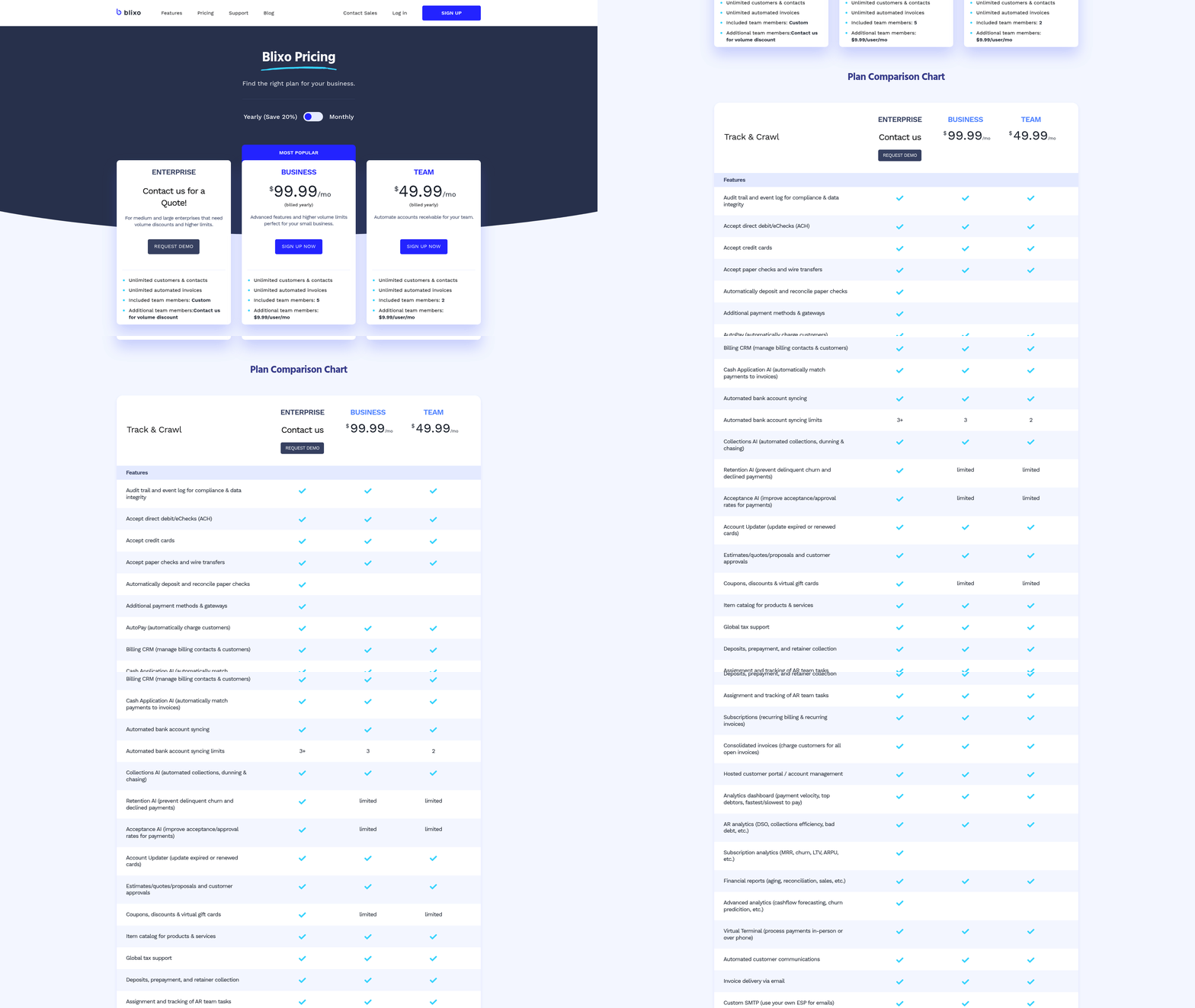
Manual errors occur in 39% of invoices, costing U.S. businesses $1.3 trillion annually, while automation reduces processing time from 45 days to 3.1 days. As mentioned in the Why Cloud-Based Invoice Processing Matters section, these inefficiencies highlight the need for cloud-based solutions. Begin with high-volume or subscription-based models, where recurring billing automation can improve revenue predictability by 30%.
- Audit your current cycle: Identify bottlenecks in manual processes, such as approval delays or invoice routing. A phased rollout ensures minimal disruption during transition.
- Integrate with accounting systems: Use pre-built connectors for QuickBooks, Xero, SAP, or Oracle to eliminate manual entry.
- Prioritize AI-powered tools: Blixo’s AI reduces reconciliation errors by 97% and saves 70% of manual hours.
AI-Powered Cash Application and Automated Dunning
Blixo’s AI-powered cash application streamlines reconciling payments with invoices, matching data at 97% accuracy. This cuts reconciliation time by 70% and reduces disputes. Automated dunning ensures timely payments by triggering reminders based on customer behavior, lowering late payments by 40%.
- Enable AI cash application: Train the AI with historical data to match payments automatically, saving 12 hours weekly for a midsize team.
- Configure dunning workflows: Set rules for reminder timing and payment plans. One company reduced DSO (days sales outstanding) by 25% using tiered reminders.
- Monitor fraud detection: Blixo’s AI flagged a $12,000 fraudulent payment attempt, protecting revenue.
Optimization Best Practices and Real-World Results
Optimization requires customization and continuous iteration. For example, a midsize manufacturer reduced manual checks by 60% using fuzzy matching, while a SaaS firm improved cash-flow visibility by 30% with recurring billing.
- Customize payment rules: Adjust workflows for high-volume or fragmented-payment scenarios.
- Track KPIs: Monitor processing time, error rates, and cost per invoice. Building on concepts from the Monthly Reconciliation and Reporting section, Blixo’s analytics dashboard offers real-time insights.
- Retrain AI models: Update training data quarterly to adapt to new invoice formats or payment trends.
Real-World Case Study: Enterprise Integration Success
A medium-sized enterprise integrated Blixo with its ERP system, cutting invoice processing time by 50%. Before automation, 82% of accounts-receivable teams’ time went to reconciliation; post-implementation, staff reallocated 35% of their hours to strategic tasks. The company also secured data with 256-bit encryption, meeting compliance standards.
“Blixo turned invoicing from a chore into a strategic advantage,” said Matthew Schwartz, CEO of Elemental Deodorant, after automating collections.
By following these steps, businesses can reduce administrative overhead by 35% and transform invoice processing into a revenue-growth driver.
Frequently Asked Questions
1. How much do manual invoice errors cost U.S. businesses annually?
Manual invoice errors cost U.S. firms $1.3 trillion yearly, with 39% of invoices containing mistakes. These errors lead to disputes, delayed payments, and operational inefficiencies.
2. How does cloud automation reduce invoice processing time?
Cloud automation cuts invoice cycles from 45 days to 3.1 days, slashing administrative costs by 80% per invoice. Tools like Blixo streamline workflows and minimize manual errors.
3. What percentage of AP teams spend hours on manual reconciliation?
82% of accounts payable teams spend hours daily on manual reconciliation. Automation can redirect this time toward strategic tasks, improving overall efficiency.
4. How much cash can invoice delays tie up for businesses?
Delays from manual processing can tie up $140,000 monthly for companies handling 1,000 invoices. Cloud solutions reduce this risk by accelerating payment cycles.
5. What administrative savings do businesses achieve with automation?
A mid-sized firm reduced administrative overhead by 35% using cloud-based invoice processing. Automation minimizes errors, speeds up approvals, and cuts manual work.
6. How do automated reminders improve revenue predictability?
Automated reminders and task management reduce disputes by 30% for SaaS companies. Aligning invoice data with bank feeds weekly ensures accurate, predictable cash flow.
7. Can automation help with recurring billing for SaaS companies?
Yes, automated recurring billing systems improve revenue predictability by 30%. Tools like Blixo ensure consistent invoicing and reduce manual reconciliation efforts.