

Choose Invoicing Software That Chases Overdue Accounts Automatically
Key Takeaways
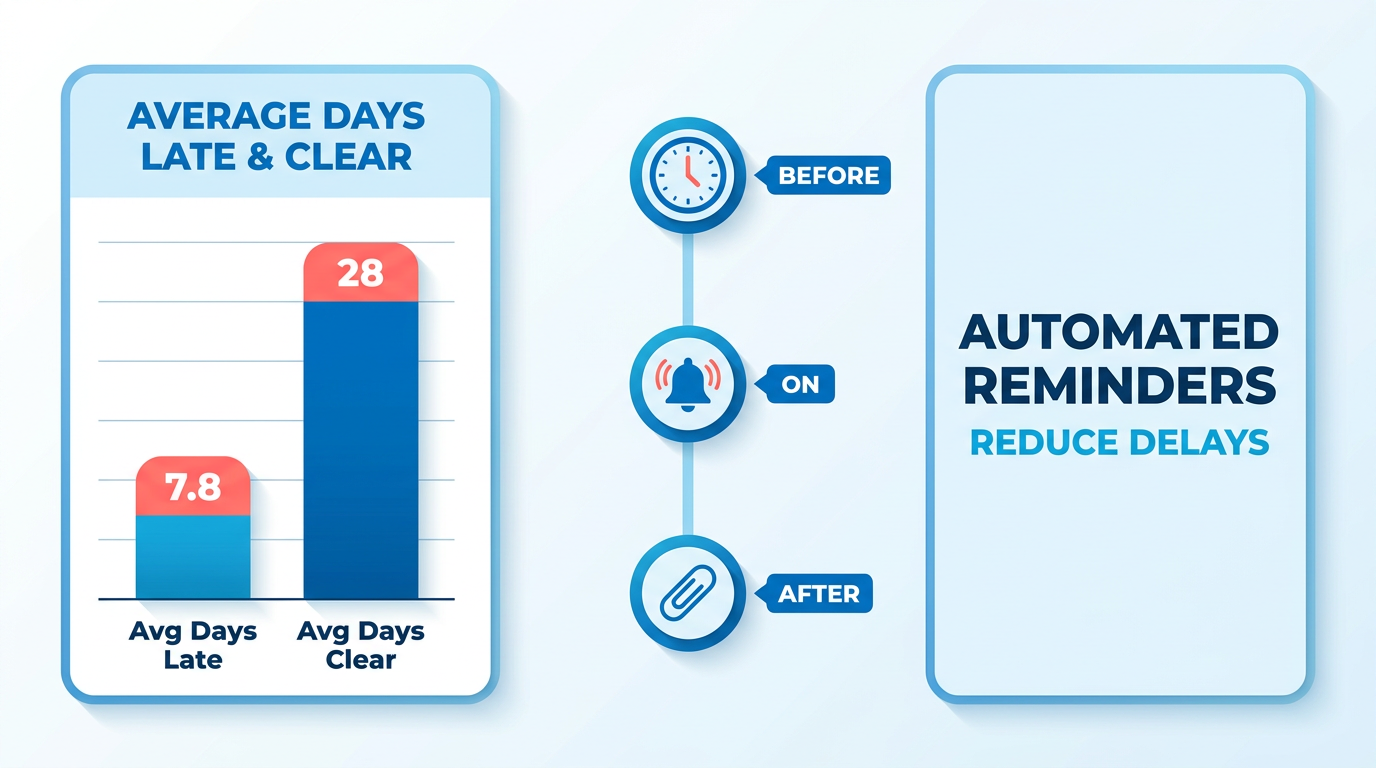
- US small businesses got paid an average of 7.8 days late in late 2025, with invoices taking nearly 28 days to clear.
- Automated invoicing sends reminders before, on, and after the due date, so you stop chasing overdue accounts by hand.
- Late payments hit 40% of small and midsize businesses and cost them roughly $3 trillion a year, collectively.
- Businesses using automated reminders get paid up to twice as fast as those relying on manual follow-up.
- More than half of US invoices are currently overdue, and manual collections don’t scale past a handful of clients.
- Among companies automating more than half their AR processes, 85% of CFOs reported a drop in days sales outstanding.
Why late payments quietly bleed you dry
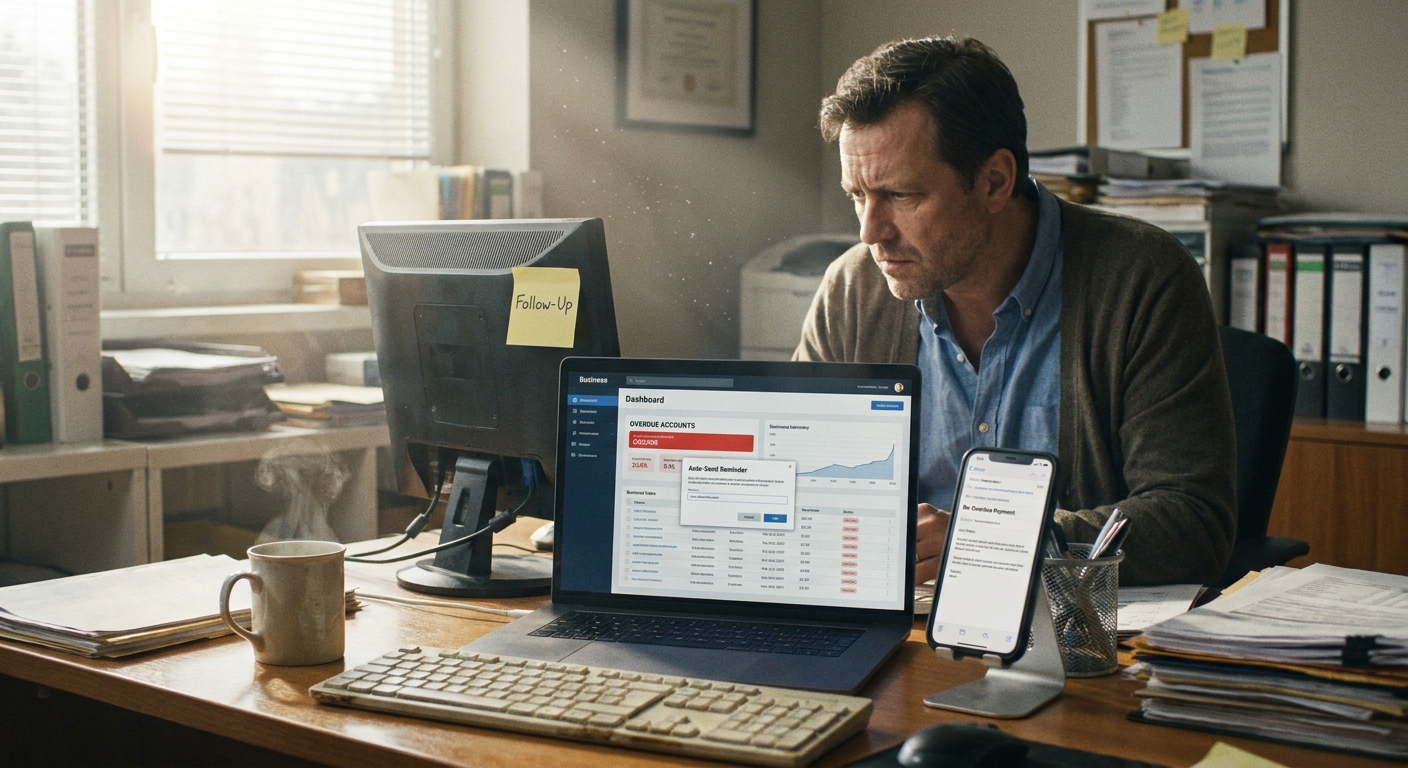
Late payments strangle cash flow. In the final quarter of 2025, US small businesses got paid an average of 7.8 days late, and invoices took nearly 28 days to clear overall. Chase every overdue account by hand and you burn hours you don’t have, and still get paid slow.
Automated invoicing software fixes this by sending reminders before, on, and after the due date without you lifting a finger. If you already run QuickBooks Online recurring payments for subscriptions, adding automated chasing on top means every unpaid invoice gets followed up the moment it slips past due. That’s the shift SaaS founders need: get paid faster without policing accounts receivable yourself.
Why late payments hurt more than the number suggests
Late payments are one of the biggest cash flow threats for small businesses and freelancers. 40% of small to midsize businesses report negative impacts, a problem that costs them roughly $3 trillion per year. For a subscription business, one missed renewal can cascade into churn.
Over half of US invoices are currently overdue. Manual follow-up doesn’t scale past a handful of clients, and it’s the first thing that gets dropped when you’re building product or closing deals. That’s exactly the gap automation closes.
What automation actually changes
Automation turns collections from reactive scrambling into a background process. Businesses that adopt automated reminders get paid up to twice as fast, and 85% of CFOs at companies that automated more than half their AR processes reported a drop in days sales outstanding.
The field numbers back this up:
- Retail businesses cut overdue invoices by 35% after switching to automated reminders.
- Consulting firms saw a 50% increase in on-time payments by personalizing reminder emails.
- A mid-sized manufacturer cut overdue invoices by 60% and reclaimed over 8 hours weekly for its AR team.
- A service company reduced billing errors by 80% after adopting subscription billing with automated reminders.
Multi-channel reminders (email, SMS, phone) push results further. One service provider cut follow-up time by 70%, freeing staff for client work instead of chasing checks.
Who benefits most, and how hard is setup?
Small businesses, freelancers, and SaaS founders see the fastest returns. Anyone running recurring billing benefits most, because automation handles renewals, failed payments, and overdue chasing in one flow.
Here’s what to weigh when picking a platform:
| Feature | Why It Matters | Setup Difficulty | Time to Implement | Cash Flow Impact |
|---|---|---|---|---|
| Automated overdue chasing | Follows up before, on, and after due date | Low | Under a day | Paid up to 2x faster |
| Cash application | Matches payments to invoices automatically | Medium | 1–2 days | Frees AR hours weekly |
| Subscription billing | Handles recurring renewals and retries | Medium | 1–3 days | Reduces involuntary churn |
| AR aging reports | Tracks unpaid invoices by age | Low | Same day | 35–60% fewer overdues |
| Multi-channel reminders | Email, SMS, phone follow-ups | Low | Under a day | 70% less follow-up time |
Setup is easier than most founders expect. Aging reports and reminder schedules take a day or less. Subscription billing and cash application need more configuration, but once live, maintenance is minimal. You set the reminder cadence once and let it run.
What separates real invoicing software from a fancy send button
The right invoicing software does three things at once: generates and sends invoices without manual work, processes and tracks payments in one place, and chases overdue accounts on autopilot. For SaaS founders juggling subscriptions, those three decide whether you get paid on time or spend Fridays writing awkward payment emails.
If you already run recurring payments for your subscription plans, the billing is handled. But billing alone doesn’t collect. The features below separate software that just sends invoices from software that actually recovers cash.
The four features you shouldn’t compromise on
Four non-negotiables: automated invoice generation, integrated payment processing, automated follow-up reminders, and real-time reporting. Each removes a manual step that slows collections.
Automated invoice generation and sending. The software creates and delivers invoices on a schedule you set, so recurring subscription charges go out without you touching them. This matters most for SaaS billing, where the same invoice fires every month.
Customizable templates and branding. Your invoices should carry your logo, colors, and payment terms. Branded, professional invoices give clients fewer reasons to delay.
Integrated payment processing and tracking. Clients pay directly from the invoice, and the software marks it paid automatically. That’s cash application without you reconciling anything by hand. Clients with several unpaid invoices can settle them all in one checkout, which speeds up collection.
Real-time reporting and analytics. AR aging reports show which invoices are outstanding and how long they’ve been unpaid. Real-time dashboards let you spot a slow-paying account before it becomes a write-off.
Why automated chasing beats manual follow-up
Automated follow-up is the single feature that moves the needle on cash flow. The software sends reminders before, on, and after the due date without you writing an email. A structured sequence that starts friendly and escalates gradually collects payment while keeping the relationship intact.
Timing matters more than most founders expect. Invoices sent with a same-day payment link get paid roughly twice as fast as those requiring a bank transfer, and reminders scheduled for weekday mornings see higher open rates than ones sent late Friday afternoon. Every day an invoice sits unpaid past its due date lowers the odds you collect in full, so the software’s job is to close that gap the moment a payment slips.
Small details drive better response. Naming the exact overdue amount in the first line, keeping the message short, and including one click-to-pay button all cut the back-and-forth that stalls collections. When those touches run automatically, every reminder lands consistently instead of depending on whether someone remembered to send it.
The strongest platforms combine chasing with subscription billing and cash application in one system. Every recurring invoice that slips past due gets followed up the moment it’s late, and every incoming payment reconciles itself. Faster collection without hiring a collections person, and customers get polite, well-timed reminders instead of angry calls.
How to compare your options without overthinking it
Start with your business needs. Map out how many invoices you send monthly, whether you bill on subscriptions, and where your current process leaks time. That list becomes your feature checklist.
Then compare candidates on features, pricing, and support side by side. Read reviews from other customers, especially ones running SaaS or subscription models like yours. Their experience tells you whether the automation actually delivers before you commit.
Setting it up: a step-by-step walkthrough
Implementing automated invoicing takes four steps: connect it to your existing systems, configure your templates and reminders, train your team, then test before you go live. Done right, the whole setup runs in days, not weeks.
The goal when integrating with your core accounting tools: layer automated chasing and cash application on top without disrupting your billing. Your subscription billing keeps firing invoices. The new software watches every one and follows up the moment it slips past due.
Connecting to your existing systems
Start by connecting your invoicing software to your accounting and payment platforms. This syncs your invoice data so reminders trigger automatically and payments reconcile against the right accounts.
Most tools integrate directly with accounting platforms to pull invoice status and aging data in real time. That connection matters because AR aging reports track outstanding invoices by how long they’ve been unpaid. Without live sync, your reminders fire on stale data.
Map your subscription plans first. Before you connect anything, list every plan, billing cycle, and payment term so the sync knows how to categorize each invoice. Skip this and the software may misread a net-30 invoice as overdue on day one, sending reminders that confuse paying customers. Clean mapping upfront prevents cleanup later.
Configuring templates and reminders
Set up a reminder schedule that fires before, on, and after the due date, then attach payment options to every message. This is where automated chasing earns its keep.
Build a structured follow-up sequence. Start with a friendly nudge before the due date and escalate gradually if the invoice goes unpaid. Best chance of collecting while keeping the relationship intact. You can schedule reminders anywhere from 90 days before to 90 days after the due date.
Personalize each message. Personalizing the greeting and keeping the word “reminder” in the subject line improves response rates. Test your subject lines too. Emails that reference the specific invoice number tend to get opened faster than generic “payment due” lines, because customers can act without digging through their records.
Add late fees as a configurable line item, applied after a set number of days past due. Then plug in flexible payment options. Offering multiple payment methods drove a 25% jump in on-time payments at one business. When customers with several unpaid invoices can settle them all in one checkout, you remove friction that delays cash.
Training staff and testing before go-live
Train your team on the reminder workflows and dashboards first, then run test invoices before going live. Testing catches broken triggers before a real customer gets the wrong email.
Walk your AR team through the real-time dashboard so they can track overdue accounts at a glance. Show them how multi-channel reminders across email, SMS, and phone work. Assign clear ownership too. When each person knows which accounts they monitor and when to step in manually, nothing falls through the gaps between automated touches.
Then test. Send a test invoice through your subscription flow and confirm the reminder sequence fires on schedule. Verify a payment reconciles correctly and the aging report updates. Run at least one full cycle in a sandbox account, including a deliberate late payment, so you can watch the escalation play out end to end. Catch those errors in testing, not in front of customers.
Where these setups go wrong, and how to get them right
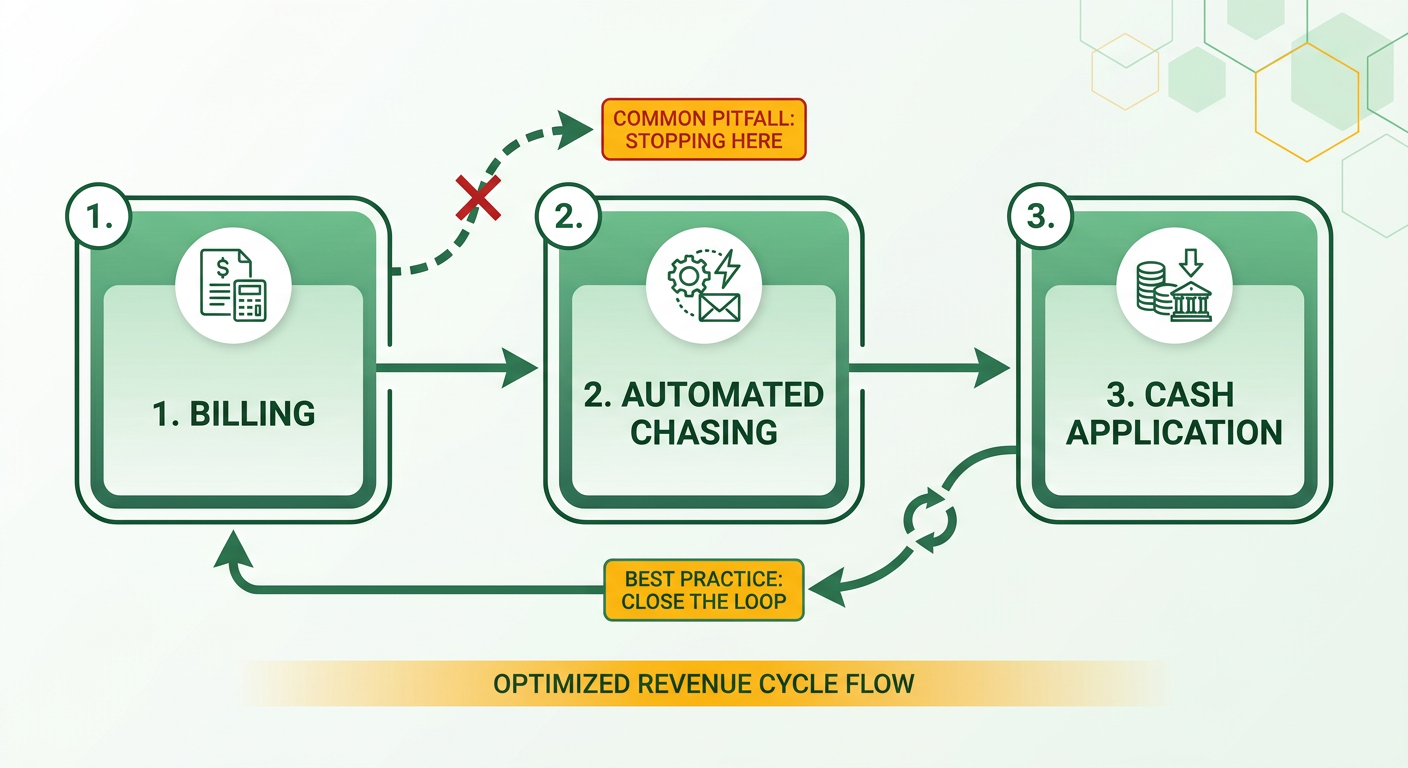
Most automated invoicing setups fail for one reason: teams treat the software like a fancy send button and stop there. If your billing fires invoices but nothing chases the ones that go unpaid, you’ve automated billing and left collections manual. That gap is where cash flow leaks.
The fix is to close the loop between billing, chasing, and cash application. When you run recurring payments for subscriptions, layer automated overdue chasing on top so every slipped invoice gets followed up without you touching it. Below are the mistakes we see most and the practices that actually move payment speed.
The pitfalls that quietly cost you
The biggest one: a single generic reminder sent once, after the invoice is already late. Reminders work best when they trigger before, on, and after the due date. Sending one email after day 30 means you’ve already lost weeks of cash flow.
The mistakes that quietly cost you:
- Reminding only after the due date. A friendly nudge before the deadline prevents the overdue in the first place. Preventing beats chasing.
- One channel, one message. Email-only reminders get ignored. Multi-channel follow-up (email, SMS, phone) increases the chance of prompt payment.
- No aging visibility. Without an AR aging report, you can’t see which invoices have been unpaid longest, so your team chases blind.
- Set-and-forget templates. A structured sequence that escalates gradually gets you paid while keeping the relationship intact.
With over half of US invoices currently overdue, a single stale reminder won’t dent that number.
The practices that actually drive results
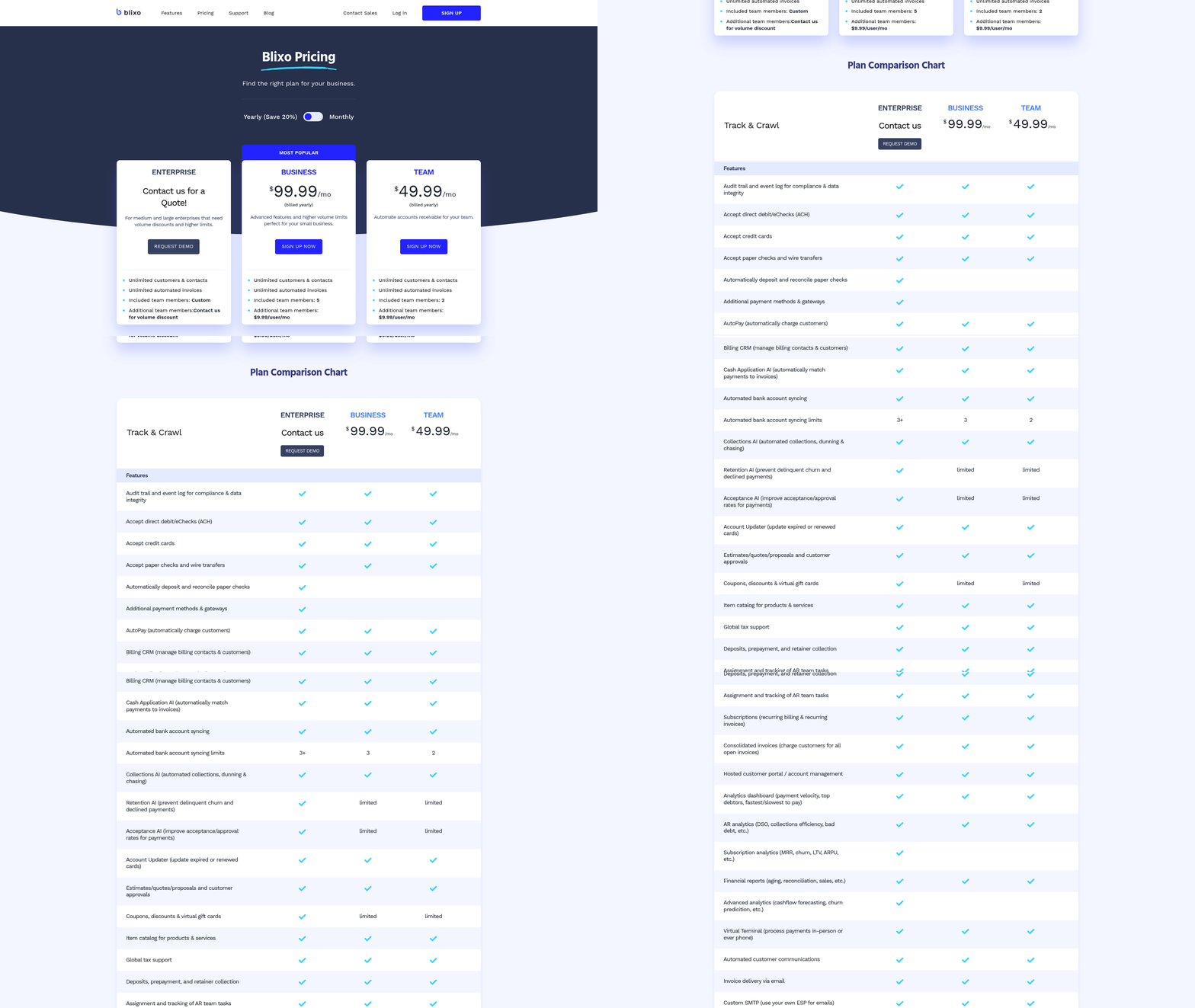
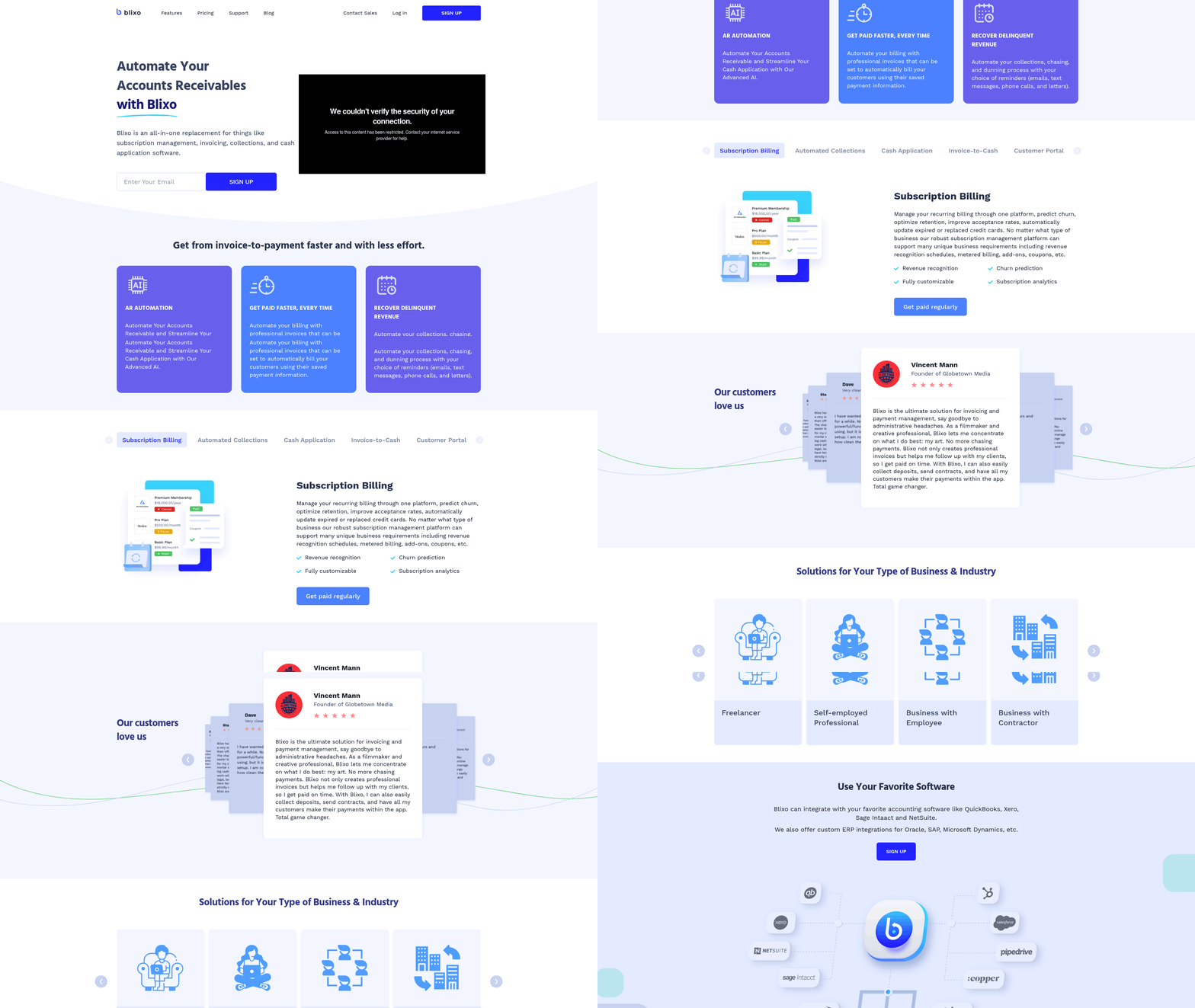
Start reminders early, personalize them, and make paying frictionless. Tools like Blixo automate collections, chasing, and dunning across email, text, phone, and letters with custom sequences. Personalization and timing beat volume every time.
Three practices we’d prioritize:
- Escalate gradually. Begin with a polite pre-due reminder, then firm up the tone as the invoice ages. Preserves the client relationship while still collecting.
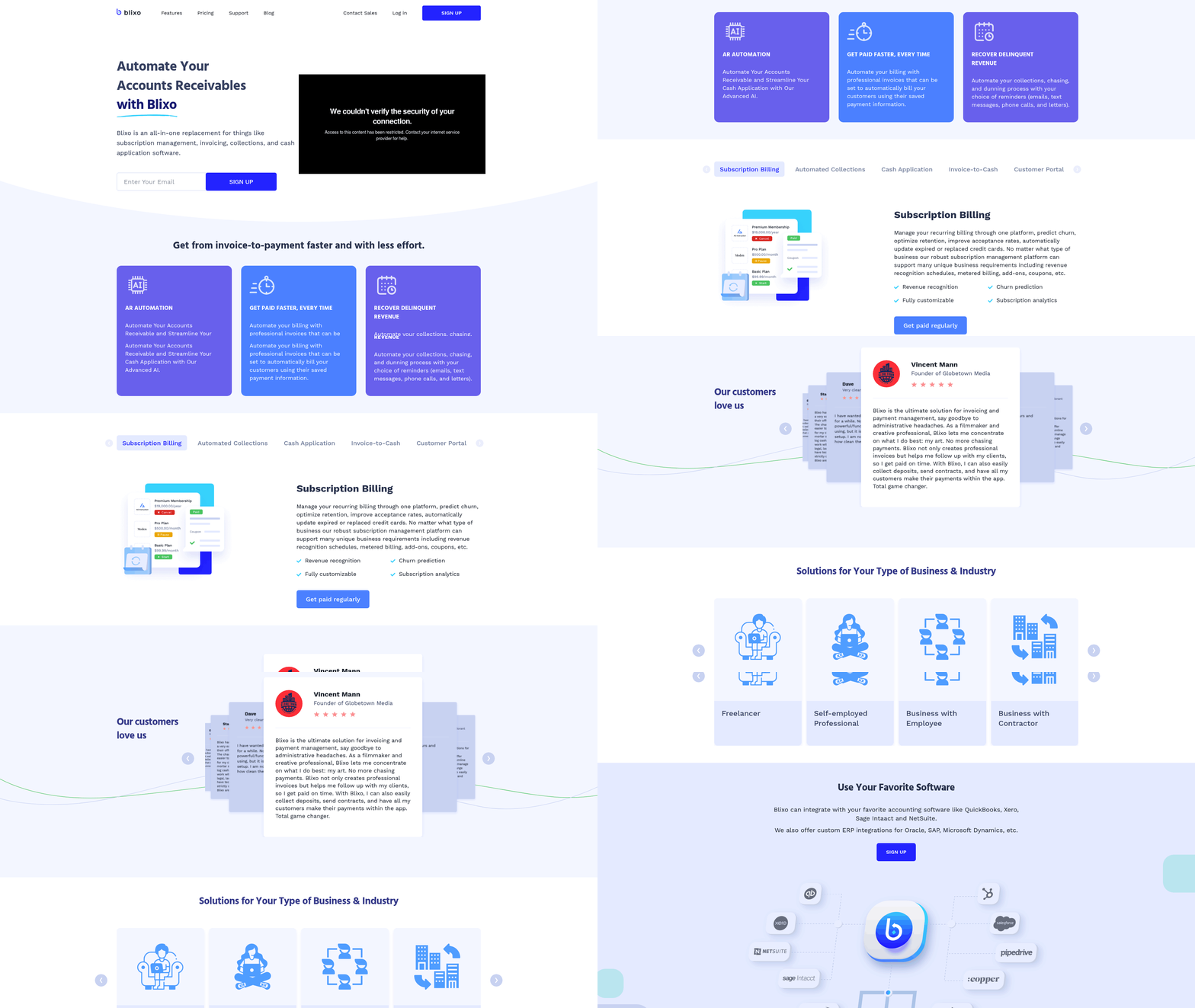
- Offer easy payment options. A brandable customer portal lets clients view and pay all outstanding invoices in one payment, manage their preferred methods, and update billing info. Fewer clicks means faster cash.
- Add clear late fees. A late fee applied as a line item after a set number of days deters chronic late payers without an awkward phone call.
Automating the whole sequence frees your team, too. With multi-channel reminders and task management handled automatically, your collectors redirect that time to client work.
How to measure the ROI
Measure ROI on three axes: hours reclaimed, days saved on payment, and cash recovered. Track your days sales outstanding (DSO) before and after, and watch your overdue balance shrink month over month. Businesses that add automated reminders often see a meaningful share of past-due invoices paid within the first few nudges, before an account ever reaches collections.
Watch the manual-time drop too. Aging reports and automated chasing take the manual work out of collections, so your AR team spends less time tracking down past-due accounts and more on higher-value work.
Skip heavy automation if you send five invoices a month and know every client by name. The setup isn’t worth it at that scale. But once chasing eats your Fridays, the math flips fast, and the reclaimed hours pay for the tooling many times over.
Frequently Asked Questions
1. Does automated invoicing software work with payment platforms besides QuickBooks Online?
Most automated invoicing tools integrate with major accounting and payment platforms, not just QuickBooks. Look for direct sync capabilities that pull invoice status and aging data in real time. Blixo, for example, connects across systems so reminders trigger automatically and incoming payments reconcile against the correct accounts without manual entry.
2. Will automated payment reminders annoy my clients or damage relationships?
Well-structured reminders strengthen relationships rather than harm them. A gradual escalation sequence starts with a polite pre-due nudge and firms up only if the invoice ages. Customers receive consistent, professional messages instead of awkward late-Friday calls, giving them clear payment instructions before frustration builds on either side.
3. What is days sales outstanding (DSO) and why should I track it?
DSO measures the average number of days it takes to collect payment after a sale. Tracking it before and after automation reveals your true ROI. A shrinking DSO signals faster cash recovery, while comparing month-over-month overdue balances shows whether your reminder cadence is actually working.
4. How many invoices should I send before automation is worth the setup?
Automation pays off once manual chasing consumes meaningful time, typically beyond a handful of clients. If you send five invoices monthly and know every client personally, the setup cost outweighs the benefit. Once collections eat entire workdays, reclaimed hours quickly cover the tooling several times over.
5. What time of day and week should payment reminders be sent?
Weekday mornings produce higher open rates than late Friday afternoons, when messages get buried before the weekend. Pair timing with a same-day payment link, which gets invoices paid roughly twice as fast as bank transfers. Consistent, well-timed delivery matters more than sending volume across your reminder sequence.
6. Can clients pay multiple outstanding invoices at once?
Clients with several unpaid invoices can settle them all in a single checkout through a brandable customer portal. This removes friction that stalls collection, letting customers view every outstanding balance, update billing information, and manage preferred payment methods in one place. Fewer clicks to pay directly accelerates cash flow.
7. What should I test before going live with automated invoicing?
Run at least one full billing cycle in a sandbox account, including a deliberate late payment, to watch the escalation sequence play out end to end. Confirm reminders fire on schedule, verify a payment reconciles correctly, and check that the aging report updates. Testing catches broken triggers before customers do.