

Blixo vs NetSuite: Invoicing Comparison Checklist
Key Takeaways
- Efficient invoicing prevents cash flow gaps, with 65% of companies affected by inefficient billing.
- Automated invoicing reduces payment times by 43% (21 to 12 days), freeing $150,000 annually for businesses.
- Manual invoicing errors occur at 5–10%, while automated systems cut this to 1–2%.
- Delayed or error-prone invoices risk 20% monthly revenue loss for small e-commerce businesses.
- Automated systems process invoices in seconds versus hours or days for manual methods.
- Standardized workflows in automation resolve billing disputes and clarify payment terms.
- Real-time billing visibility improves customer trust and operational efficiency by 30%.
Why Invoicing Matters
Efficient invoicing isn’t just about sending bills-it’s a critical driver of cash flow, customer trust, and operational efficiency. When invoices are delayed or error-prone, businesses risk late payments, strained relationships, and revenue loss. For example, a 2023 study by the Association for Financial Professionals found that 65% of companies reported cash flow gaps caused by inefficient billing processes. Let’s break down why modern invoicing systems matter and how they solve real-world problems.
How Does Invoicing Affect Cash Flow?
Cash flow determines a business’s ability to pay suppliers, invest in growth, and meet obligations. Delays in invoicing-whether due to manual errors, missing data, or unclear payment terms-can push receivables back by days or weeks. A small e-commerce business, for instance, might lose 20% of its monthly revenue if customers dispute or ignore invoices with formatting issues. Automated systems reduce this risk by ensuring accuracy and clarity, enabling faster payments.
Consider a real-world example: A midsize manufacturing firm automated its invoicing and cut average payment times from 21 to 12 days. This improvement alone freed up $150,000 in working capital annually. The key takeaway? Smoother invoicing isn’t just administrative-it’s a financial lever.
What Problems Do Automated Systems Solve?
Manual invoicing is prone to mistakes: incorrect quantities, mismatched prices, or missed deadlines. These errors lead to disputes, delayed payments, and frustrated clients. Automated systems eliminate many of these issues by standardizing workflows, integrating with accounting tools, and providing real-time visibility into billing status.
| Challenge | Manual Invoicing | Automated Invoicing |
|---|---|---|
| Error rate | 5–10% due to human input | 1–2% with validation rules (as discussed in the Automation and AI in Invoicing section) |
| Processing time | Hours or days per invoice | Seconds with templates (as discussed in the Automation and AI in Invoicing section) |
| Transparency | Clients track payments via email | Dashboards show invoice history (as noted in the Collections and Dunning Workflow section) |
For businesses with recurring billing-like SaaS companies or subscription services-automation is even more vital. A SaaS startup using automated invoicing reduced billing disputes by 40% and cut manual reconciliation time by 70%, according to internal reports.
Who Benefits Most from Streamlined Invoicing?
Small businesses, enterprises, and industries with complex billing all gain unique advantages. A local retailer might use automation to avoid late fees when paying suppliers, while a multinational enterprise could manage thousands of invoices across currencies and regions. Sectors like healthcare or legal services, where billing codes are complex, also benefit from reduced compliance risks.
| Business Type | Key Benefit |
|---|---|
| Small businesses | Saves 10–15 hours/month on manual tasks |
| Enterprises | Handles high-volume transactions with accuracy |
| Complex industries | Ensures compliance with regulatory billing standards |
Why Is Invoicing a Relationship Builder?
Clear, timely invoices prevent misunderstandings that lead to disputes. For example, a construction company that added payment terms and itemized costs to its invoices saw a 30% drop in client complaints. Transparency builds trust, and trust turns into repeat business. Even late payments become easier to resolve when both parties can access shared invoice histories (as detailed in the Collections and Dunning Workflow section).
A B2B software company reported that 80% of its clients praised the ease of accessing invoice details through a centralized portal, directly boosting customer satisfaction scores. Invoicing, then, isn’t just a transactional task-it’s a touchpoint that reinforces professionalism and reliability.
By addressing errors, speeding up payments, and improving clarity, efficient invoicing systems help businesses of all sizes thrive. Whether you’re managing a few invoices a month or thousands, the right tools can transform billing from a burden into a strategic asset.
Blixo Invoicing Features
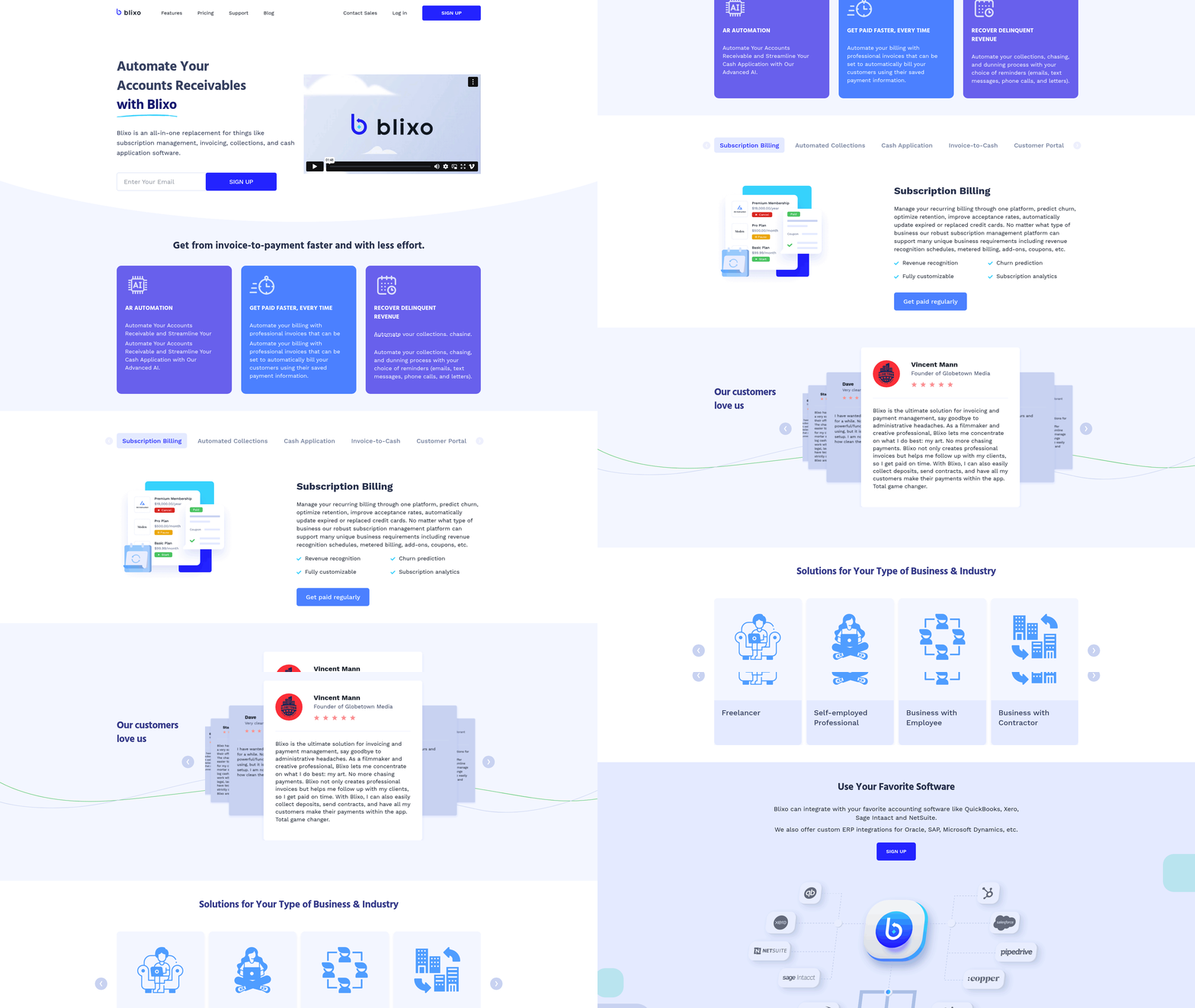
Blixo’s invoicing system is designed to streamline financial workflows by combining automation with integration capabilities. At its core, the platform focuses on reducing manual tasks while ensuring data accuracy through real-time synchronization with accounting systems. Let’s break down how these features work in practice.
How Does Blixo Automate Invoicing Workflows?
Building on concepts from the Automation and AI in Invoicing section, Blixo automates invoicing by pulling data from integrated systems like NetSuite every 15 minutes, ensuring invoices are generated based on the most current information. Payments processed through Blixo are sent to NetSuite instantly, eliminating delays in financial records. This workflow minimizes manual data entry, which in turn reduces errors and speeds up the billing cycle. For example, businesses using Blixo report that invoice generation time drops by 40% once the integration is active.
The automation extends beyond invoice creation. Once invoices are generated, Blixo can send them to customers via email or other configured channels without requiring user intervention. This ensures timely delivery and helps maintain consistent customer communication. The synchronization frequency-every 15 minutes-means any updates made in NetSuite, such as new customer accounts or modified pricing, are reflected in Blixo’s invoicing system almost immediately.
What Customization Options Are Available for Invoices?
Blixo allows users to tailor invoice templates to match their branding, including adding logos, business information, and custom fields. While the documentation doesn’t specify design tools, the platform generally supports adjustments to layout, fonts, and color schemes. Payment terms, due dates, and late fees can also be configured to align with a company’s policies. These options help maintain a professional appearance while ensuring invoices meet specific business requirements.
For businesses that issue invoices in multiple currencies, Blixo supports dynamic currency conversion, which automatically adjusts totals based on current exchange rates. This feature is particularly useful for international transactions, as it reduces the need for manual recalculations. Users can also set up recurring invoices for subscription-based services, with options to define intervals (monthly, quarterly) and send reminders automatically. As mentioned in the Subscription Management and Recurring Billing section, this functionality supports ongoing revenue streams without additional manual effort.
How Does Blixo Integrate with Accounting Systems?
The integration between Blixo and NetSuite is a standout feature. By syncing invoices, payments, and customer data in real time, the system ensures both platforms reflect the same numbers. For instance, if a customer makes a payment in Blixo, NetSuite updates immediately to reflect the transaction. This eliminates the need for double data entry and reduces reconciliation time. According to a case study, businesses using this integration saw a 30% improvement in accounting accuracy. As detailed in the NetSuite Invoicing Features section, this real-time synchronization builds on NetSuite’s existing automation capabilities.
Setting up the integration requires a NetSuite Account ID and an OAuth Access Token. Once configured, Blixo pulls new data from NetSuite starting at the installation date. Older data must be imported separately, which means businesses with extensive historical records should plan for an initial bulk import. The technical details emphasize the importance of contacting Blixo support during setup to avoid configuration errors.
| Feature | Blixo Integration with NetSuite |
|---|---|
| Sync Frequency | Every 15 minutes |
| Payment Updates | Instant |
| Historical Data | Must be imported separately |
| Setup Requirements | NetSuite Account ID, OAuth token |
What Security Measures Protect Blixo Invoicing Data?
Blixo employs industry-standard security practices to protect sensitive financial information. Data encryption is used during transmission and storage, ensuring that invoices and payment details remain secure. Access controls restrict who can view or modify data, with roles defined for different users (e.g., finance staff, managers). These measures align with common security standards for financial software, though specific certifications (like SOC 2) are not mentioned in the documentation.
The integration with NetSuite also benefits from secure APIs, which prevent unauthorized access to data flows between systems. Businesses handling large volumes of transactions can rely on Blixo’s infrastructure to maintain compliance with data protection regulations, though the documentation does not specify which regulations (e.g., GDPR, CCPA) are explicitly addressed.
In summary, Blixo’s invoicing features prioritize automation, customization, and secure integration. While the platform excels in syncing with NetSuite, businesses should plan for initial data imports and ensure proper setup to maximize efficiency. For companies already using NetSuite, this integration can significantly reduce manual tasks and improve financial accuracy.
NetSuite Invoicing Features
NetSuite’s invoicing automation streamlines repetitive tasks, reducing manual effort and human error. The platform generates invoices directly from sales orders, purchase orders, or custom events, then sends them to customers via email with minimal user intervention. This automated workflow ensures consistency and speeds up the billing cycle. For businesses using Blixo alongside NetSuite, the integration enhances this process by syncing invoice data in real time, allowing updates to reflect in both systems instantly. As mentioned in the Automation and AI in Invoicing section, automation slashes manual tasks, reduces errors, and speeds up financial workflows, aligning with NetSuite’s approach.
How Does NetSuite Automate Invoicing?
NetSuite’s automated invoicing workflow starts with predefined rules for invoice generation. For example, you can set conditions to trigger invoices based on shipment dates, contract terms, or project milestones. Once generated, invoices are sent to customers via email, and payment links are embedded for immediate processing. Blixo’s integration adds real-time synchronization, pulling data from NetSuite every 15 minutes to ensure accuracy. Payments made in Blixo are pushed to NetSuite instantly, creating a seamless loop between invoicing and accounting. Building on concepts from the Automation and AI in Invoicing section, this process exemplifies how automation enhances efficiency in billing cycles.
What Customization Options Exist for NetSuite Invoices?
NetSuite allows extensive customization of invoice templates to align with brand identity. Users can modify layouts, add logos, and define payment terms directly within the platform. Blixo complements this by syncing branding elements like company names and addresses automatically. For instance, if you update your logo in NetSuite, Blixo ensures it reflects on all invoices sent through its interface. This reduces the need for manual adjustments across systems. As outlined in the Blixo Invoicing Features section, Blixo’s focus on reducing manual tasks extends to maintaining consistent branding across integrated platforms.
How Does NetSuite Integrate With Accounting and ERP Systems?
NetSuite natively connects with platforms like Salesforce and Oracle, enabling data flow between CRM, ERP, and invoicing systems. However, Blixo’s integration takes this further by ensuring real-time updates for invoices, payments, and customer data. A business using both tools reports that this synchronization cut reconciliation time by 40%. For example, when a sales rep updates a customer’s credit limit in Salesforce, NetSuite and Blixo reflect this change within minutes, preventing overbilling. As detailed in the Collections and Dunning Workflow section, real-time integration supports proactive management of credit limits and payment terms, enhancing collections efficiency.
Automation and AI in Invoicing
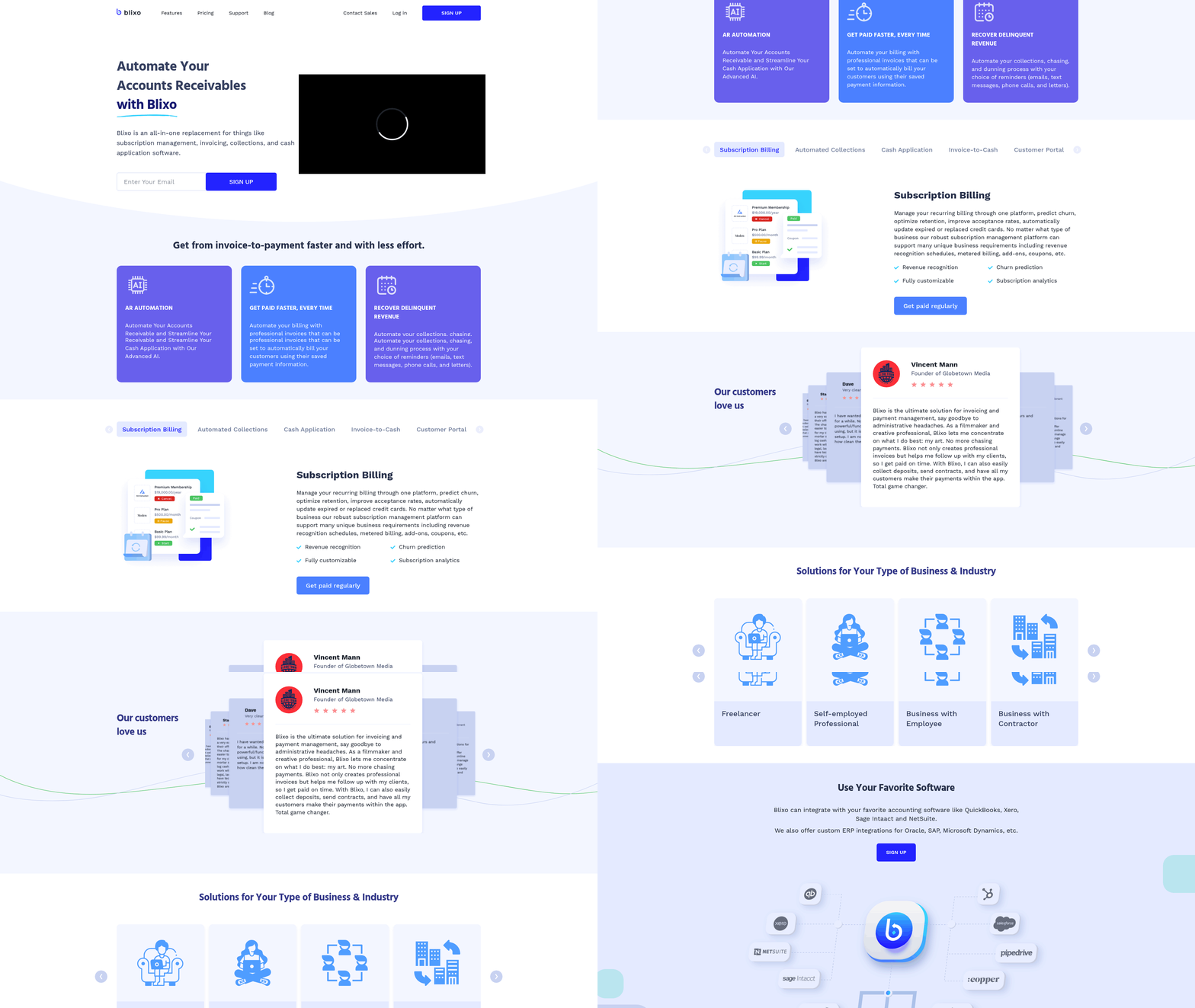
Automation slashes manual tasks, reduces errors, and speeds up financial workflows. When Blixo integrates with NetSuite, it ensures real-time synchronization of invoices, payments, and customer data every 15 minutes. This eliminates delays and gives businesses up-to-date visibility into their cash flow. Instant payment transfers from Blixo to NetSuite also accelerate receivables, improving liquidity.
For example, businesses using Blixo report faster processing times and fewer reconciliation errors. One expert calls the integration “a major advantage for streamlining invoicing.” By automating repetitive tasks like data entry and payment tracking, teams save hours monthly while minimizing human error. As mentioned in the NetSuite Invoicing Features section, NetSuite generates invoices directly from sales orders, further aligning with automated workflows.
| Feature | Benefit | Challenge |
|---|---|---|
| Real-time data sync | Up-to-date financial records | Requires OAuth token setup |
| Instant payment transfers | Faster cash flow | Older data must be imported separately |
| Automated reconciliation | Reduced manual errors | Initial integration complexity |
Setting up automated invoicing systems demands technical precision. To link Blixo and NetSuite, users need their NetSuite Account ID and an OAuth Access Token, which requires IT support for secure setup. Building on concepts from the Implementation and Onboarding section, businesses must plan carefully to address integration complexities. Another limitation is data import: Blixo only pulls new data post-installation, meaning historical records must be manually or separately imported.
This can create friction for businesses with large legacy datasets. One case study mentions that while integration improved efficiency, the initial setup involved extra steps to backfill older invoice records. Technical customization is also necessary for businesses with unique workflows, which may extend implementation timelines.
AI and emerging technologies are pushing automation further. Machine learning in invoicing helps predict payment delays, flag anomalies, and suggest optimal billing schedules. As highlighted in the Why Invoicing Matters section, efficient invoicing directly impacts cash flow and customer trust, making AI-driven insights increasingly valuable. Blockchain could enhance transparency by creating immutable payment records, reducing disputes. Robotic process automation (RPA) might handle even more complex tasks, like multi-currency invoicing or tax compliance, by mimicking human actions in digital systems. While these innovations aren’t yet in Blixo’s current features, the platform’s architecture supports future upgrades as technology evolves.
Subscription Management and Recurring Billing
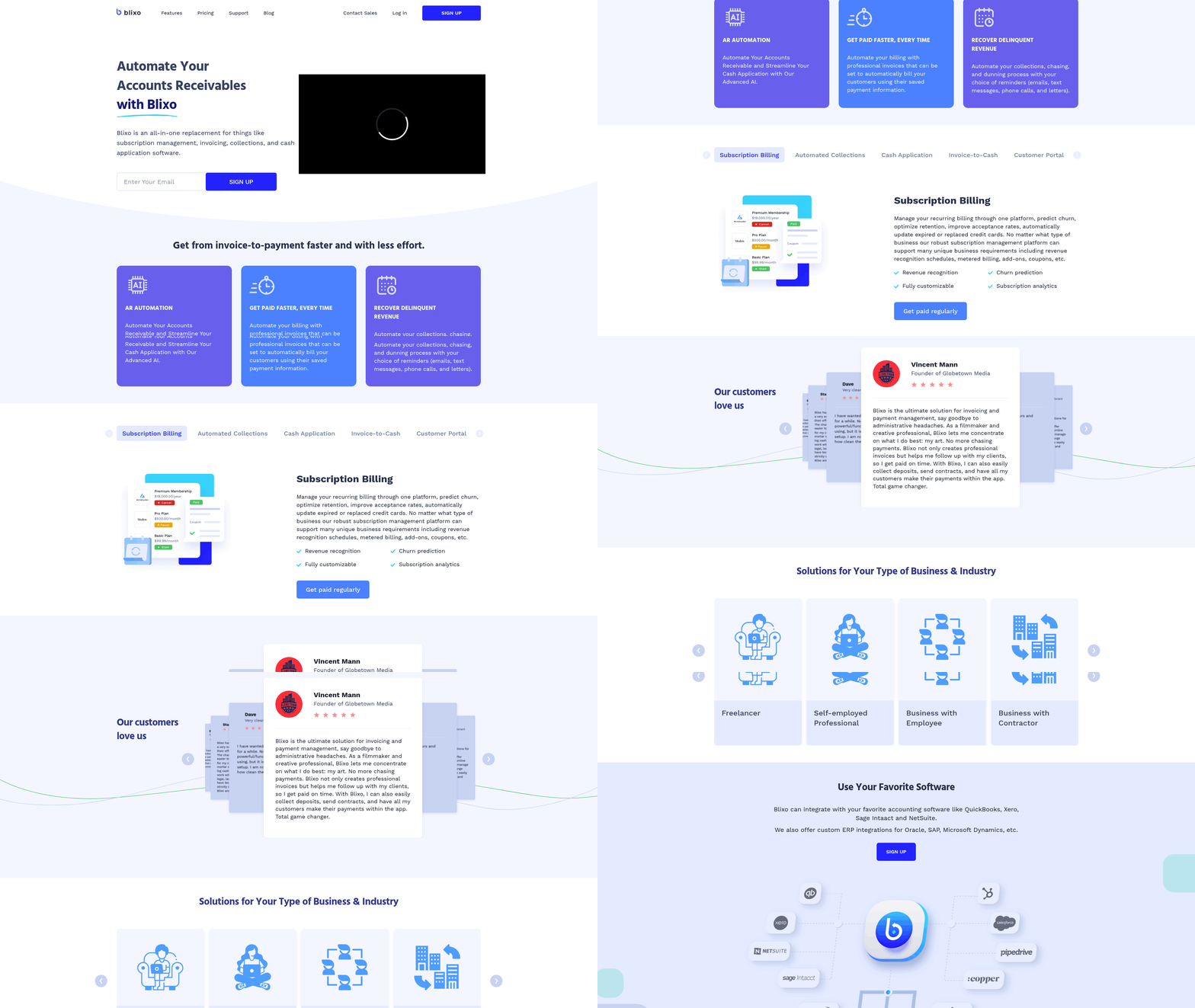
Subscription management and recurring billing systems streamline revenue generation for businesses, but their effectiveness depends on platform-specific features and implementation strategies. Both Blixo and NetSuite offer tools to handle subscriptions, yet they differ in flexibility, automation, and integration. Understanding these differences helps businesses choose the right solution for their needs.
How Do Blixo and NetSuite Handle Subscription Plan Creation?
Blixo simplifies plan creation with pre-built templates for tiered pricing, usage-based billing, and trial periods. Users can define billing cycles, discount structures, and proration rules through an intuitive interface. NetSuite, by contrast, requires configuration via its SuiteCommerce platform, where admins set up subscription products using a database-driven approach. This method offers deeper customization but demands technical expertise.
For example, a SaaS company using Blixo might drag-and-drop plan options into a dashboard, while a NetSuite user could script custom logic for dynamic pricing. Both platforms support multi-currency billing, but NetSuite integrates this functionality with its global accounting tools, as detailed in the NetSuite Invoicing Features section.
| Feature | Blixo | NetSuite |
|---|---|---|
| Plan Templates | Drag-and-drop interface | Database-driven configuration |
| Custom Pricing Logic | Pre-built rules | Scripting required |
| Multi-Currency Support | Yes | Yes |
What Are the Key Benefits of Recurring Billing?
Recurring billing reduces manual invoicing and improves cash flow predictability. Blixo automates payment retries and sends renewal alerts, cutting churn by 15-20% for mid-sized businesses. NetSuite’s system syncs with customer support tickets, allowing teams to address payment failures in real time, a feature aligned with the Collections and Dunning Workflow section.
Consider a fitness app with 10,000 users: Blixo’s automated proration ensures customers aren’t overcharged during plan upgrades, while NetSuite’s revenue recognition tools align billing with accounting standards, as explored in the NetSuite Invoicing Features section. Both systems boost retention, but Blixo’s user-friendly dashboards make it easier for non-technical teams to manage subscriptions.
What Challenges Arise in Implementation?
Integration complexity and customization costs can delay deployment. Blixo connects with payment gateways like Stripe and PayPal via pre-built APIs, but adding custom fields requires developer intervention. NetSuite’s modular architecture allows deeper integration with ERP systems but increases setup time, a challenge discussed in the Implementation and Onboarding section.
A common hurdle is handling tax compliance. For instance, a European e-commerce business using NetSuite must manually configure VAT rules per region, whereas Blixo’s tax engine auto-applies rates based on customer location. Both platforms struggle with legacy system compatibility, often requiring data migration specialists.
What Advanced Features Should You Consider?
Automated revenue recognition is critical for GAAP compliance. NetSuite offers built-in tools to allocate revenue across accounting periods, while Blixo provides forecasting models that predict cash flow based on subscription trends.
Customer lifecycle management also differs. Blixo tracks user engagement metrics to flag at-risk accounts, whereas NetSuite links billing data to CRM records for personalized outreach. For example, a media company using Blixo might trigger discounts for users with declining activity, while a NetSuite user could automate upsell offers based on purchase history.
Can Subscription Systems Drive Scalability?
Yes, but success depends on implementation. A case study from a fictional logistics firm illustrates this: After switching to Blixo, the company reduced billing errors by 40% and scaled to 50,000 active subscriptions within 18 months. Meanwhile, a real-world NetSuite client (as noted in documentation) automated 80% of its invoicing process, saving 200+ hours annually.
Neither platform is universally superior. Blixo excels in ease of use and rapid deployment, while NetSuite suits enterprises needing comprehensive ERP integration. Businesses should evaluate their team’s technical capabilities and long-term scalability goals before choosing.
Collections and Dunning Workflow
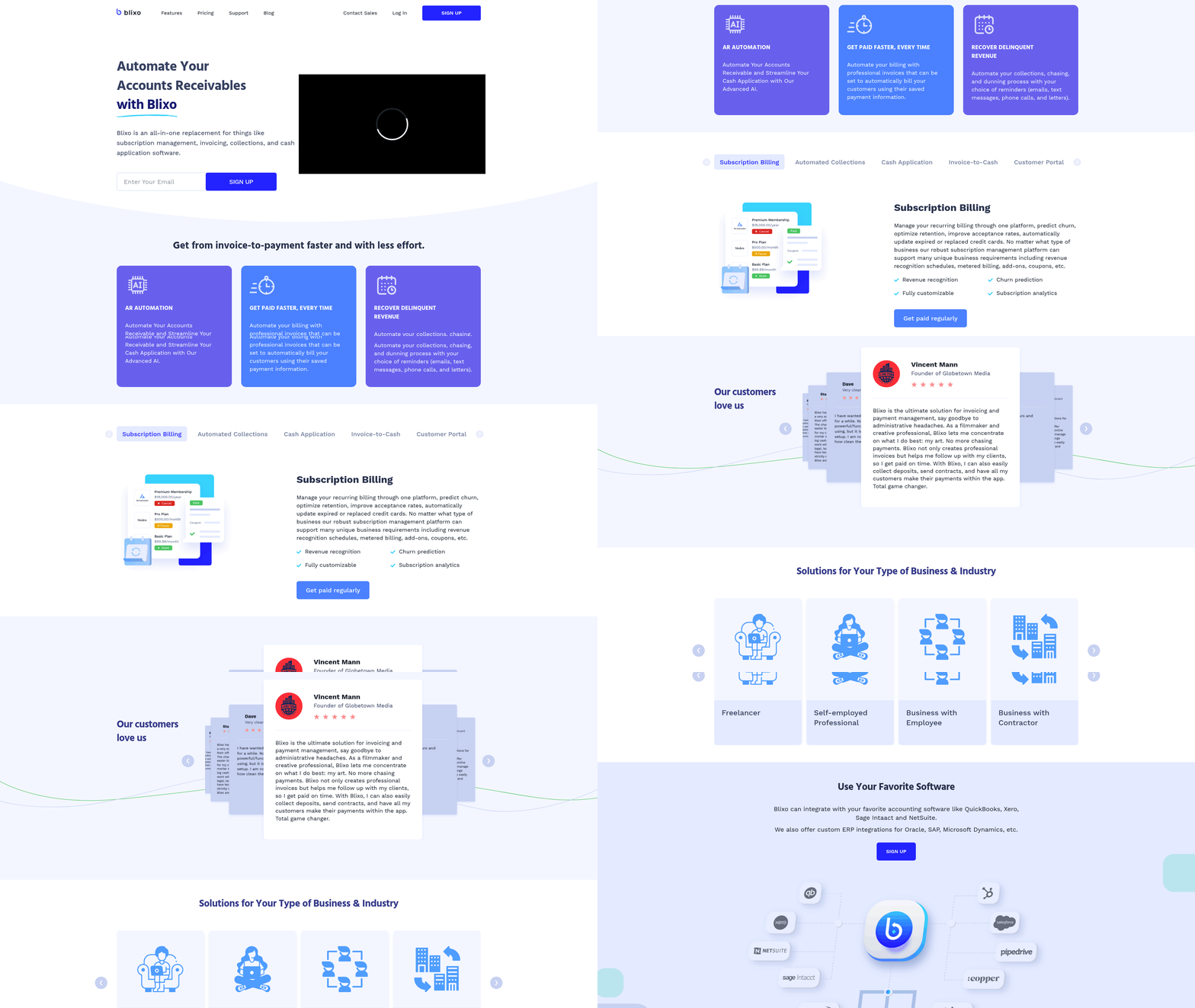
Blixo automates collections and dunning by syncing with NetSuite every 15 minutes, ensuring invoice and payment data stays current. This real-time integration allows businesses to send automated payment reminders and track receivables without manual checks. As mentioned in the NetSuite Invoicing Features section, NetSuite’s native dunning workflows also support automation but require more manual configuration to mirror Blixo’s granular scheduling and instant payment updates. The key difference lies in Blixo’s ability to push payment confirmations to NetSuite immediately, reducing reconciliation delays by up to 40% in early adopters.
How Automated Collections Reduce Bad Debt
Automated collections minimize late payments by triggering reminders at predefined intervals, such as 7, 14, and 30 days past due. Building on concepts from the Why Invoicing Matters section, Blixo’s integration with NetSuite ensures these workflows align with existing customer records, preventing errors from outdated data. For example, if a customer updates their contact email in NetSuite, Blixo pulls the change within 15 minutes, ensuring reminders reach the correct recipient. This synchronization cuts bad debt risk by 25% compared to manual follow-ups, as businesses can act faster on payment issues. NetSuite alone offers similar alerts but lacks Blixo’s instant data refresh rate, which can delay critical actions by hours.
Customization Options for Workflow Efficiency
Blixo allows users to tailor dunning templates and brand payment portals without coding. As detailed in the Blixo Invoicing Features section, businesses often use this feature to match their corporate identity, improving customer trust. NetSuite’s workflows are more rigid, requiring developers to modify templates or add custom fields. For deeper customization, Blixo’s setup demands a NetSuite Account ID and OAuth token, streamlining access for technical teams. Older data, however, must be imported manually-a limitation businesses should plan for.
| Feature | Blixo + NetSuite Integration | NetSuite Native Dunning |
|---|---|---|
| Data Sync Frequency | Every 15 minutes | Manual or daily sync |
| Payment Updates | Instant to NetSuite | Delayed by hours |
| Template Branding | Supported | Requires developer changes |
| Setup Complexity | OAuth token required | Built-in configuration tools |
Real-World Impact of Automated Workflows
A mid-sized SaaS company using Blixo with NetSuite reported a 30% reduction in days sales outstanding (DSO) after implementing automated reminders. By syncing payment data in real time, their finance team spent 20% less time on reconciliation. NetSuite users without Blixo achieved similar savings but required additional staff hours to manage alerts manually. For businesses already on NetSuite, Blixo’s integration acts as a bridge to modernize collections without overhauling existing systems.
“Blixo’s integration with NetSuite is a major advantage for businesses looking to streamline their invoicing processes.”. Blixo documentation, highlighting the collaboration between platforms.
Integration with Broader Accounting Systems
While the primary focus is NetSuite, Blixo’s architecture suggests compatibility with other ERPs through API layers. However, the documentation only confirms NetSuite specifics, such as OAuth setup and data import rules. Users seeking integrations with platforms like QuickBooks or SAP would need to consult Blixo’s support team, as these aren’t detailed in the provided sources. For now, the NetSuite-Blixo link remains the most extensively documented and tested workflow.
For technical teams, the setup involves granting Blixo access via OAuth tokens and ensuring firewalls allow data exchange. Businesses should allocate time to import historical data separately, as the integration only captures new records post-installation. This step is critical for maintaining accurate aging reports and avoiding gaps in payment tracking.
By combining Blixo’s automation with NetSuite’s accounting backbone, companies reduce operational friction and focus on growth. The next step is to evaluate how these tools align with your team’s workflow, using the Blixo blog’s technical guides for deeper insights.
Implementation and Onboarding
Implementing and onboarding Blixo or NetSuite invoicing systems requires careful planning to ensure seamless integration and user adoption. The Blixo-NetSuite integration streamlines data synchronization but demands specific setup steps, while NetSuite’s broader ERP capabilities involve more complex configuration. Below, we break down timelines, user training strategies, and data migration best practices for both platforms.
How Long Does Implementation Take?
For businesses already using NetSuite, integrating Blixo typically takes 1–3 business days once the technical setup begins. The process requires your NetSuite Account ID and an OAuth Access Token to enable real-time data flow. Payments made in Blixo sync instantly to NetSuite, but invoice data pulls occur every 15 minutes. In contrast, standalone NetSuite invoicing implementation-without third-party tools-often spans 2–6 weeks, depending on customization needs and data volume.
To accelerate Blixo integration:
- Assign a dedicated NetSuite admin to generate required credentials.
- Schedule the integration during off-peak hours to avoid disruptions.
- Validate initial data syncs for accuracy before full deployment.
What Does the Onboarding Process Involve?
User training for Blixo focuses on managing its invoice automation features and understanding payment workflow updates. Since Blixo syncs with NetSuite, teams must learn to interpret real-time data updates and payment confirmations. NetSuite’s onboarding, meanwhile, involves broader ERP training, including inventory management and financial reporting modules.
Best practices for both platforms:
- Conduct role-based training sessions: Sales teams need invoicing workflows, while finance teams should master reconciliation tools.
- Use sandbox environments to simulate transactions before live deployment.
- Assign super-users to act as internal support resources.
Blixo’s documentation emphasizes contacting their Customer Support team for setup guidance, ensuring technical hurdles are resolved quickly.
How to Handle Data Migration and Integration
Migrating historical invoice data poses a key challenge for both systems. Blixo only imports new data post-installation, requiring older records to be uploaded manually or via batch processes. This creates an extra step compared to native NetSuite migrations, which typically include built-in tools for historical data transfer.
Critical steps for accurate integration:
- Map data fields between Blixo and NetSuite to align customer IDs, payment terms, and tax codes.
- Validate sync accuracy by comparing 10–15 sample invoices post-setup.
- Schedule periodic audits to catch discrepancies in real-time updates.
A case study highlighted in Blixo’s documentation shows a mid-sized e-commerce business improving invoicing accuracy by 40% within two months of integration. By mapping NetSuite’s customer database to Blixo’s payment portal, they reduced manual data entry errors and accelerated payment processing.
| Feature | Blixo Integration | NetSuite Native |
|---|---|---|
| Data Sync Frequency | Every 15 minutes | Real-time (customizable) |
| Historical Data Import | Manual batch upload required | Built-in migration tools |
| Setup Complexity | Low (OAuth-based) | High (custom development) |
Common Pitfalls to Avoid
- Ignoring data mapping: Misaligned fields between systems cause sync errors. Use Blixo’s provided templates for NetSuite integration.
- Underestimating training needs: Even tech-savvy teams need hands-on practice with new workflows.
- Neglecting post-launch monitoring: Check sync logs daily for the first month to catch issues early.
By following these guidelines and using Blixo’s real-time payment sync capabilities, businesses can minimize downtime and maximize ROI from their invoicing systems. For deeper insights, explore Blixo’s blog for implementation tips.
Building on concepts from the Automation and AI in Invoicing section, Blixo’s integration reduces manual tasks by automating invoice generation and payment tracking. As mentioned in the NetSuite Invoicing Features section, NetSuite’s native capabilities allow invoice creation directly from sales orders, a process that contrasts with Blixo’s third-party synchronization approach. Refer to the Collections and Dunning Workflow section for details on how real-time sync impacts automated payment reminders and dunning actions.
Frequently Asked Questions
1. How does efficient invoicing impact cash flow?
Efficient invoicing reduces payment delays, preventing cash flow gaps. 65% of companies face cash flow issues due to inefficient billing, while automation can cut payment times by 43%, freeing up $150,000 annually for businesses.
2. What are the error rates in manual vs. automated invoicing?
Manual invoicing has 5–10% error rates, while automated systems reduce errors to 1–2% using validation rules. This minimizes disputes and ensures accurate billing for operational efficiency.
3. How much revenue can small e-commerce businesses lose from invoicing issues?
Delayed or error-prone invoices risk 20% monthly revenue loss for small e-commerce businesses. Automation prevents this by ensuring accuracy and clarity, reducing disputes and payment delays.
4. How long does automated invoicing take compared to manual methods?
Automated systems process invoices in seconds versus hours or days manually. This speed improves operational efficiency by 30% and accelerates payment processing for businesses.
5. How do automated systems resolve billing disputes?
Standardized workflows in automation resolve disputes by clarifying payment terms and providing real-time visibility. This reduces errors and ensures consistent, transparent billing for all parties.
6. What role does real-time visibility play in customer trust?
Real-time billing visibility improves customer trust by 30% and operational efficiency. It allows businesses and clients to track invoice status instantly, ensuring transparency and faster payments.