

Automatic Invoicing Software That Replaces Manual Billing for Small Businesses

Key Takeaways
- 39% of businesses get bogged down in paper-based AP/AR work, and 45% say they can’t see what’s outstanding. You can’t collect on what you can’t see.
- Companies that automated accounts receivable cut past-due AR by 71% and cleared payments 80% faster than manual shops.
- Most billing tools quit after sending the invoice. Chasing payment and matching deposits gets dumped back on you, which is exactly where the hours and the cash go.
- Real automation covers three weekly jobs, not one: making invoices, collecting payment, and applying cash.
- A typo in a line item or an invoice you forgot to send is money you never bill or never collect.
- Pulling data straight from job records or your accounting system kills manual-entry errors before they ever reach a customer.
- Faster collections and fewer errors can be the gap between making payroll and scrambling to cover it.
The real cost of doing invoices by hand
Manual invoicing costs small businesses real money. Paper-based AP/AR is slow, easy to get wrong, and pulls owners away from the work that actually pays the bills. Good automation fixes the whole billing cycle, not just the moment you create the invoice.
And that’s the catch. Most tools stop at sending the invoice. They leave you to chase payment and match deposits by hand. That gap is where small businesses lose time and cash.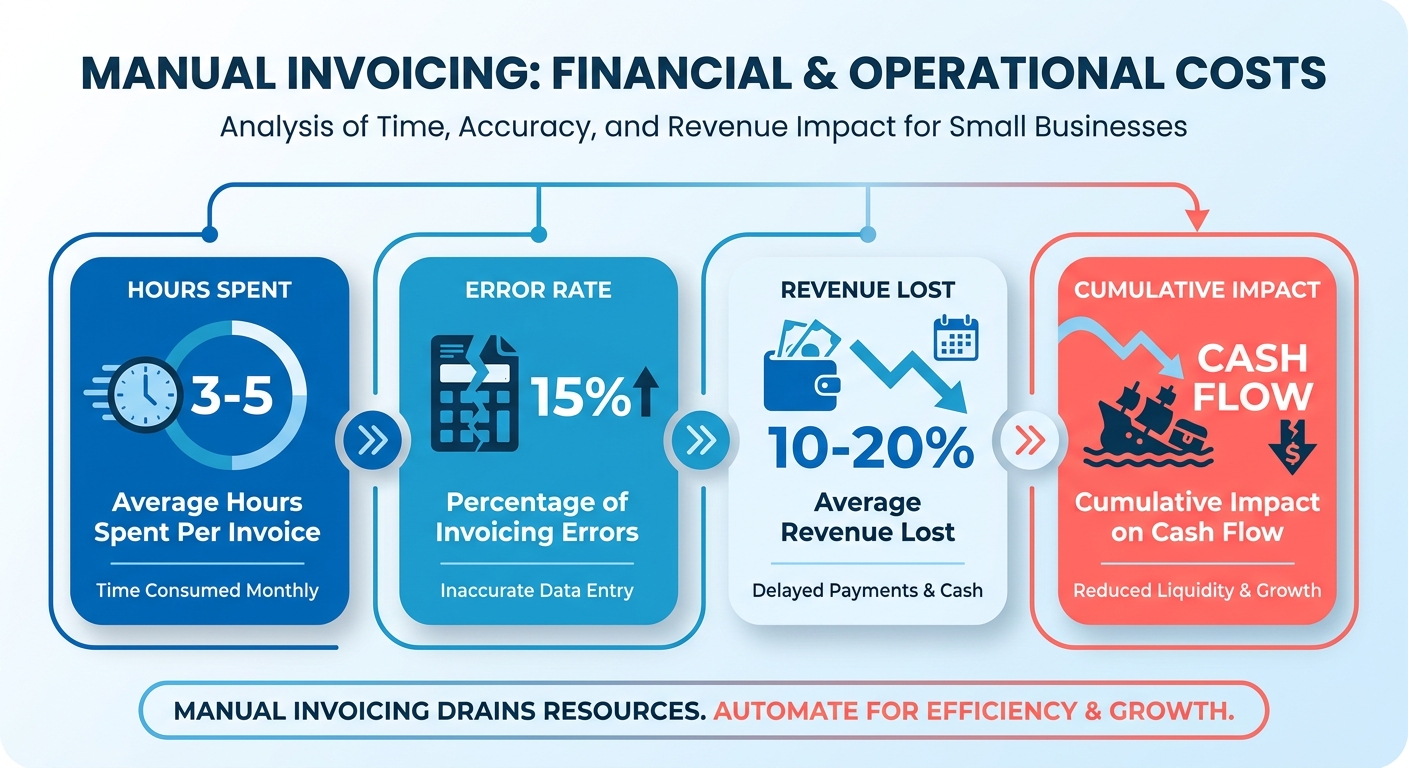
What manual invoicing actually costs
Start with the time. An Aberdeen Group survey found 39% of businesses struggled with paper-based AP/AR processes, and 45% cited a lack of visibility as a major issue. When you can’t see what’s outstanding, you can’t collect on it.
The money side is measurable too. Organizations with automated accounts receivable saw 71% lower past-due AR and 80% faster payment clearing times. That’s not a tidy little efficiency gain. That’s making payroll versus scrambling.
Then there’s the slow leak. Every typo in a line item, every invoice that never went out, is money you don’t bill or don’t collect. Automation removes those errors at the source by syncing data straight from your job records or accounting system, before anything reaches the customer.
The three tasks automation should take off your plate
Automation handles the three jobs that eat your week: creating invoices, collecting payment, and applying cash. Most billing tools do the first one well. The real wins come from the next two.
What actually gets solved:
- Admin overload: Recurring billing and automatic invoice generation cut hours of repetitive data entry.
- Slow collections: Automated reminders chase overdue invoices for you, so you stop writing awkward follow-up emails.
- Faster clearing: Businesses pairing invoice reminders with payment automation get paid about 4 days faster on average.
- No more tool juggling: When invoicing, payments, and cash application live in one place, you stop reconciling across three separate apps.
One CEO put it bluntly about the invoicing tool his firm uses:
“There’s easily hundreds of hours of administration that have essentially been automated away.” - Benjamin Durham-Kilcullen, CEO of Kilcullen Technologies
Who gets the most out of it
Service businesses, e-commerce sellers, and field teams gain the most. Anyone billing repeat customers or sending invoices on a schedule recovers the biggest chunk of time.
Service businesses live off recurring billing. A dog-care owner in Toronto described setting invoices to go out bi-weekly and getting hours back. Set it once, and the system bills clients without you touching it.
Field service teams see the fastest, most concrete gains. JL Minter Inc., a contracting company, cut its billing time by 73% after tying invoicing to job completion. Technicians invoice on-site the moment work wraps, so payment doesn’t wait for someone to drive back to the office.
E-commerce and international sellers need multi-currency support and several payment methods to collect cleanly across borders. Automated cash application then matches each incoming payment to the right invoice without manual reconciliation.
The common thread is collections. Creating invoices fast means little if payment still drags. Automating the full cycle, invoice to reminder to applied payment, is the stage most small businesses skip, and the one that actually protects cash flow.
What “automatic” actually means end to end
Automatic invoicing software runs the entire billing cycle without manual touchpoints. It generates the invoice, sends it, follows up on payment, and matches the deposit back to the right customer. The full loop is the point. Most tools stop after sending and leave you to chase money and reconcile by hand.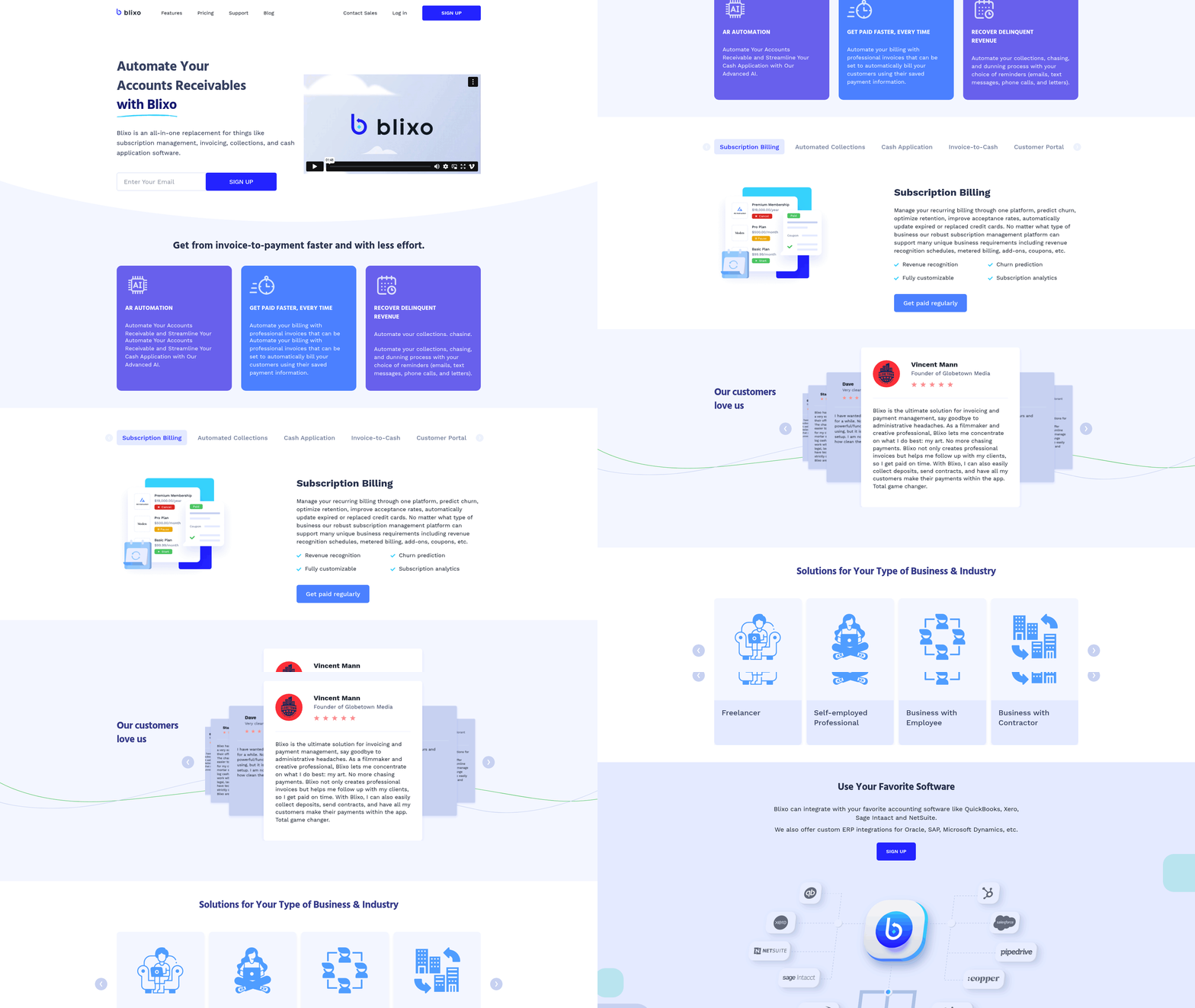
The full loop, start to finish
End-to-end automatic invoicing means one connected flow: invoice creation, delivery, payment collection, and cash application. You set the rules once, then the system runs them.
It starts with generation. Recurring invoices fire on schedule, and one-off bills pull from billable hours, projects, or estimates. QuickBooks, for instance, lets you drop in your logo and colors so each invoice carries your brand.
Then delivery and payment. Customers can pay by credit card, ACH, PayPal, Venmo, or Apple Pay, which strips out friction and gets cash in faster.
Then follow-up. Automated reminders nudge late payers without you lifting a finger, and real-time alerts tell you the moment an invoice is viewed or paid.
Where the collections gap gets closed
Collections and cash application is where small businesses bleed time. Smart invoicing automates the follow-up, then matches incoming payments to open invoices on its own, so your books stay current without manual reconciliation.
AI-powered cash application reads a deposit and links it to the correct customer and invoice. That kills the spreadsheet-matching work that usually eats hours each week, and it kills the need to run one tool for billing and another for collections.
Real-time status tracking ties it together. You see what’s outstanding, what’s paid, and what needs a nudge, all in one view. That visibility is exactly what manual billing can’t give you.
Cloud vs. on-premise
Two main models exist. Cloud-based tools run in your browser and update themselves. On-premise software installs on your own servers and stays under your direct control.
Most small businesses pick cloud-based. It scales with invoice volume and integrates with the rest of your stack. CNBC Select makes the same point: choose software that connects to your other business tools so you cut down on manual entry.
Volume and reach push the decision too. A lean shop might run fine on a free plan capped at 1,000 invoices per year. International sellers lean toward platforms that process payments in 135+ currencies.
A design studio billing 30 retainer clients each month is the clean example. Recurring invoices send on the first, reminders chase the stragglers, and cash application matches each payment as it lands. The owner checks one dashboard instead of three.
How your payment data stays protected
Reputable platforms secure payment data through encrypted online processing. When a customer pays by card or ACH, the transaction runs through protected payment rails, not somebody’s inbox.
Cloud tools also centralize your records, so sensitive data sits in one controlled system instead of scattered across spreadsheets and email threads. Less scatter, less exposure.
For a deeper look at automation-first tools, the best invoice automation software guide breaks down the options worth testing.
The features that actually matter
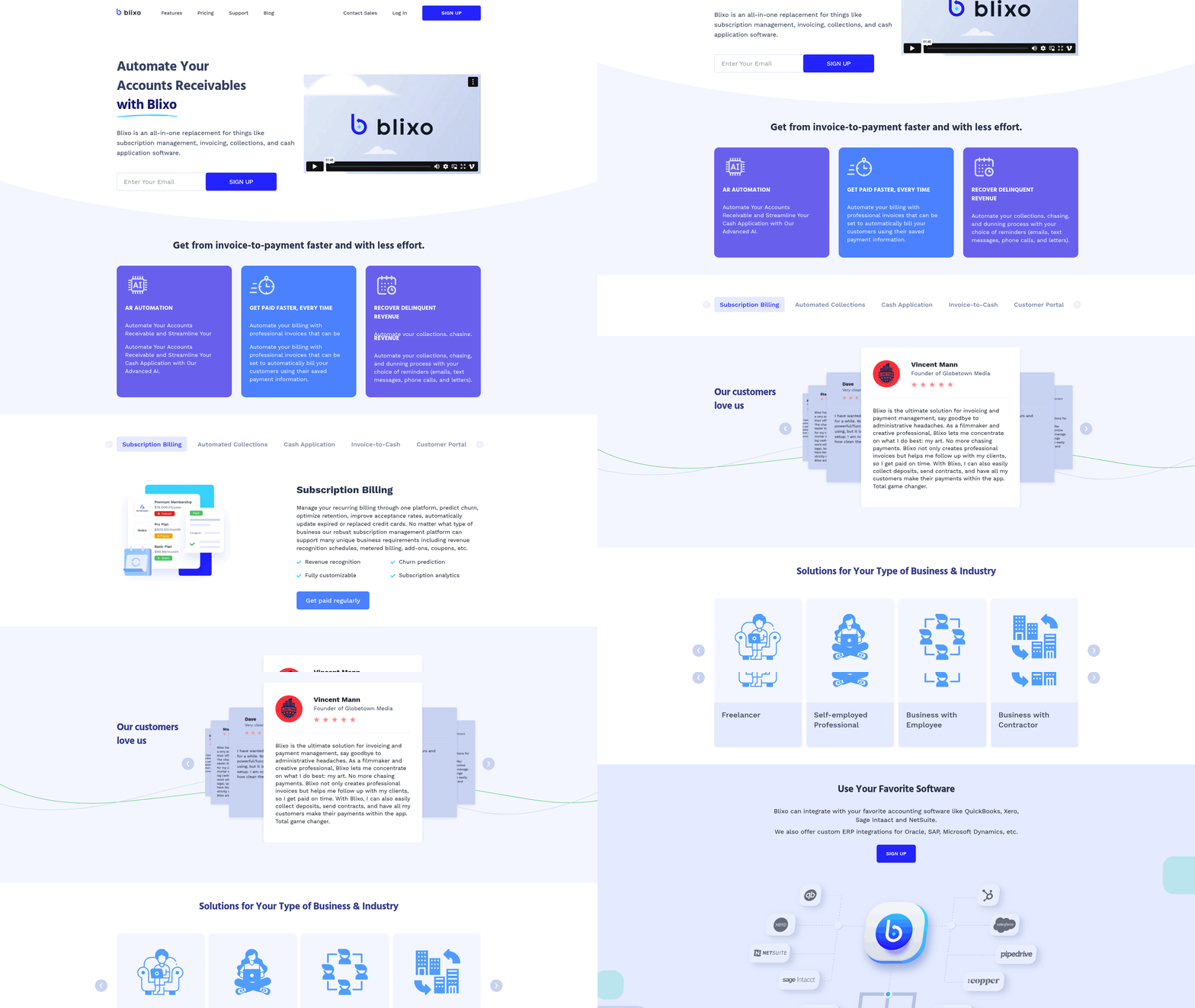
The best automatic invoicing software does four things without you touching it: generates invoices on schedule, collects payment, follows up on late accounts, and applies cash back to the right customer. Most tools nail the first and abandon you on the rest. Here’s what to demand before you commit.
The two features that replace real work
Recurring invoice generation and automated collections are what separate real automation from a fancy template maker. Recurring billing fires invoices on a set schedule. Automated collections chase the overdue ones, so you stop sending “just checking in” emails.
The collections half matters more for cash flow. Look for tiered reminder schedules you set once: a nudge three days before the due date, a notice on the day, an escalating follow-up each week after. A good system also attaches an auto-pay link to every reminder, so a client can clear the balance in one click. Skip any tool that makes you remember to nudge clients yourself.
You also want multiple payment methods built in. Credit cards, ACH, PayPal, Venmo, Apple Pay. The more ways a client can pay, the fewer excuses for a late check.
Why accounting integration is non-negotiable
Integration kills double data entry. When invoicing connects to your accounting system, every invoice, payment, and deposit syncs on its own. No re-keying, no mismatched numbers.
This is the part that completes the loop. Cyril H. Mayes, an ERP business process specialist, makes the case that financial integration is what optimizes cash management for small businesses. Without it, you’re back to matching deposits by hand, which is the exact manual work you were trying to escape.
The payoff shows up at reconciliation. When deposits auto-match to open invoices, month-end close stops being a two-day hunt for stray transactions. Teams that sync invoicing with their ledger often drop reconciliation from hours to minutes, because the software flags only the exceptions instead of forcing a line-by-line review.
For field-based businesses, integration goes further. Tools that connect to job tracking let a technician generate an invoice the second a job wraps. A regional HVAC outfit that tied billing to its dispatch app now sends invoices before the van leaves the driveway. Same-day service becomes same-day billing, and faster billing means faster cash.
Client portals and keeping data safe
A self-service portal lets customers view, download, and pay invoices on their own. A branded portal puts your logo on the experience and ends the back-and-forth of resending lost invoices. Clients pay when it’s convenient, which usually means sooner.
Branding matters here too. Your logo and colors keep invoices looking professional and the portal consistent with your business. One popular free tool is used by over 200,000 businesses, partly for its branded portal and customizable templates.
On security, your invoicing software is holding bank details and payment data, so it has to protect them. Look for tax-compliant invoicing, real-time payment alerts, and synced financial records that leave a clean audit trail. If a tool can’t keep your AR data accurate and visible, it can’t be trusted with your cash application either.
The best automatic invoicing software, compared
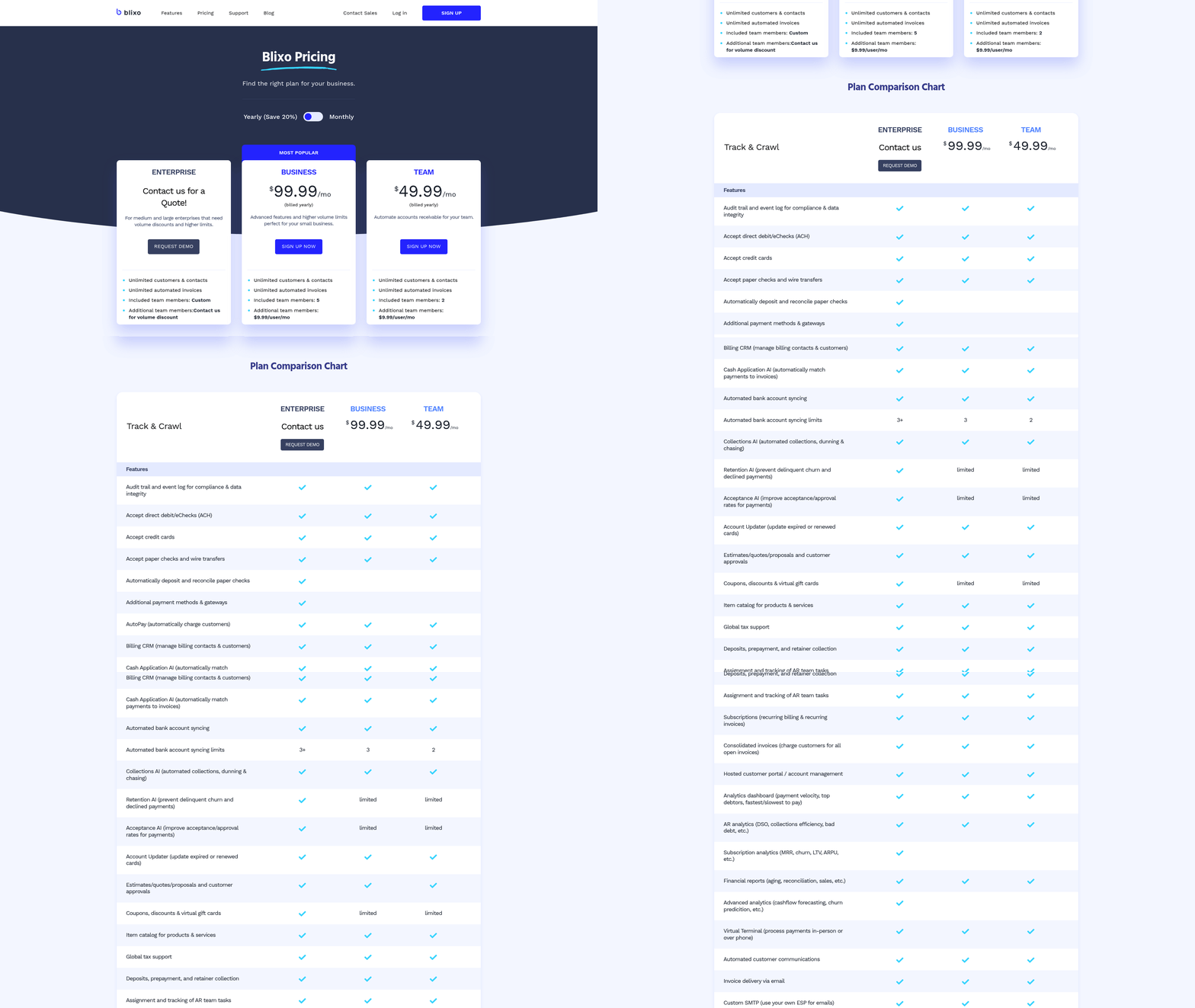
Most invoicing tools handle creation and delivery well. Few close the loop on collections and cash application. That gap is the real test when you compare options, because chasing payments and matching deposits still bleed hours after the easy part is automated.
What’s actually out there
The strongest options fall into a few camps: free tools for solopreneurs, accounting-integrated platforms for growing teams, and high-volume billing engines for complex needs. They all automate invoice creation. They differ sharply on what happens after the invoice goes out.
Free tools work for low-volume billing. One web-based option supports recurring billing and several payment methods including Apple Pay, and clears card payments in as fast as 2 business days. An open-source alternative serves over 200,000 businesses on a free-forever plan with recurring billing and a branded client portal.
For growing teams, accounting-integrated platforms add reporting and real-time payment status. One popular option holds a 4.0-star rating across nearly 3,000 G2 reviews. Subscription-heavy businesses favor usage-based billing here; one SaaS company reported recovering $30,000 in missed renewals after switching on automated dunning.
For higher volume or international clients, dedicated billing engines support 135+ currencies and tax-compliant invoices, with free tiers that handle up to 1,000 invoices per year.
How they stack up
| Tool Type | Recurring Invoices | Automated Reminders | Cash Application | Payment Methods | Best For |
|---|---|---|---|---|---|
| Free web-based tool | Yes | Yes | Manual | Card, ACH, Apple Pay | Freelancers, solopreneurs |
| Open-source platform | Yes | Yes | Manual | Stripe, PayPal, Square | Teams wanting full control |
| Accounting-integrated | Yes | Yes | Partial | Card, ACH, PayPal, Venmo | Growing small businesses |
| High-volume engine | Yes | Yes | Limited | 135+ currencies | International sellers |
| End-to-end automation (Blixo) | Yes | Yes | Automated | Card, ACH | Replacing manual billing fully |
The column that matters most is cash application. Most tools mark it “manual” or “partial,” which means you still log in, find the deposit, and match it by hand. Blixo closes that gap by automating collections and reconciliation alongside invoicing, so you stop running a separate billing tool and a separate follow-up process.
What to weigh before you switch
Match the tool to how you bill today, not how you wish you billed. A solopreneur sending a handful of invoices doesn’t need a high-volume engine. A team with mixed billing types needs event triggers, not just scheduling.
Watch three things: scalability, so you don’t rebuild your stack when volume grows; security, since you’re handling payment data; and accounting integration, which kills duplicate data entry.
Expect setup to take a few hours to a day for a free tool, and the difficulty to stay low if you’re coming off spreadsheets. The payoff lands fast. Automation can pull invoice error rates under 1%, and the time it claws back is real. The deciding question never changes: does the tool collect and reconcile for you, or just send the bill?
Frequently Asked Questions
1. Can I switch invoicing software without losing my historical billing data?
Most cloud-based invoicing platforms let you import historical records through CSV files or direct accounting integrations during onboarding. Migration from spreadsheets typically takes a few hours to a full day. Connecting to your existing accounting system preserves past invoices, payment history, and customer details so your audit trail stays intact.
2. Will automated payment reminders annoy my clients or damage relationships?
Properly configured reminders strengthen relationships by removing awkward manual follow-ups. Set tiered schedules with professional, neutral messaging, such as a friendly nudge three days before the due date and escalating notices afterward. Attaching a one-click pay link makes reminders feel helpful rather than pushy, since clients can settle instantly.
3. What happens when a customer overpays or partially pays an invoice?
AI-powered cash application reads each deposit and links it to the correct invoice, flagging partial or excess payments as exceptions for your review. Instead of matching every transaction manually, you only handle the discrepancies the system can’t resolve, cutting reconciliation from hours to minutes each billing cycle.
4. Do I need a separate payment processor, or is it built into the software?
Most automatic invoicing platforms include built-in payment processing through encrypted rails, accepting credit cards, ACH, PayPal, Venmo, and Apple Pay directly. Transactions run through protected payment systems rather than your inbox. Card payments often clear in as fast as two business days, removing the need for a separate processor.
5. Is automatic invoicing worth it for a business sending only a few invoices a month?
Low-volume billers benefit from free-tier tools that handle recurring invoices and reminders without monthly fees. A solopreneur sending a handful of invoices avoids high-volume engines entirely. Even at small scale, automation cuts error rates below 1% and recovers time spent chasing payments and matching deposits manually.
6. How does automatic invoicing handle international clients and multiple currencies?
Dedicated billing engines support payments in over 135 currencies with tax-compliant invoicing for cross-border sales. Automated cash application matches incoming foreign payments to the correct invoice without manual reconciliation. E-commerce and international sellers should prioritize platforms offering multiple payment methods to collect cleanly across different regions and banking systems.
7. What’s the difference between cloud-based and on-premise invoicing software?
Cloud-based tools run in your browser, update automatically, and scale with invoice volume, making them the standard choice for most small businesses. On-premise software installs on your own servers and stays under direct internal control, suiting organizations with strict data-control requirements but demanding more maintenance and IT resources.