

Lockstep Collect Workflow: A Cloud Invoice Process for Billing, Collections, and Cash Posting

Why a connected collect workflow beats a stack of spreadsheets
Pull scattered spreadsheets, email chases, and manual bank matching into one connected invoice-to-cash process and the whole thing starts to breathe. That matters because late B2B payments are a steady drag on cash flow, whatever you’re selling. Cash stuck in receivables is cash you can’t use, so you may borrow to cover payroll, delay a hire, and forecast with limited visibility.
The payoff tends to show up fast. Many businesses find that automating invoicing and payments helps them get paid faster, and automated collections can speed recovery of delinquent revenue on top of that. A tighter invoice-to-cash process isn’t a nice-to-have. It’s the line between predictable cash and a month-end scramble.
Why does manual collections drag your team down?
Manual AR can break at scale. As a simplified example, if you assume a 3% first-attempt failure rate, a 500-invoice month creates 15 payments to chase. At 5,000 invoices, the same rate creates 150 follow-ups—enough to bury a small team. The numbers are hypothetical, but the pattern is not.
Here’s the quieter cost. Some failed payments clear on a later automatic retry. Without retry logic, those recoverable dollars can land in a manual queue where some never get touched again. You’re not necessarily losing bad accounts. You may be losing money you already earned.
What does a connected collect workflow actually cover?
The full cycle runs six linked stages. Automate two and leave the rest manual, and you may have moved the bottleneck downstream. The table maps each stage to what automation can change.
| Workflow stage | What it handles | Automation impact |
|---|---|---|
| Invoice generation | Rating billing events, creating the invoice | Can reduce analyst review; failures here often trace to contract or usage data issues rather than the platform |
| Invoice delivery | Sending via the customer’s preferred channel | An invoice sent but not received won’t get paid on time; delivery confirmation can close that gap |
| Customer portal | Self-serve payment options | Frictionless ACH, card, and wallet options can speed payment |
| Automated dunning | Overdue follow-up by segment | Templates can be drafted per account tier, so outreach can scale without more headcount |
| AI cash-application | Matching payments to open invoices | A configured matching engine can clear routine payments and route exceptions to human approval |
| Posting & reconciliation | Recording earned revenue to the ledger | Keeps the AR aging report more accurate and close-ready |
One way to make the routine-versus-exception model explicit is to set a target split for cash application. For example, if a platform is configured for a 90% routine-match target, the remaining 10% still becomes review work: 50 exceptions at 500 invoices, 500 exceptions at 5,000. That means the exception queue design matters as much as the automation rate.
How does automation keep the personal touch?
This is where a human-centered model gets structural instead of sentimental. A configured matching engine can clear routine matching and posting, and it may improve over time as your team corrects exceptions. That leaves the exception queue for people who apply judgment to disputes, credit calls, and relationship-sensitive accounts.
Segmentation makes it sharper. A large enterprise account and a small self-serve customer need different tones. When dunning is drafted by segment, personalization can hold up as volume climbs instead of degrading. Your team spends its hours on relationships, not data entry.
One caveat is worth saying plainly: don’t try to automate all six stages at once. Start where friction is highest, then build toward full-cycle coverage so a fixed stage doesn’t just relocate the jam. A phased rollout keeps the risk lower while you get there.
Quick Answers
- Manual follow-up may look manageable at low invoice volume, but the same failure pattern becomes unwieldy once billing scales.
- Retry logic is valuable because it catches recoverable payments before they turn into collector tasks.
- The collect cycle needs to connect invoice creation, delivery, payment, follow-up, cash application, and ledger posting.
- A routine-versus-exception split matters because even a small exception share scales with invoice volume. For example, a 10% exception share at 5,000 invoices is 500 review items.
Designing the end-to-end collect workflow
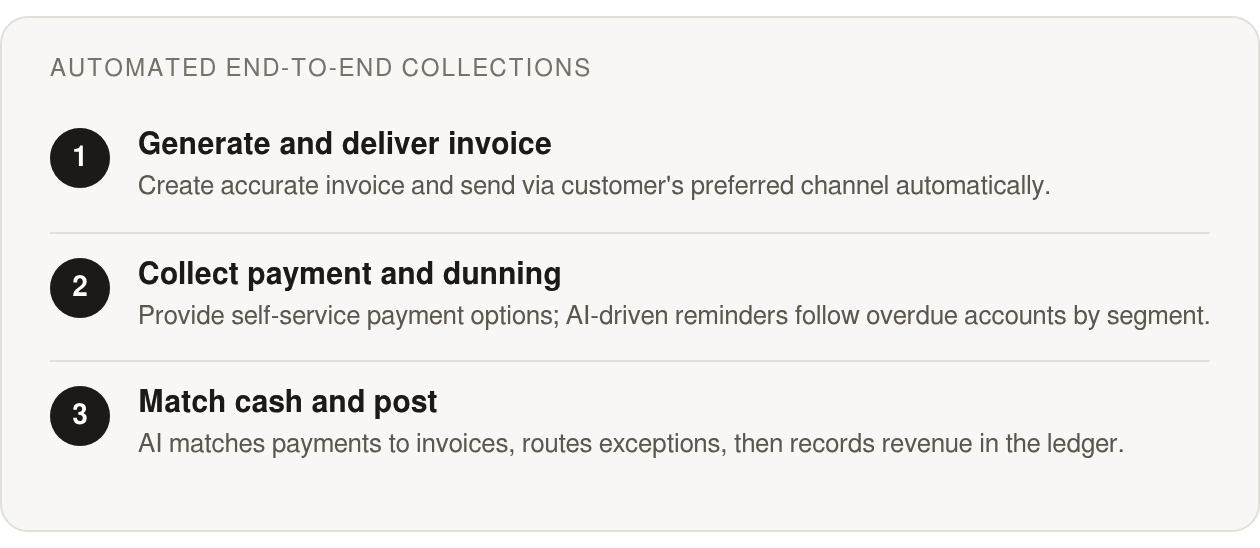
A connected collect workflow runs as one chain: invoice generation, delivery, payment collection, cash application, dunning, and posting to the ledger. Miss the link between any two steps and you get a manual hand-off. That hand-off is exactly where cash can get stuck.
A well-designed invoice-to-cash process closes those gaps by making each step trigger the next. What you get is a cleaner operating rhythm: fewer status checks, fewer spreadsheet reconciliations, and less time wondering whether the invoice, reminder, payment, or posting is still waiting on someone. Here’s how each stage can feed the one after it.
Invoice rules set the pace for everything downstream
The first stage should produce a correct invoice when a billing trigger fires. Your rules live here: due dates, payment terms, early-pay discounts, and the right currency and language for each region.
The most common failure at this stage often isn’t the software; it’s the data. A wrong rate may trace back to a contract term that never synced from the CRM, a malformed usage event, or a pricing rule nobody updated after an amendment. Fix the data flows first, then trust the automation.
Delivery should be configured to fire right after generation, through the channel each customer actually uses: email, a customer portal, EDI, or the structured format their accounts payable system demands. A PDF that fails their AP format can sit in a queue, unpaid. An invoice that was sent but not received is a payment that may not arrive on time, and delivery is usually where the first real time savings show up.
AI triages the overdue pile before your team touches it
Once invoices are out, machine learning can be configured to score which accounts are likely to slip and forecast recovery on overdue balances. That can help prioritize follow-up instead of a collector guessing which account to call first.
Cadence matters because failed payments aren’t all equal. Some need a simple system-led retry. Others point to expired credentials, a customer-side approval delay, or a dispute that should pause normal escalation.
This is where the human-centered part lives. Dunning can be segmented by account risk and history. A customer who pays late every quarter may need a firmer, earlier nudge than one who slipped once in three years. Templates can be tuned to each segment, so personalization can scale as volume rises instead of thinning out. Your team writes fewer reminders and handles more relationships.
Intelligent matching defines who does what
Cash application keeps your aging report honest. When a payment lands, it gets matched to the open invoice and the balance updates.
A well-configured matching engine can clear routine payments without asking a person to inspect every remittance line. The remaining slice routes to a review queue where someone can read the context: partial payments, deduction claims, missing references, or customer notes that don’t fit a simple rule. That division of labor is what makes automation useful instead of blunt.
Posting rules then push the entry to your ERP or general ledger. Rollout discipline matters here too. Choose the part of the workflow causing the most delay, stabilize it, then connect the next hand-off before the old bottleneck reappears elsewhere.
Intelligent collections and AI-powered dunning
The logic that decides who to chase, when, and how is where a connected invoice-to-cash process earns its keep. Automating delivery and payment collection can speed things up. The bigger gain may come from using receivable data to rank the work, so nobody burns a morning calling accounts that were always going to pay on time.
Late payments are a fact any invoice-to-cash process has to plan around. We don’t treat every overdue balance the same, and neither should your system. The goal is to recover cash faster while keeping the customer experience calm and personal.
AI scores which invoices will slip before they do
Collections-focused machine learning models can assess at-risk payments and forecast which overdue accounts are likely to recover. They can read payment history, account behavior, and aging patterns, then rank the queue so your team starts where the risk is highest.
This is prioritization, not a crystal ball. Prescriptive analytics can flag deductions likely to be invalid, and predictive models trained on past behavior can spot accounts that tend to drift. Some platforms’ matching engines may also improve from operational feedback: the corrections your team makes become signals that help future matching reflect your remittance patterns.
High-accuracy matching splits routine from relationship
A matching engine can be configured to deliver high match rates at the envelope and item level, matching payments and balances to invoices and routing the rest to an approval workflow. That routing decision is where the workflow protects both speed and accuracy.
One way to make this operating model explicit is a routine-versus-exception split. For example, if a platform is configured for a 90% routine-match target on cash application, the remaining 10% still creates review work: 50 exceptions at 500 invoices, 500 exceptions at 5,000. The review queue has to be designed for that scale, not treated as leftover noise.
The practical benefit is simple: collectors aren’t asked to behave like data-entry clerks. They can focus on disputed charges, partial payments, payment-plan conversations, and accounts where a call will do more good than another automated note. The platform can handle repetition; the team handles judgment.
Personalized dunning that scales as volume rises
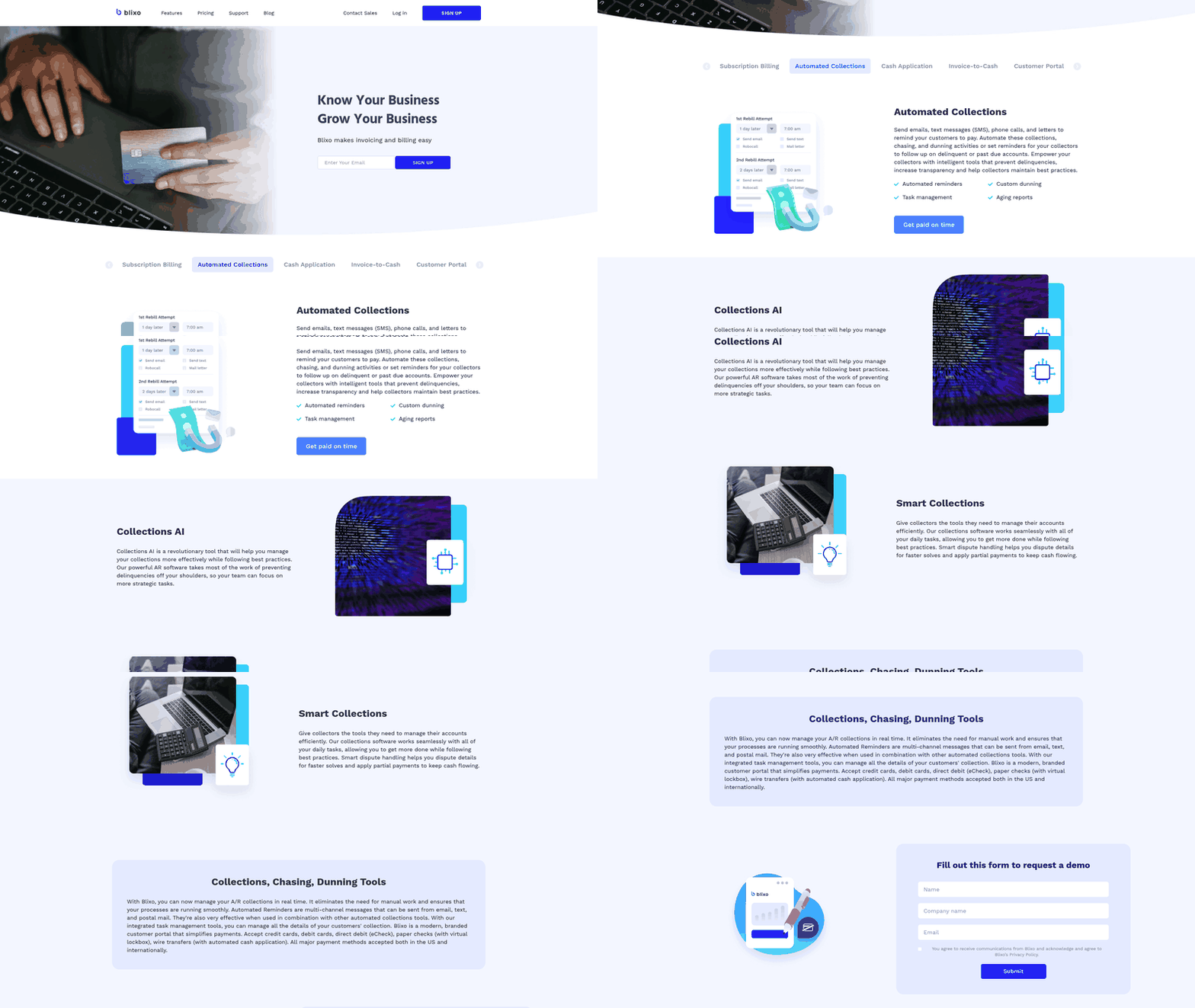
Tone should match the account. A first reminder to a long-standing customer with a clean record should read differently from the third notice to an account that is chronically past due. Platforms like Blixo can be configured to automate collections, chasing, and dunning across email, text, phone, and letters, with custom dunning so outreach can read like a person wrote it even at higher volume.
That changes the usual scaling problem. More invoices don’t have to mean rougher outreach or more exhausted collectors. Segment your customers, set escalation rules per tier, and add pause conditions so open disputes don’t get routine payment nudges. A reminder that ignores an active complaint is the fastest way to make automation feel careless.
One caution worth stating plainly: automated outreach still has to respect consent and communication rules like GDPR and CAN-SPAM. Build unsubscribe handling and contact preferences into your templates from the start.
The potential payoff is real. Automated reminders and follow-ups can help recover delinquent revenue and speed cash flow while keeping outreach personal.
AI-driven cash application and automatic posting
Cash application is where payment meets invoice. A wire lands, and something has to decide which open balance it clears. Do it by hand and collected payments can sit marked open on your aging report, which can trigger follow-up on invoices customers already paid. Nothing annoys a good customer faster than a reminder for a bill they settled last week.
This is the stage where an invoice-to-cash process stops feeling like plumbing and starts protecting the relationship. Modern matching engines can read remittance data the way an experienced clerk would, only faster and at scale. They can handle messy inputs that break manual work: fragmented remittance, virtual card payments, and references buried in email.
How does AI actually match a payment to an invoice?
The engine can work on three inputs. OCR pulls numbers off check stubs and remittance PDFs. Reference-code parsing reads invoice IDs out of payment memos and bank files. Fuzzy matching handles the near-misses, like a payment that’s a few dollars short or a customer who paid two invoices with one lump sum.
A solid matching engine can confidently clear many incoming payments on its own. Whatever it can’t match with confidence gets routed to a review queue instead of forced into a wrong entry, and as your team edits those exceptions the system can learn and match better next time.

The important safeguard is confidence. The system shouldn’t guess its way into the ledger just to push its automation rate higher. Good cash application knows when a match is clean, when the evidence is weak, and when a human should decide.
What happens to short-pays and unapplied cash?
Exceptions are where cash quietly gets stuck, so configure them before go-live. Route short-pays to a queue tied to your deduction rules so each one lands with an owner and a reason code instead of drifting into a catch-all account nobody reviews.
Set tolerance thresholds so tiny variances auto-clear and real discrepancies escalate to a person. Percentage-based bands tend to work better than flat dollar limits, since a variance that’s noise on a large account can be a genuine dispute on a small one. Prescriptive analytics can rank deductions by how likely they are to be invalid, so your team chases the ones worth chasing. Unapplied cash needs an aging clock too. Money received but not matched is still a customer waiting for confirmation.
Why real-time posting beats period-end cleanup
Once a payment matches, it should post to the general ledger on its own. Wait until close and your AR balance is wrong every day in between, and forecasting off a stale aging report is guessing with extra steps.
Build revenue recognition into the workflow from day one. Every invoice that closes without a RevRec entry can create a reconciliation liability that compounds until someone untangles it at quarter-end. Real-time posting keeps the ledger current, so cash-flow projections reflect what actually landed today.
The payoff can show up in headcount you didn’t add. If automation absorbs rising payment volume, your people can spend more time on accounts that need a human and less on data entry.
Real-time cash-flow forecasting and KPI dashboards
Every stage of the collect workflow throws off data as it runs: invoice sent, payment received, cash matched, dunning fired. Feed that stream into a live model and you stop forecasting cash from last month’s stale export. A connected invoice-to-cash process can turn each event into a signal your dashboard reads in near real time.
That shift matters because slow or inconsistent customer payments quietly drain cash flow, and delayed payments can raise borrowing costs or restrict operational flexibility. When you can see which accounts are slipping today, not at month-end close, you can act while the money is still recoverable. Real-time visibility is what helps finance leaders forecast with some confidence instead of guessing.
DSO tells you speed, CEI tells you skill
The two headline collections metrics measure different things, and confusing them hides problems. Days Sales Outstanding tracks how long cash sits in receivables. What counts as a healthy DSO varies by sector and payment terms, so read it against your own trend rather than a single fixed target.
DSO has a blind spot. It reacts to sales volume, so a sales surge can make collections look worse even when your team is doing everything right. The Collection Effectiveness Index accounts for new receivables added during the measurement window. A higher CEI generally signals stronger collection performance.
So which goes on the executive dashboard? Both. Days-to-pay and DSO are intuitive and show improvement clearly. CEI is the more honest measure of whether your team is actually collecting well versus riding a slow sales quarter. Show DSO for the trend line, CEI to isolate effort.
Match rate is a forecast input, not just a back-office stat
Match rate belongs on the dashboard because it directly governs forecast reliability. Some platforms can be configured to pursue high match rates at the envelope and item level from multiple sources, but the dashboard should track the actual rate your workflow achieves. When payments auto-match, open receivables can update promptly, so the aging report your forecast reads is closer to current.
Watch the forecast variance metric alongside it. When predicted inflows and actual inflows drift apart, the gap often traces back to unapplied cash or a segment behaving differently than the model expects. Track variance weekly and you can catch model drift before it misleads a hiring or spending decision.
Where automation ends and the human touch begins
The dashboard should make the machine-to-human handoff visible. Show the routine work being cleared automatically, but also show the exceptions by age, owner, value, and reason. If those queues grow, the workflow is telling you where policy, data quality, or customer behavior needs attention.
The same idea applies to outreach. Predictive scoring can help identify accounts that deserve attention first, but the team still needs context before contacting a customer. A good KPI view doesn’t just count reminders sent. It shows whether those reminders produced cash, resolved confusion, or created disputes that need a different approach.
Security, compliance, and data privacy
Every automated workflow that touches customer money and personal data raises the same question: is it safe? An invoice-to-cash process moves invoices, payment details, and contact records through several systems, so the security bar has to be high before you let it run collections on autopilot.
We treat this as part of the customer experience, not a separate IT chore. A calm, personal collections flow falls apart the moment a customer worries their card data or contact details are exposed. Protecting that trust is the whole point of building security into an invoice-to-cash process from day one.
What certifications should the platform hold?
Start with independent audits. SOC 2 and ISO 27001 are two common attestations for accounts receivable automation tools, and both signal that a provider’s controls were reviewed by an outside auditor rather than self-declared.
SOC 2 focuses on how a service handles data across security, availability, and confidentiality. ISO 27001 certifies a formal information security management system. Ask for the current reports before you connect the platform to your ledger and bank feeds. If a vendor can’t produce them, that’s your answer.
How do you keep payment and personal data compliant?
Two regimes matter most for collections. PCI-DSS governs how card data is captured, transmitted, and stored. GDPR governs personal data for your EU customers.
The cleanest approach to PCI-DSS is to never hold raw card numbers yourself. Push payment capture to a tokenized gateway so the sensitive digits live with a certified processor, not in your invoicing records. That can shrink your compliance scope and remove the most sensitive data from your own systems.
For GDPR, treat customer contact and invoicing data as something you hold on a lawful basis, not something you own. Automated dunning emails and payment reminders count as processing. Keep a clear record of why you hold each contact, honor deletion requests, and give customers a real way to update how they hear from you. That last part directly serves the personal experience we’re after. A customer who controls the channel feels chased less and respected more.
What belongs in an audit-ready trail?
Every automated decision should leave a footprint you can reconstruct later. When AI prioritizes an account or a matching engine clears a payment, you want to answer “why did that happen?” months after the fact.
Build role-based access so people see only what their job requires. A collections rep doesn’t need to edit bank reconciliation rules, and a viewer shouldn’t be able to write off a balance. Scoped permissions can reduce both accidental errors and internal fraud.
Then log the events that carry money or judgment. A practical audit checklist covers these:
- Who triggered each action and when, for reminders, write-offs, and manual overrides
- Cash-application decisions, including which invoice a payment cleared and any auto-match the system made
- Communication history per account, so a dispute has a full timeline
- Permission changes, so you know who gained access to what
Get these controls right and automation stops being a risk. It becomes the reason your collections can stay both fast and trustworthy.
Blixo, with the full chain running end to end
Lockstep Collect is designed to connect the full chain into one service, so the workflow isn’t just a diagram. It can run from the first invoice to the posted payment inside a single invoice-to-cash process instead of scattered across email threads and spreadsheets.
Here’s the part we care about most: automating the chase without making customers feel chased. An invoice-to-cash process should recover cash and protect the relationship at the same time. That balance is the whole reason we exist.
Smart invoicing kicks off the chain automatically
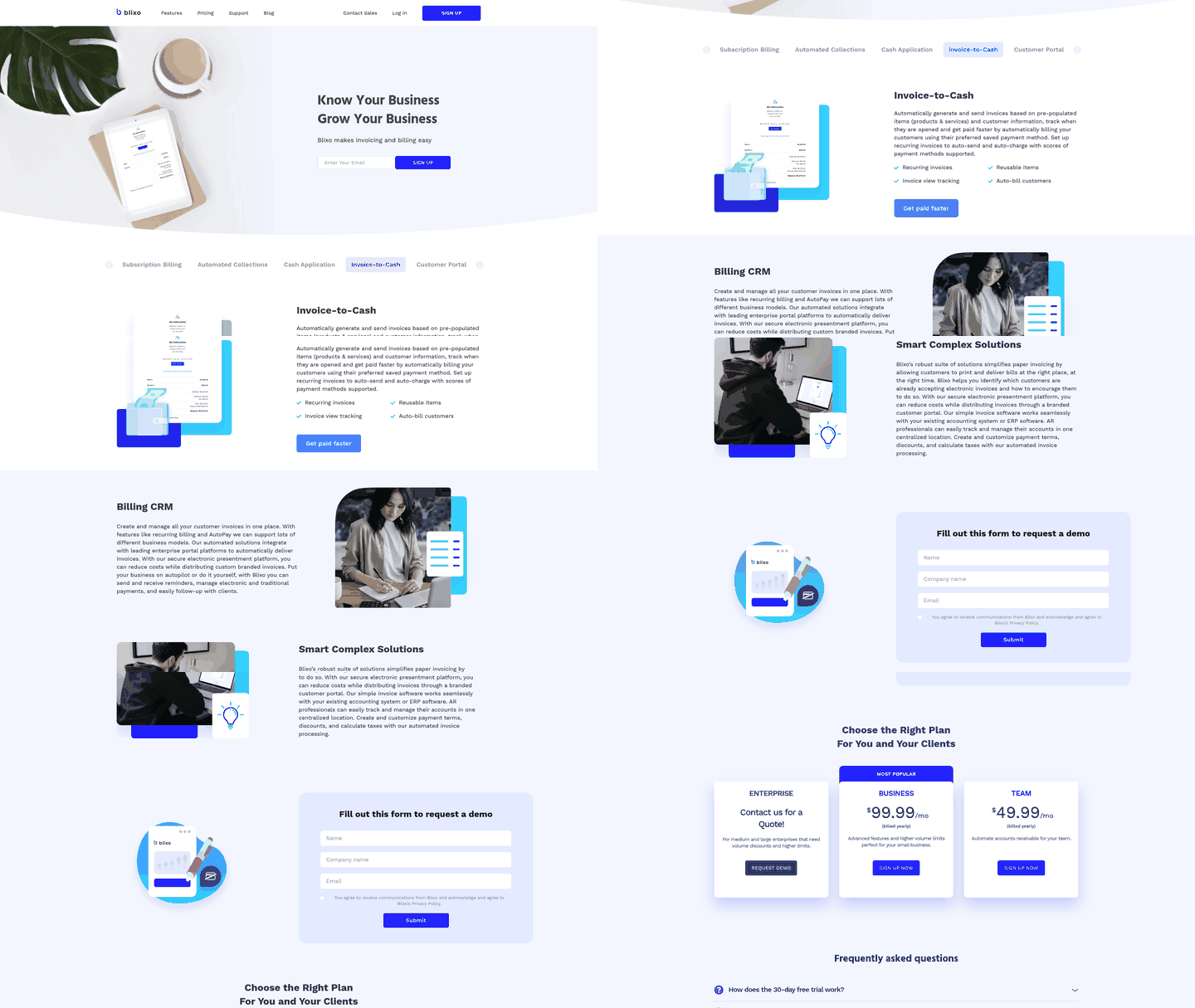
The workflow can start the moment a billing trigger fires. Platforms like Blixo can be configured to generate invoices from pre-populated items and customer records, then auto-send and auto-charge using each customer’s saved payment method. Recurring billing can run on its own schedule, so nobody rebuilds the same invoice every month.
Some platforms can also track when an invoice gets opened. That signal matters: a customer who viewed a bill but hasn’t paid is a different situation from one who never saw it, and the follow-up should reflect that. A range of payment methods can be supported, which helps keep “how do I pay” friction low.
Automated collections that skip the cold-robot feel
This is where many AR tools risk becoming a nagging machine. Blixo can be configured to handle collections, chasing, and dunning through your choice of channel: email, SMS, phone, and physical letters. Automate the whole sequence or set reminders for your collectors to follow up by hand.
The point is control, not blast-everyone-daily. Custom dunning, aging reports, and task management can help your team prevent delinquencies early and keep every touch consistent. A calm, well-timed reminder often recovers cash faster than an aggressive one, and it keeps good customers feeling respected.
AI cash application and a unified portal close the loop
When payments land, the matching engine can reconcile them to open invoices at the item level, pulling from multiple sources and routing exceptions to an approval workflow. Manual corrections can train the system to match better over time—the difference between a static rules engine and one that learns your remittance quirks.
The customer side can run through a brandable portal. Customers can view and pay outstanding invoices in one payment, update their own contact and payment details, download statements and receipts, and manage subscriptions. Self-service can clear the “can you resend that invoice?” emails that eat a team’s morning.
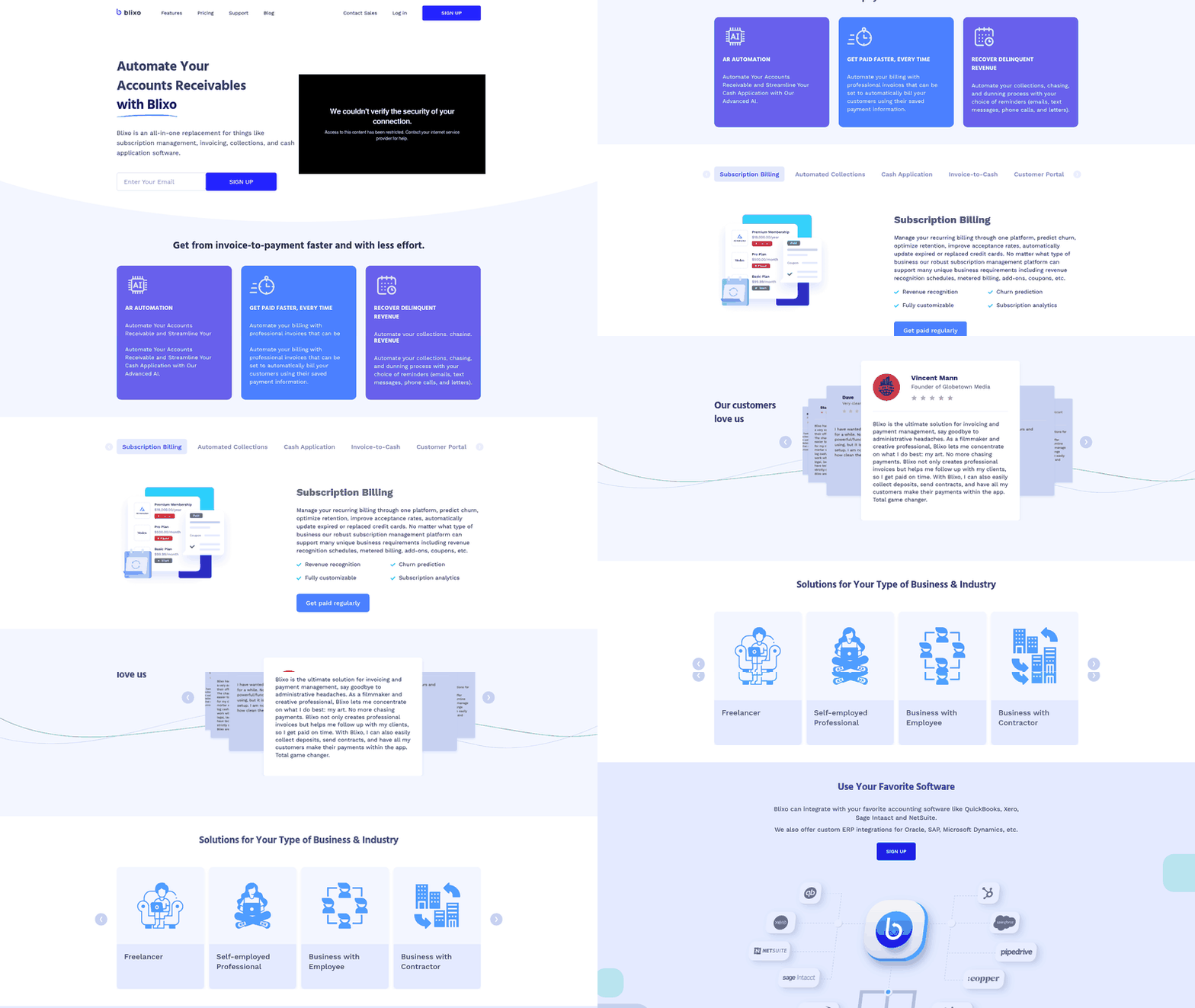
Everything can tie back to your existing stack. Blixo lists integrations with QuickBooks, Xero, Sage Intacct, and NetSuite, plus custom ERP connections for Oracle, SAP, and Microsoft Dynamics. That helps keep the invoice-to-cash process as a single source of truth for reconciled revenue instead of one more silo to reconcile against.
Skip an all-in-one setup like this if you send a handful of invoices a year. Automation tends to earn its keep at volume, where manual follow-up quietly bleeds hours and cash.
Quick Questions, Straight Answers
1. What happens when a payment fails on the first attempt?
Treat it as a workflow event, not an immediate collections problem. The system should decide whether to retry, ask the customer to update payment details, or send the account to a collector based on the failure reason and customer history.
2. Should I automate all six workflow stages at the same time?
Not usually. Pick the stage creating the most friction, prove the process there, and then connect the next step so you keep improving the full invoice-to-cash chain without overloading the team.
3. How do I stop dunning reminders from reaching customers with open disputes?
Use dispute status as a suppression rule in your dunning logic. Once an account is flagged, routine reminders should stop until the dispute is resolved or a collector chooses the right next touch.
4. Which metric should go on the executive dashboard, DSO or CEI?
Use DSO to show cash-speed trends and CEI to show collection effectiveness. Side by side, they separate timing from team performance and make the dashboard more useful for decision-making.
5. What certifications should an accounts receivable platform hold before I connect it?
Ask for current third-party security attestations before connecting financial systems. The reports should be recent, relevant to the service you are buying, and available for review during vendor diligence.
6. How does the platform stay PCI-DSS compliant without holding my customers’ card numbers?
Keep sensitive card data outside your invoicing database by relying on secure payment capture and tokenized processing. Your AR system can still charge saved methods without storing the raw credentials itself.
7. Should tolerance thresholds for auto-clearing payment variances use flat dollar limits or percentages?
Use thresholds that reflect account size and risk. Small differences can be cleared automatically when policy allows, but material discrepancies should be routed with context so a person can review them properly.
8. What happens to payments the matching engine can’t confidently match?
They should become owned exceptions, not mystery balances. The review queue needs enough remittance detail, account history, and suggested matches for a person to resolve the payment quickly and safely.