

Automate Invoice Processing with Blixo Machine Learning
Key Takeaways
- Automating invoice processing with Blixo reduces error rates to <0.1%, down from manual 2–5%.
- Blixo cuts invoice processing time from 10–20 days to 1–3 days, improving efficiency.
- Machine learning lowers invoice processing costs from $12–30 to $1–5 per invoice.
- Automation prevents 20% of manual errors, avoiding late fees and vendor disputes.
- Blixo processes invoices in 30 seconds, eliminating $10,000+ late fee risks from delays.
- 24/7 scalability ensures high-volume processing without human team limitations.
- A mid-sized business saves 1,000+ staff-hours monthly by automating 48,000 invoices.
Why Automating Invoice Processing Matters
Automating invoice processing transforms financial operations by slashing errors, accelerating workflows, and freeing teams for strategic work. Manual processing drags down efficiency-industry data shows it introduces 2–5% error rates and takes 10–20 days to resolve a single invoice. With Blixo’s machine learning, as detailed in the Understanding Blixo’s Machine Learning Capabilities section, businesses cut processing time to 1–3 days while achieving 95–99.9% accuracy, reducing costs from $12–30 per invoice** to **$1–5.
The Cost of Manual Invoice Processing
Manual workflows are a bottleneck for growth. Teams spend hours on data entry, matching invoices to purchase orders, and chasing approvals-tasks prone to human error and delays. For example, a mid-sized business handling 48,000 annual invoices could waste 1,000+ staff-hours monthly on manual reconciliation. Errors here aren’t just clerical: 20% of manually processed invoices contain errors, leading to late fees, payment disputes, and strained vendor relationships.
Real-World Consequences of Delays
Delayed or lost payments disrupt cash flow and damage reputations. Consider a scenario where a manufacturer waits 25 days to process an invoice manually-this delay could cost $10,000+ in late fees or trigger penalties from suppliers. For accounts payable (AP) teams, these delays compound into missed early-payment discounts and liquidity crunches. Blixo’s automation eliminates this risk by processing invoices in 30 seconds on average, ensuring payments are made on time, every time.
How Automation Solves Key Challenges
Blixo’s machine learning tackles the root causes of inefficiency:
- Error reduction: AI-driven validation, as explained in the Understanding Blixo’s Machine Learning Capabilities section, cuts error rates to <0.1%, minimizing rework.
- 24/7 scalability: Unlike human teams, Blixo’s system handles high-volume workflows without fatigue, processing 48,000+ invoices annually seamlessly.
- Straight-through processing: One company automated 95% of its AP workflows, reducing manual labor by 70% and achieving ROI within 6–12 months.
Financial managers and AP teams benefit most, gaining real-time visibility into cash flow and reducing Days Sales Outstanding (DSO). A healthcare organization, for instance, slashed DSO by 30% after automating invoice matching and approvals.
Who Benefits and Real-World Results
Automation isn’t just for large enterprises. A mid-sized auto parts retailer automated 80% of its invoice approvals, saving 33% of AP staff time monthly. Another business using Blixo’s AI achieved 99.9% accuracy in invoice validation, avoiding $50,000+ in fraudulent payments annually. These results align with the benefits outlined in the Benefits and Results of Automating Invoice Processing with Blixo ML section: 90% of teams report redirecting staff to strategic tasks after automation, while 70% see processing time reductions.
By turning invoice workflows into a strategic advantage, Blixo helps businesses future-proof their financial operations. For deeper insights, explore how to implement automation here.
Understanding Blixo’s Machine Learning Capabilities
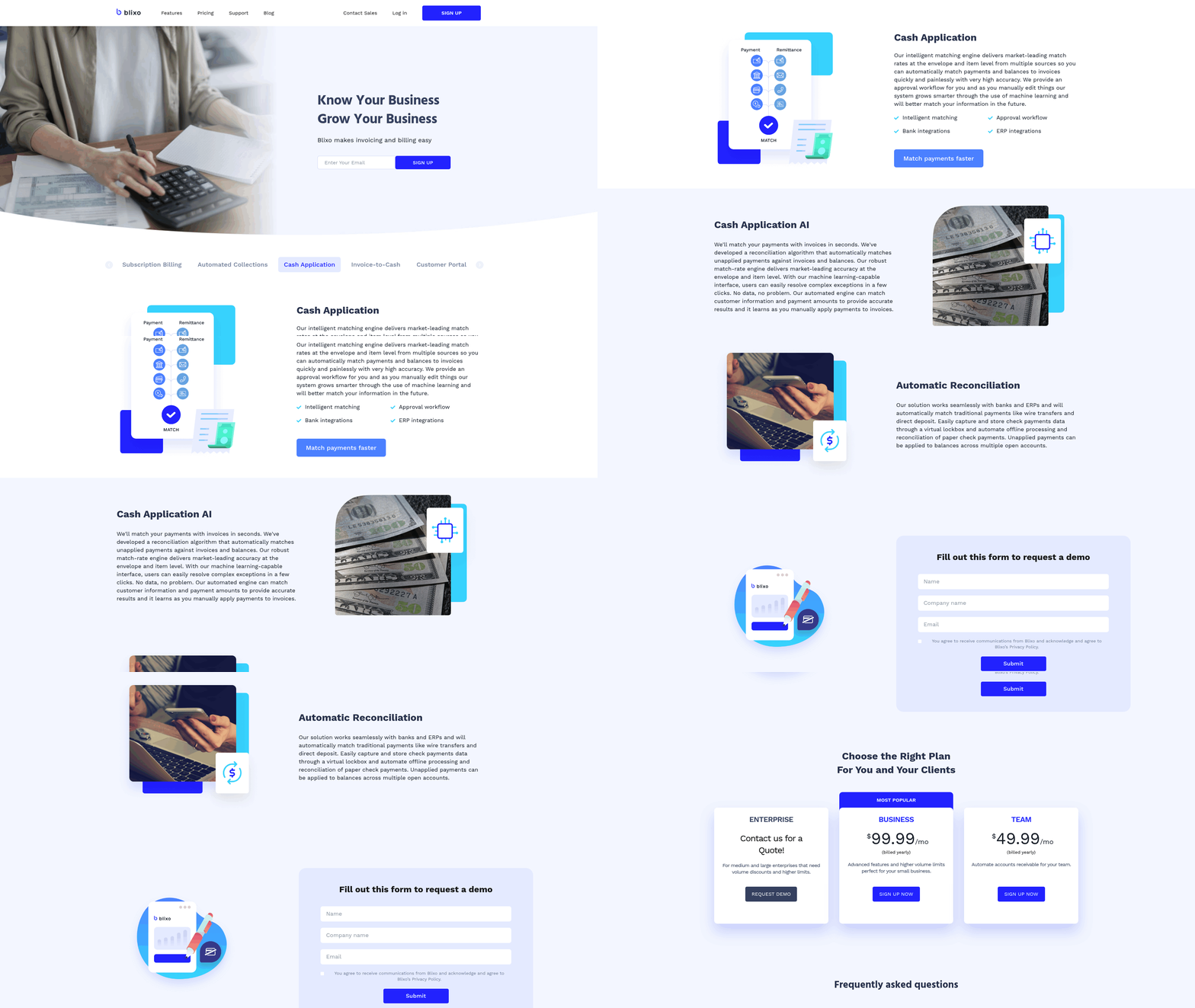
Blixo’s machine learning (ML) capabilities automate invoice processing by combining optical character recognition (OCR), natural language processing (NLP), and adaptive algorithms that improve accuracy over time. These systems extract data from invoices with 99.5% accuracy, reduce manual errors by up to 80%, and cut processing costs from $15–$40 per invoice to $2–$5. As mentioned in the Why Automating Invoice Processing Matters section, manual processing drags down efficiency, making automation critical for modern finance teams. Below is a breakdown of how Blixo’s ML works and its real-world impact.
How Blixo’s ML Learns from Invoice Data
Blixo’s algorithms analyze invoice data to identify patterns in fields like vendor names, line items, and tax codes. During training, the system reviews thousands of historical invoices to map relationships between data points. For example, it learns that a “PO Number” field often appears near “Order Date” and uses this context to extract information even if formatting changes. Over time, the model adapts to new invoice formats and corrects errors autonomously. A logistics firm reported 20% fewer reconciliation disputes after Blixo’s ML learned to flag mismatched quantities between invoices and purchase orders.
Extracting Data from Diverse Invoice Formats
Invoices vary widely-PDFs, scanned images, emails, or handwritten notes-and Blixo’s ML handles all formats without requiring templates. Its OCR technology converts unstructured data into structured fields, while NLP identifies terms like “Freight Charges” or “Discount Applied” even if phrased differently across documents. For instance, a healthcare provider reduced month-end closing time by 18% by automating data extraction from 500+ unique vendor invoices. The system also resolves ambiguities: if an invoice lists “$500.00” without a label, Blixo cross-references nearby text to determine whether it’s a subtotal, tax, or total.
Error Reduction and Exception Handling
Blixo’s ML minimizes errors through three-way matching, which validates invoices against purchase orders and receiving reports. If discrepancies arise-such as a $100 price difference-the system escalates the issue for review while suggesting corrections. This process cut error rates by 35% for a mid-sized manufacturer, aligning with the Benefits and Results of Automating Invoice Processing with Blixo ML section. For exceptions it cannot resolve, Blixo generates alerts with contextual recommendations. A small business processing 1,000 monthly invoices saved 200+ hours annually by resolving exceptions 60% faster than manual methods.
Real-World Impact of Blixo’s ML
Businesses using Blixo report measurable improvements in efficiency and cost savings:
- A financial services firm reduced manual data entry by 70% using AI-powered payment matching.
- A retail company cut invoice processing time from 17.4 days to 3.1 days by automating validation workflows.
- Enterprises with high-volume invoicing saw DSO (Days Sales Outstanding) drop by 30% due to faster approvals.
These results stem from Blixo’s ability to learn continuously. As more invoices flow through the system, the ML model refines its predictions, adapting to regional tax rules, currency formats, and vendor-specific quirks. For example, one company lowered its cost per invoice from $25 to $3 within six months by training Blixo on niche supplier formats, as outlined in the Implementing Blixo’s Machine Learning for Invoice Processing section. By automating extraction, validation, and exception resolution, Blixo’s ML transforms invoice processing from a labor-intensive task into a streamlined, error-resistant workflow. The result? Businesses save hundreds of hours yearly while maintaining 99.5% payment-matching accuracy-a level of precision that scales seamlessly for small firms and enterprises alike.
Implementing Blixo’s Machine Learning for Invoice Processing
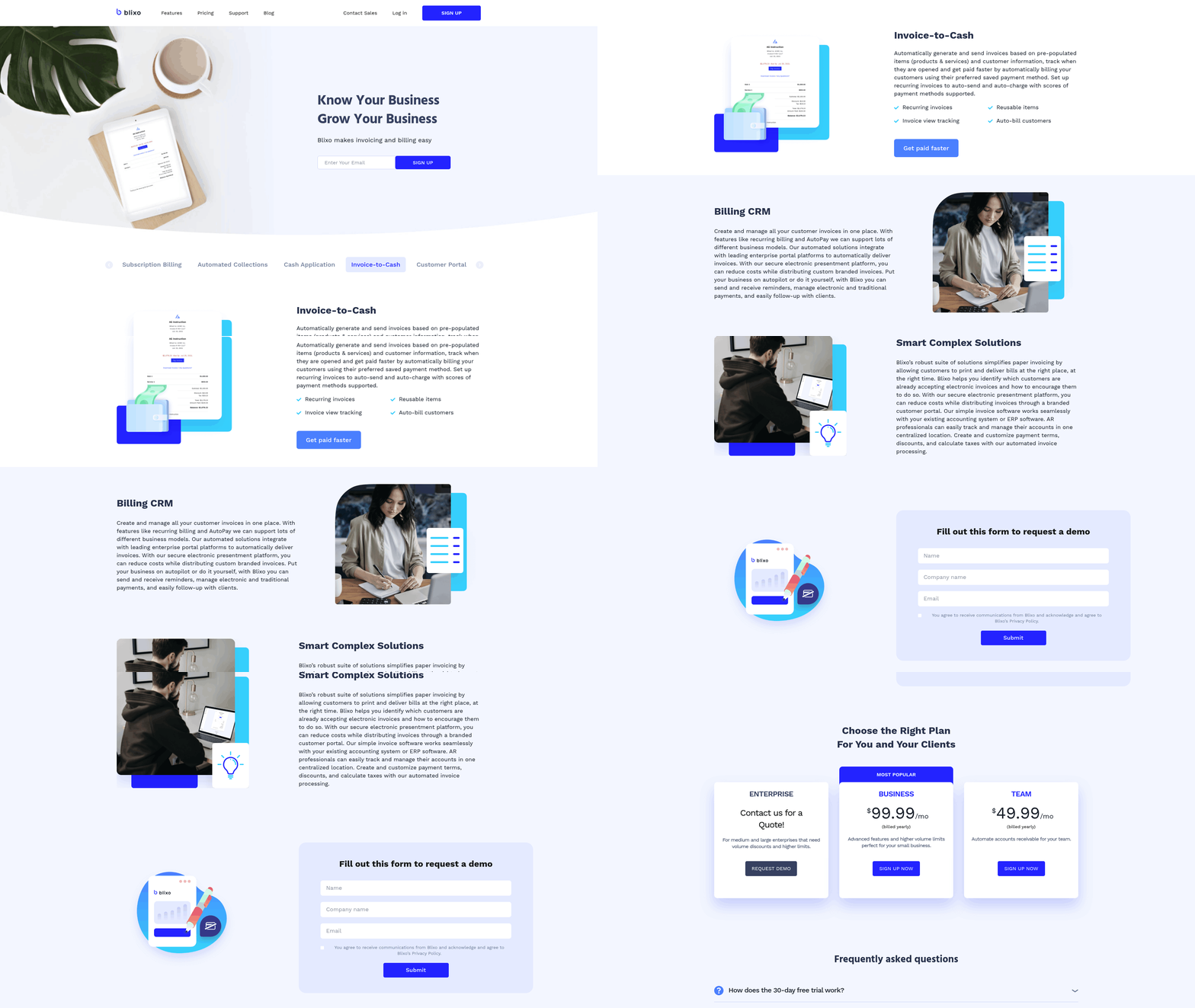
Implementing Blixo’s Machine Learning for invoice processing requires a structured approach to ensure accuracy, efficiency, and seamless integration with existing workflows. By following these steps, businesses can automate invoice handling, reduce errors, and enable significant time and cost savings..
Step 1: Pre-Implementation Checklist
Before deploying Blixo’s ML, prepare your data and systems to maximize compatibility and performance. Key Actions:
- Audit your current invoice workflow: Identify bottlenecks, error-prone steps, and average processing times. For example, manual data entry errors occur in 39% of invoices, leading to revenue loss for small firms.
- Clean and organize invoice data: Ensure historical invoices are digitized and formatted consistently (PDFs, scans, emails). Blixo’s OCR requires clean, high-resolution documents for optimal extraction. As mentioned in the Understanding Blixo’s Machine Learning Capabilities section, Blixo combines OCR and NLP to adapt to diverse document formats.
- Map integrations: Confirm compatibility with accounting systems like QuickBooks, Xero, or SAP. Blixo supports real-time sync to eliminate data silos.
Example: A logistics firm reduced reconciliation disputes by 20% after aligning its invoice formats with Blixo’s OCR requirements during the pre-implementation phase..
Step 2: Configure Workflows and Rules
Tailor Blixo’s ML to match your business processes, including validation rules and approval hierarchies. Key Actions:
- Set up data extraction rules: Define fields to extract (e.g., vendor name, invoice number, line items) using Blixo’s AI-powered OCR.
- Enable three-way matching: Validate invoices against purchase orders and receiving reports to cut errors by 80%.
- Automate routing: Configure approval workflows based on thresholds (e.g., amounts over $5,000 require manager approval).
Technical Tip: Blixo’s AI-powered payment matching achieves 99.5% accuracy, flagging discrepancies automatically. Building on concepts from the Benefits and Results of Automating Invoice Processing with Blixo ML section, this feature directly contributes to faster month-end closures and reduced disputes. For instance, a healthcare provider slashed month-end closing time by 18% using this feature..
Step 3: Train and Test the ML Model
Fine-tune Blixo’s AI to improve accuracy for your specific invoice formats and vendor patterns. Key Actions:
- Feed historical invoices: Upload 3–6 months of invoice data to train the model. ML algorithms learn from patterns, improving accuracy over time.
- Set accuracy benchmarks: Test the system with a sample of 100–200 invoices, aiming for 95%+ extraction accuracy.
- Iterate and refine: Adjust rules for edge cases (e.g., handwritten notes or non-standard layouts). As discussed in the Overcoming Common Challenges and Obstacles section, addressing data quality issues during training is critical for long-term success.
Example: A mid-sized manufacturer reduced cost per invoice from $25 to $3 by retraining Blixo’s ML on vendor-specific formats..
Step 4: Deploy and Monitor in Production
Once validated, scale Blixo’s ML across your invoice volume while maintaining oversight. Key Actions:
- Monitor KPIs: Track metrics like Days Sales Outstanding (DSO), error rates, and processing time. Blixo users report 30% faster DSO and 35% fewer disputes post-deployment.
- Set up exception alerts: Configure notifications for unmatched invoices or flagged discrepancies. Blixo’s exception handling reduces resolution time by 60%.
- Audit quarterly: Review model performance and retrain with new data to adapt to evolving vendor formats.
Security Note: Blixo uses 256-bit encryption and compliance-ready protocols to protect sensitive financial data during processing..
Best Practices for Optimization
Maximize Blixo’s value with these troubleshooting and efficiency strategies:
- Start small: Pilot the system with high-volume vendors first to identify issues early.
- Involve stakeholders: Train AP teams on Blixo’s interface to reduce manual overrides. One user noted, “Blixo lets me focus on strategic tasks instead of chasing payments.” – Vincent Mann, Filmmaker.
- use free trials: Test Blixo’s ROI with a small dataset before full rollout. Small businesses processing 1,000 invoices monthly save 200+ hours annually.
Troubleshooting Tip: If accuracy dips below 90%, retrain the model with recent invoices or adjust OCR sensitivity settings.. By following this step-by-step guide, businesses can transform invoice processing from a labor-intensive chore to a streamlined, error-free operation. Blixo’s ML adapts to unique workflows, delivering measurable savings in time, cost, and operational efficiency.
Benefits and Results of Automating Invoice Processing with Blixo ML
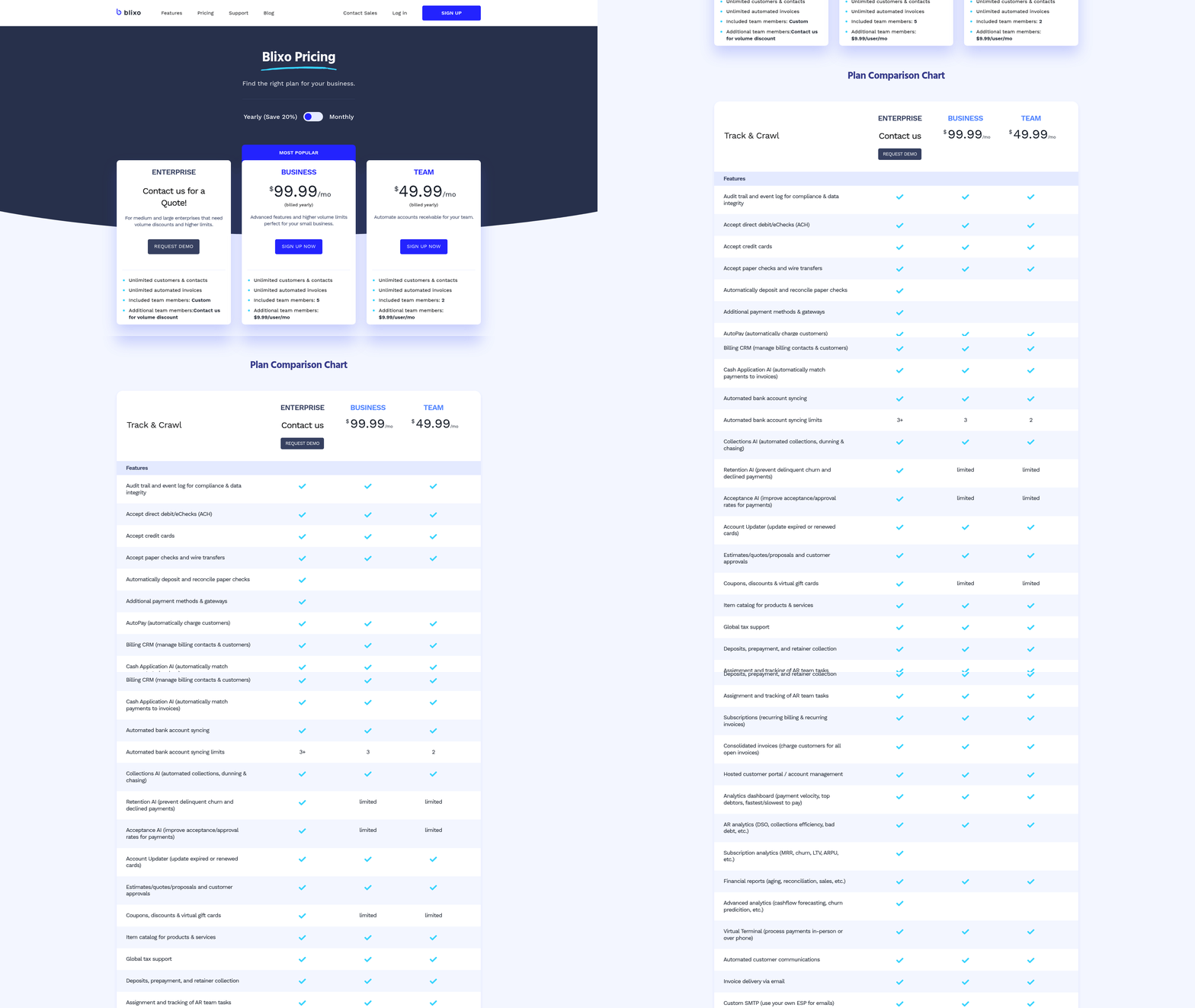
Automating invoice processing with Blixo Machine Learning delivers measurable cost savings, efficiency gains, and error reduction. By using AI-driven workflows, businesses can cut processing costs by up to 80% while achieving 95%+ accuracy in data extraction and validation. For example, labor expenses drop from $10+ per invoice in manual systems to just $1-5 with automation, and error rates plummet from 2–5% to near-zero. These improvements translate directly into faster payment cycles and improved cash flow visibility, as highlighted in the Why Automating Invoice Processing Matters section.
How Does Blixo Improve Operational Efficiency?
Blixo’s machine learning models streamline repetitive tasks like data entry, three-way matching, and approval routing, reducing invoice processing time by 70% or more. One company automated its AP department, achieving 95% straight-through processing and saving 1,000+ staff-hours monthly. Another automated 80% of invoice approvals, cutting manual labor by 33%. These results highlight how Blixo eliminates bottlenecks, allowing teams to focus on strategic work instead of administrative tasks, aligning with concepts from the Understanding Blixo’s Machine Learning Capabilities section.
What Are the Qualitative Advantages of Using Blixo?
Beyond cost and time savings, Blixo enhances customer satisfaction and compliance. Automated workflows reduce delays in vendor payments, strengthening supplier relationships and enable early payment discounts. The system’s AI also minimizes errors in invoice validation, preventing costly discrepancies and late fees. For instance, Blixo’s AI-driven validation ensures 99.9% accuracy in invoice matching, while real-time audit trails simplify compliance reporting for audits. Financial teams report fewer disputes and faster resolution of exceptions, directly improving operational confidence.
Real-World Impact of Blixo Implementation
Companies processing high-volume invoices see the most dramatic results. A mid-sized business achieved ROI within 6–12 months by automating approval workflows, while another reduced invoice turnaround from days to hours. For example, one business processing 48,000 annual invoices saved 70% of its processing time using Blixo’s 24/7 scalability. Another company automated 80% of its invoice approvals, reducing manual labor by 33%. These examples demonstrate how Blixo adapts to diverse industries, from manufacturing to retail, without requiring rigid templates.
Why Is Blixo’s ML Architecture Scalable?
Blixo’s machine learning models are designed to handle growing volumes and evolving document formats. Unlike static rule-based systems, Blixo’s AI learns from historical data, improving accuracy over time. It supports unstructured invoice types like PDFs, emails, and scanned documents, eliminating the need for manual template creation. This flexibility ensures businesses can automate 100% of their invoice streams, whether they process 100 or 10,000 invoices monthly. The system’s cloud-native design also allows seamless integration with ERP platforms like SAP and Oracle.
Future Trends in Invoice Automation
As AI evolves, Blixo continues to pioneer advancements like predictive analytics for spend forecasting and natural language processing (NLP) to interpret complex invoice terms. Emerging trends include self-learning models that adapt to new invoice formats without human intervention, further reducing error rates. Blixo’s roadmap also emphasizes real-time fraud detection by analyzing payment patterns, a critical feature for businesses handling high-risk transactions. These innovations position Blixo as a forward-looking solution for organizations aiming to stay ahead in competitive markets, as discussed in the Implementing Blixo’s Machine Learning for Invoice Processing section.
By adopting Blixo, businesses gain a scalable, accurate, and future-ready invoice processing system. The combination of cost savings, error reduction, and strategic efficiency makes automation not just a competitive advantage, but a necessity for modern financial operations.
Overcoming Common Challenges and Obstacles
How Can You Improve Data Quality for Blixo’s AI?
Data quality is foundational for AI accuracy. Dirty or inconsistent data can lead to errors in invoice processing. Start by cleansing datasets to remove duplicates, correct formatting issues, and fill gaps. For example, if historical invoices have inconsistent fields (e.g., “PO Number” vs. “Purchase Order”), standardize these terms. As mentioned in the Understanding Blixo’s Machine Learning Capabilities section, Blixo’s model learns from each processed invoice, so feeding it clean, normalized data ensures rapid improvements in accuracy.
Validation is the next step. Use Blixo’s built-in validation rules to cross-check extracted data against predefined business rules (e.g., matching invoice totals to purchase orders). If discrepancies arise, flag them for manual review. Normalization further ensures consistency-convert all date formats to “YYYY-MM-DD” or currency values to a universal format. A business processing 20,000 invoices monthly saw 98% data accuracy after implementing these steps, reducing manual corrections by 90%.
What Integration Strategies Work Best with Blixo?
Seamless integration avoids workflow disruptions. Blixo’s APIs and pre-built connectors simplify linking with ERP systems like SAP or QuickBooks. Start by mapping invoice data fields between Blixo and your existing platforms. Building on concepts from the Implementing Blixo’s Machine Learning for Invoice Processing section, align “Vendor ID” in Blixo with the corresponding field in your accounting software.
Use phased implementation to test integrations in a controlled environment. Begin with a subset of invoices to validate data flow and error handling. If issues occur, use Blixo’s logging tools to trace errors back to their source. A healthcare company reduced reconciliation time by 50% by integrating Blixo with their ERP during off-peak hours, minimizing operational friction.
For complex systems, consult Blixo’s documentation for supported protocols and compatibility guidelines. If your workflow includes handwritten invoices, ensure the AI is trained on diverse formats using Blixo’s cognitive capture feature, which adapts to varying layouts without manual templates.
How Do You Manage Organizational Resistance to Automation?
Change management hinges on clear communication and training. Resistance often stems from fear of job loss or unfamiliarity with AI tools. Address this by highlighting how automation shifts roles from repetitive data entry to strategic tasks like audit analysis. Share metrics such as “36% of CFOs using AI reduce processing time by 7x” to quantify benefits.
Host workshops to demonstrate Blixo’s interface, showing how users can review flagged invoices or adjust validation rules. Provide a feedback loop for employees to suggest improvements. As mentioned in the Selecting the Right Features and Configuration for Blixo ML section, tailoring Blixo’s features to specific workflows can enhance adoption by aligning the solution with user needs. A finance team at a tech firm increased adoption by 80% after pairing Blixo training with a “shadow review” period, where staff verified AI outputs before full deployment.
Selecting the Right Features and Configuration for Blixo ML
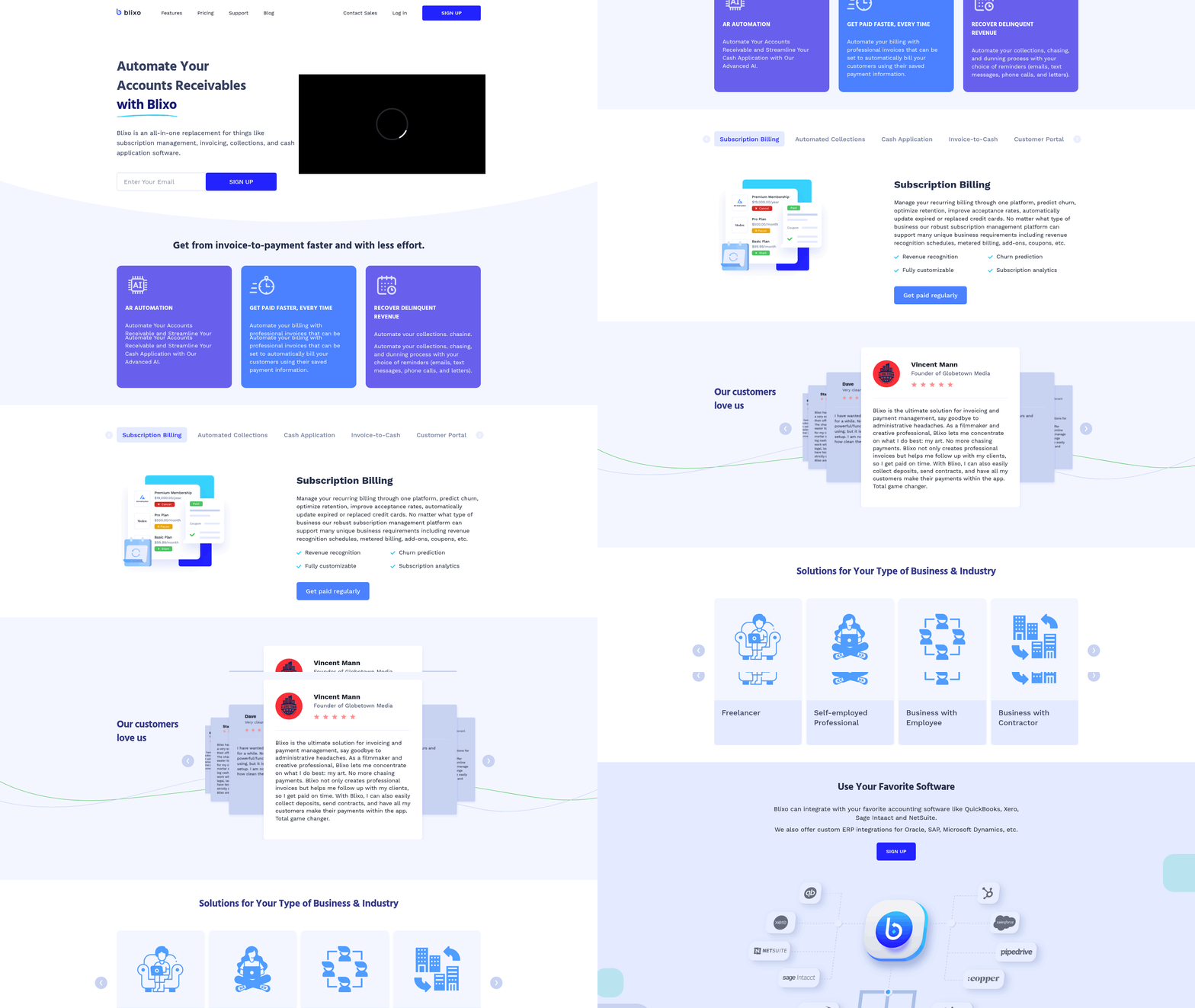
To select the right features and configuration for Blixo ML, start by evaluating your business’s unique needs, such as invoice volume, error rates, and integration requirements. For example, a small business handling 1,000 invoices monthly might prioritize automated data capture and cost reduction, while an enterprise may focus on dispute resolution and multi-currency support. This tailored approach ensures the system aligns with operational goals.
How Do You Identify Key Business Requirements?
Begin with a workflow audit to pinpoint bottlenecks, error-prone steps, and cost drivers. Track metrics like Days Sales Outstanding (DSO), manual processing time, and dispute frequency. A logistics firm reduced reconciliation disputes by 20% after identifying inconsistent invoice validation as a root cause. Use this audit to prioritize features that address these gaps.
Which Blixo ML Features Should You Enable?
Blixo offers modular features to match specific needs:
- OCR + AI Data Extraction: Cuts manual entry by 70%, ideal for businesses with high invoice volumes. Understanding Blixo’s Machine Learning Capabilities explains how OCR and adaptive algorithms enhance accuracy.
- Three-Way Matching: Reduces errors by 80% in procurement-heavy industries.
- AI-Powered Payment Matching: Achieves 99.5% accuracy, critical for firms with frequent disputes.
- Exception Handling: Automates alerts and escalation paths, resolving issues 60% faster. A mid-sized manufacturer, for instance, slashed invoice costs from $25 to $3 per document by combining OCR and automated validation.
How Do You Configure Workflows and Rules?
Custom workflows and rules ensure Blixo adapts to your processes. Start by:
- Mapping Approval Chains: Define roles for invoice review and approval in the system.
- Setting Thresholds: Configure automatic approvals for low-risk invoices and flag high-value ones.
- Integrating Systems: Sync with accounting tools like QuickBooks or SAP for real-time data flow. Implementing Blixo’s Machine Learning for Invoice Processing outlines structured steps for seamless integration. A healthcare provider accelerated month-end closing by 18% using these integrations, eliminating manual reconciliation.
Best Practices for Testing and Validation
Validate configurations using real-world scenarios:
- Test with Historical Data: Run past invoices through the system to measure accuracy and speed.
- Monitor KPIs: Track DSO, error rates, and cost per invoice during trials. One company cut DSO from 45 to 28 days using this method.
- use Blixo’s Free Trial: Stress-test workflows with 100+ sample invoices to identify edge cases. Quarterly audits and stakeholder feedback further refine configurations, ensuring sustained performance.
Real-World Examples of Customized Success
A transportation company reduced disputes by 20% using AI-powered three-way matching, while a small business saved 200+ hours annually with automated capture. Enterprises benefit similarly: a manufacturer improved efficiency by 75% after deploying advanced payment matching. These results align with the Benefits and Results of Automating Invoice Processing with Blixo ML section, which highlights measurable gains from tailored implementations.
By aligning features with measurable business goals and rigorously testing configurations, organizations enable Blixo’s full potential-cutting costs, accelerating workflows, and minimizing errors.
Frequently Asked Questions
1. How does Blixo reduce invoice processing errors?
Blixo reduces invoice processing errors to <0.1%, down from 2–5% in manual processing, using machine learning for precise data validation and error detection. This minimizes rework and ensures high accuracy in financial workflows.
2. What is the average time to process an invoice with Blixo?
Blixo processes invoices in 30 seconds on average, cutting processing time from 10–20 days to 1–3 days, ensuring timely payments and avoiding late fees. This speed enhances cash flow and vendor relationships.
3. How much does invoice processing cost with Blixo?
Blixo reduces invoice processing costs from $12–30 to $1–5 per invoice through automation, slashing expenses while maintaining 95–99.9% accuracy and eliminating manual labor costs.
4. Can Blixo prevent late fees from delayed payments?
Blixo prevents 20% of manual errors and processes invoices in 30 seconds, avoiding $10,000+ late fee risks. Timely processing ensures compliance and protects vendor relationships.
5. How does Blixo improve scalability for high-volume invoice processing?
Blixo operates 24/7, handling 48,000+ invoices annually without fatigue. This scalability eliminates bottlenecks, enabling businesses to process high-volume workflows efficiently and consistently.
6. What staff workload savings does Blixo offer?
Automating 48,000 annual invoices saves mid-sized businesses 1,000+ staff-hours monthly. Teams shift from manual tasks to strategic work, boosting productivity and operational efficiency.
7. Who benefits most from Blixo’s automation?
Financial managers and AP teams benefit most, gaining real-time cash flow visibility, reducing errors, and achieving ROI within 6–12 months. Automation frees resources for strategic financial planning.