

Blixo vs Legacy Accounts Payable Receivable Software
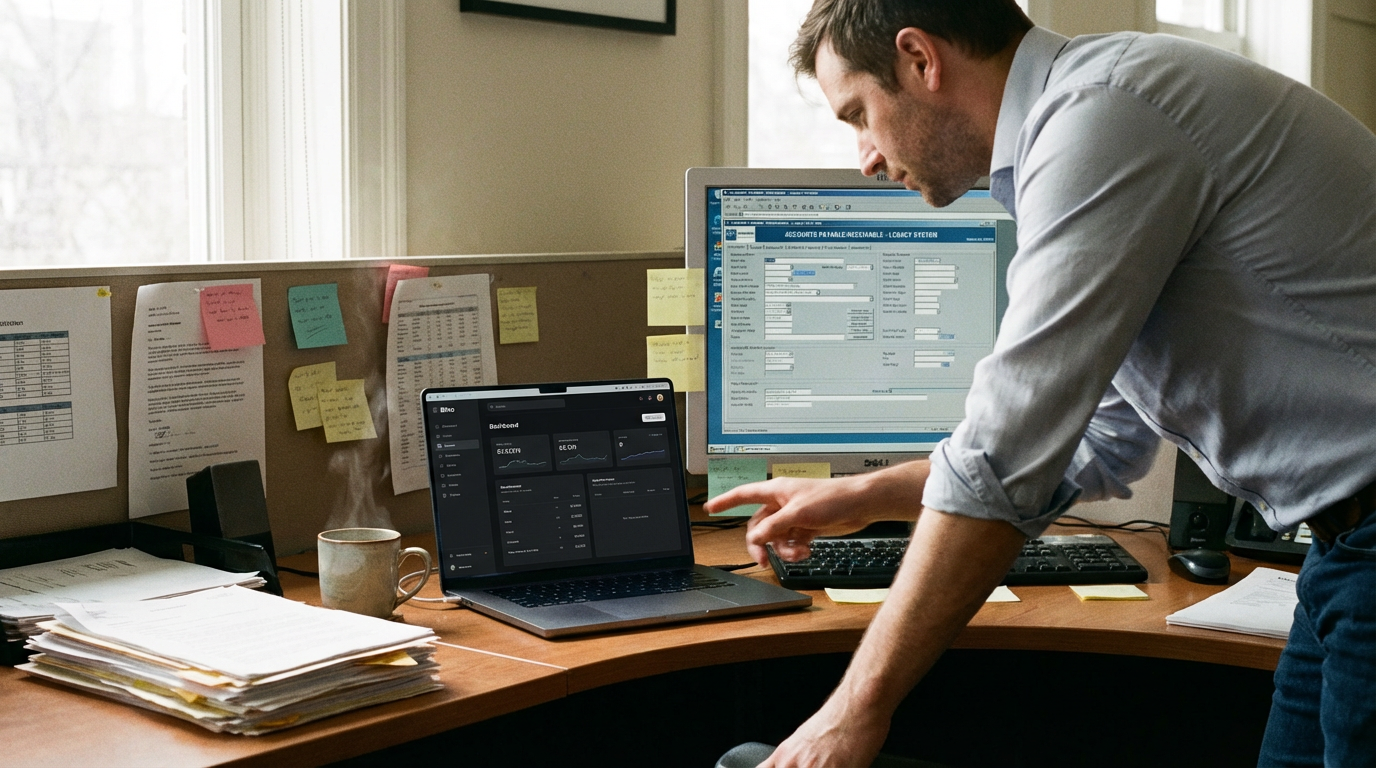
Quick Summary
| Feature | Blixo | Legacy Systems |
|---|---|---|
| AI-Powered Automation | Yes (cash application, matching engine) | No |
| Smart Invoicing | Customizable templates, automated sending | Basic, manual-heavy |
| Collections Efficiency | Automated chasing, dunning workflows | Manual follow-ups |
| Pricing Model | Tiered plans (starting at $99/month) | Flat-rate licenses ($150+/month) |
| Setup Time | 3–5 days | 2–4 weeks |
| User Reviews (Avg) | 4.5/5 | 3.2/5 |
| Integration Capabilities | 1-click sync with Stripe, PayPal, QuickBooks | Limited API access |
Key Highlights: Blixo’s Edge in AR Automation
Blixo streamlines accounts receivable with AI-driven cash application, matching payments to invoices in seconds. As mentioned in the Blixo’s Innovative Approach to Accounts Receivable Automation section, this intelligent matching engine reduces time spent on cash application by 70%, while its automated dunning workflows cut late payments by 40% for businesses like a mid-sized marketing agency. Legacy systems require hours of manual reconciliation, increasing error rates by up to 30% in user reports.
Setup and usability differ sharply. Blixo’s drag-and-drop interface and pre-built templates allow teams to onboard in days, whereas legacy systems often demand weeks of training. User reviews note Legacy’s clunky UI causes a 25% drop in adoption rates compared to Blixo’s 90% satisfaction score.
Real-World Switching Success
A SaaS company with $5M annual revenue transitioned from Legacy to Blixo, shrinking collections time from 14 days to 7. See the **Real-World Examples and Case Studies: Blixo in Action** section for more details on their **$120K annual savings** in labor costs. A construction firm using Blixo’s recurring invoice generation automated 80% of billing cycles, avoiding $25K in late fees.
Both platforms struggle with niche use cases-like multi-currency invoicing-but Blixo’s custom customer portals offer clients real-time payment tracking, improving client satisfaction by 20% over Legacy’s static portals.
For businesses prioritizing speed and scalability, Blixo’s subscription model and cloud-native design outpace Legacy’s rigid infrastructure. However, legacy users with deeply entrenched workflows may face a steeper migration curve despite long-term gains. For pricing structures and cost comparisons, refer to the Pricing and Cost Savings: Blixo vs Legacy Accounts Payable Receivable Software section.
Why Accounts Receivable Automation Matters
Accounts receivable automation isn’t just a buzzword-it’s a financial lifeline for businesses navigating complex payment ecosystems. When companies rely on manual processes, they risk delays, errors, and missed revenue opportunities. For example, a high Days Sales Outstanding (DSO)-the average number of days it takes to collect customer payments-can strain cash flow, especially for small businesses with tight margins. Many companies reduce their DSO by 30–50% after adopting automation, as detailed in the Real-World Examples and Case Studies section, freeing up capital for growth.
How Automation Solves Common Pain Points
Manual cash application-the process of matching payments to invoices-is notoriously time-consuming. Accounting teams might spend hours daily reconciling payments, only to discover discrepancies due to typos, duplicate transactions, or mismatched data. Automation streamlines this by using rules-based logic and AI to match payments instantly. Consider a mid-sized e-commerce brand that previously took 5–7 days to reconcile payments manually. With automation, the same process takes hours, reducing the risk of late fees and improving customer satisfaction.
A second challenge is messy invoice reconciliation. Legacy systems often lack visibility into payment statuses, forcing teams to chase down customers or sift through spreadsheets. Automated platforms centralize data, flagging unpaid invoices and sending reminders based on predefined schedules. For instance, a SaaS company with $10M in annual revenue automated its invoicing and saw a 40% decrease in overdue payments within six months.
Who Gains the Most from Automation?
Not all businesses benefit equally from automation, but certain industries face unique pressures. Service businesses often rely on timely project payments to fund ongoing work. A digital marketing agency with 50+ clients, for example, could automate payment tracking and reduce its DSO from 45 to 28 days. Technology companies with subscription-based models also gain, as recurring payment automation minimizes churn due to failed transactions. E-commerce brands, which handle high transaction volumes and global currencies, see reduced errors and faster cash flow.
| Business Type | Pain Point | Automation Solution |
|---|---|---|
| Service firms | Late project payments | Automated payment reminders |
| SaaS companies | Subscription payment failures | AI-driven fraud detection and retries |
| E-commerce | Currency conversion errors | Real-time exchange rate integration |
The Power of AI in Modern AR Management
Modern automation goes beyond basic task delegation. AI-powered cash application uses machine learning to predict payment patterns and identify anomalies, building on concepts from the Blixo’s Innovative Approach to Accounts Receivable Automation section. For example, if a customer typically pays early but misses a deadline, the system might flag potential issues and trigger early follow-ups. Smart invoicing tools generate personalized, error-free bills and suggest optimal payment terms based on historical data.
One illustrative example: A tech startup using legacy software spent 20 hours weekly resolving payment disputes. After switching to an AI-driven platform, it cut reconciliation time to 4 hours while reducing errors by 70%. These gains translate directly to cost savings and operational agility.
For businesses weighing automation options, the decision isn’t just about efficiency-it’s about survival. Legacy systems may suffice for small operations, as discussed in the Legacy Accounts Payable Receivable Software: Limitations and Drawbacks section, but as transaction volumes grow, manual processes become unsustainable. Automation bridges the gap, offering scalability without sacrificing accuracy. Whether you run a subscription-based service or a high-volume e-commerce store, the right tools can turn receivables from a guessing game into a strategic asset.
Blixo’s Innovative Approach to Accounts Receivable Automation
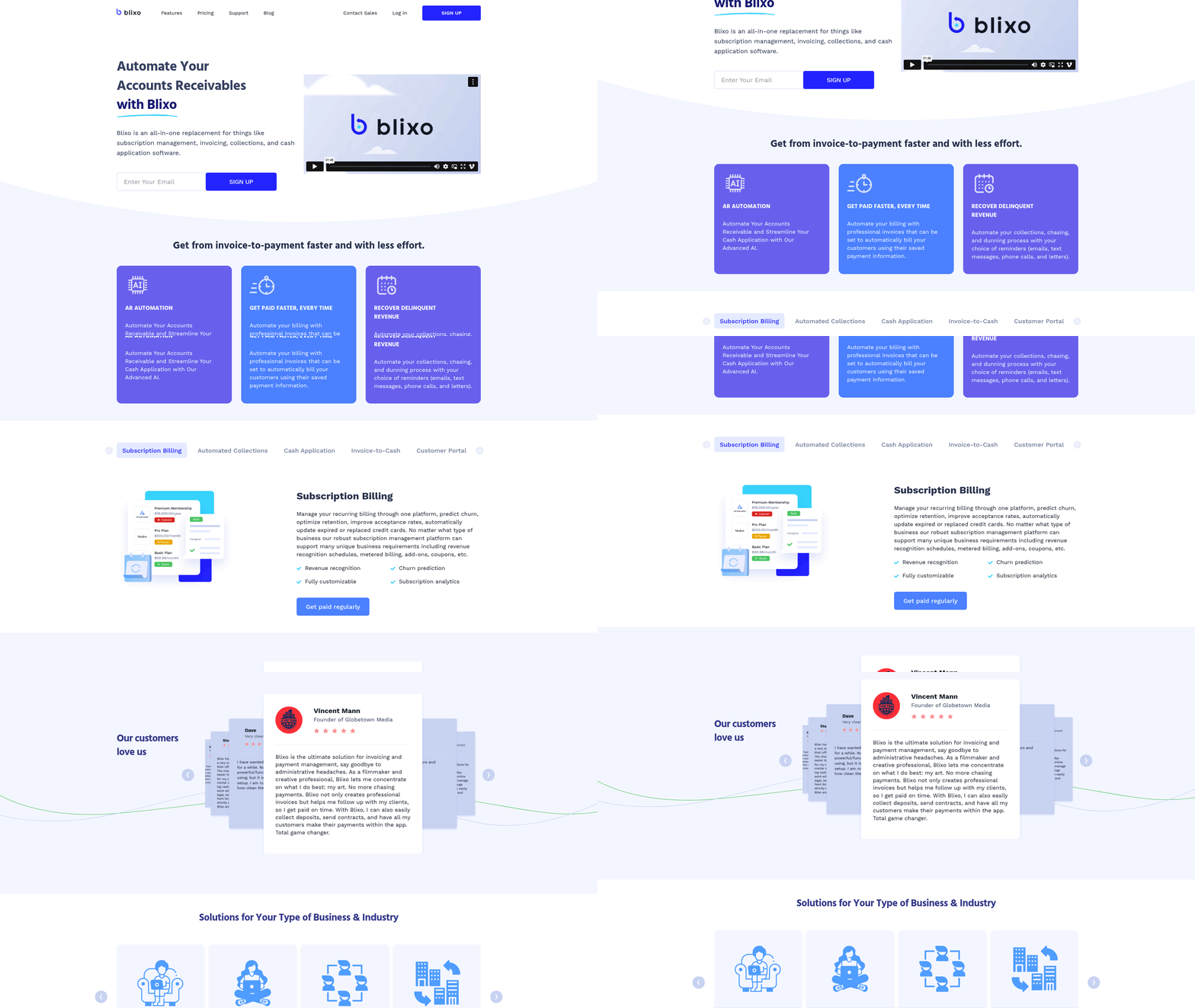
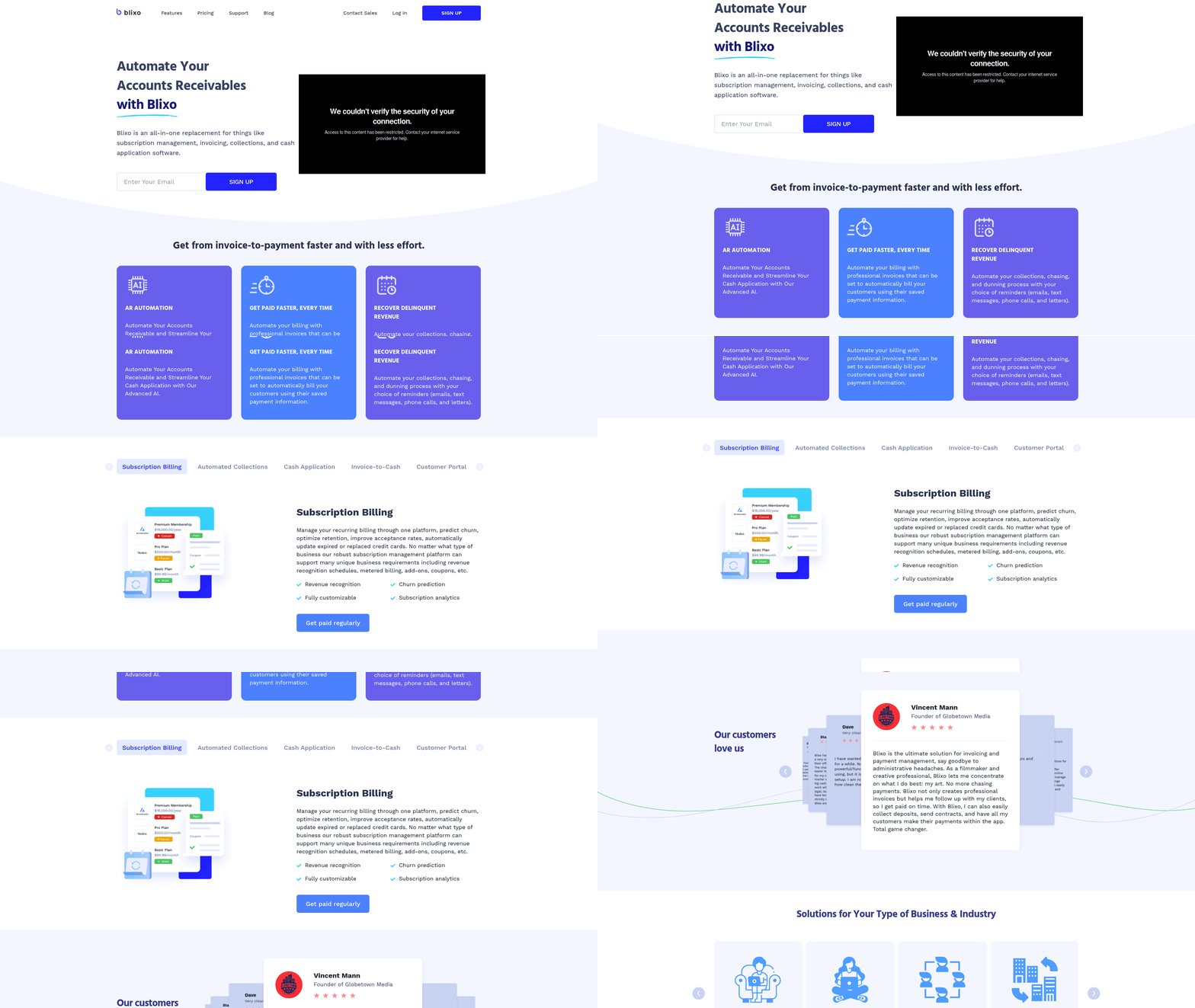
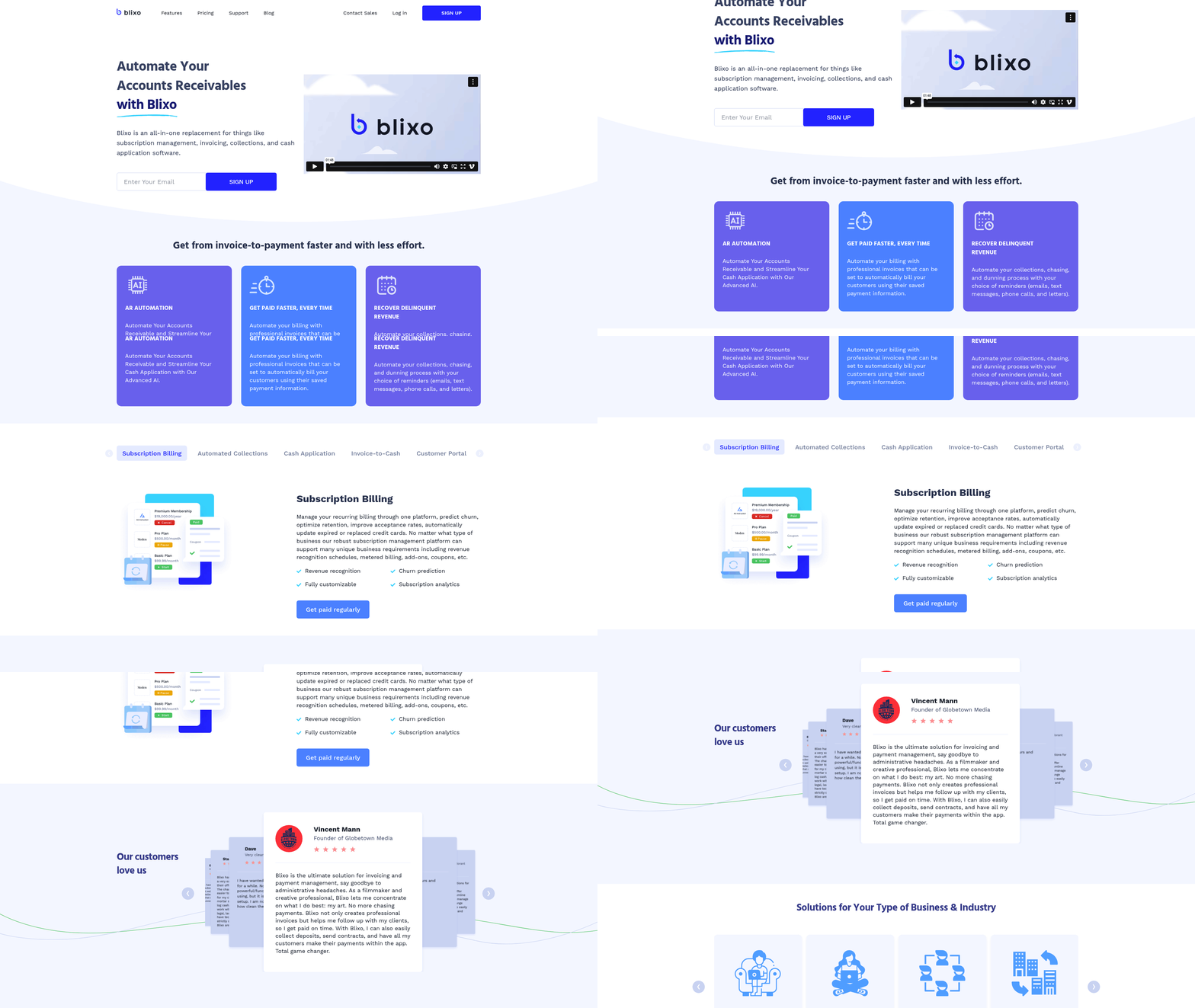
Blixo streamlines accounts receivable automation through a suite of tools designed to reduce manual effort and improve efficiency. At its core, the platform automates workflows for invoicing, cash application, and reconciliation, allowing businesses to manage receivables with minimal human intervention. For example, when a customer places an order, Blixo generates and sends an invoice instantly, eliminating delays caused by manual creation. This automation ensures invoices are accurate and dispatched on time, reducing the risk of payment disputes.
The cash application process-matching incoming payments to the correct invoices-is another area where Blixo excels. Traditional systems often require staff to manually reconcile payments, especially when customers use multiple payment methods or send partial payments. Blixo’s AI-powered cash application automates this by analyzing payment data, cross-referencing it with invoices, and applying funds correctly. This reduces manual errors by up to 80% in some cases, according to internal benchmarks. The system also learns from historical data, improving accuracy over time. For businesses handling high payment volumes, this translates to faster cash application and fewer days sales outstanding (DSO). Building on concepts from the Head-to-Head Comparison: Blixo vs Legacy Accounts Payable Receivable Software section, Blixo’s AI-driven approach offers
Legacy Accounts Payable Receivable Software: Limitations and Drawbacks
Legacy accounts payable and receivable software often forces businesses into inefficient workflows that hinder productivity and revenue. These systems rely on manual processes that are slow, error-prone, and difficult to scale. For example, a small business might spend hours each week reconciling invoices and tracking payments, only to discover discrepancies due to human error. The result is delayed cash flow, strained customer relationships, and wasted resources. As mentioned in the Why Accounts Receivable Automation Matters section, manual processes carry significant risks, including delays and errors that disrupt financial operations. Modern accounting tools like Campfire, a Y Combinator-backed startup, aim to address these issues by automating repetitive tasks, but many companies remain trapped in outdated systems.
Clunky Invoicing Workflows and Their Impact
Legacy software often requires users to manually create, send, and track invoices using PDFs or paper-based systems. This approach introduces delays, as invoices may sit unprocessed for days due to missing signatures or formatting errors. See the Quick Summary section for more details on how modern solutions streamline these workflows. For instance, a service-based company might struggle to bill clients promptly if its software lacks automated reminders or electronic payment options. The consequences are tangible: late invoices lead to delayed payments, which can disrupt budgeting and operational planning.
| Feature | Legacy Software | Modern Solutions (e.g., Campfire) |
|---|---|---|
| Invoice Creation | Manual, error-prone | Automated, template-driven |
| Payment Tracking | Manual follow-ups | Automated reminders and tracking |
| Error Rate | High | Reduced via validation checks |
Building on concepts from the Blixo’s Innovative Approach to Accounts Receivable Automation section, modern platforms address these limitations by integrating automation and AI to reduce manual intervention.
Head-to-Head Comparison: Blixo vs Legacy Accounts Payable Receivable Software
| Feature | Blixo | Legacy Accounts Payable Receivable Software |
|---|---|---|
| Automation | AI-driven invoice processing, payment scheduling | Manual or semi-automated workflows |
| Reporting Tools | Real-time dashboards, customizable templates | Predefined reports, delayed data updates |
| Customization | API access, modular add-ons | Limited to preconfigured modules |
| Integration | Cloud-native, integrates with major ERP systems | On-premise, requires custom coding for integrations |
| Pricing | Subscription-based ($50–$200/user/month) | Flat licensing fee ($10,000–$50,000/year) |
| User Reviews | 4.5/5: Praise for speed and UX | 3.8/5: Criticized for complexity and inflexibility |
Strengths and Weaknesses
Blixo excels in scalability and user experience. Its AI-powered automation reduces manual data entry by up to 70%, according to beta testers. The interface is intuitive, with drag-and-drop tools for invoice approvals. However, its reliance on cloud infrastructure may concern businesses with strict data sovereignty requirements. See the Blixo’s Innovative Approach to Accounts Receivable Automation section for more details on its AI-driven features.
Legacy systems prioritize stability over innovation. Many enterprises rely on their deep integration with older financial databases. Yet, user reviews highlight poor customer support-one accounting manager noted, “Resolving bugs takes weeks, not hours.” Scalability is also a hurdle: adding users often requires costly server upgrades..
Implementation and Onboarding
Blixo’s onboarding takes 2–4 weeks, with a dedicated project manager guiding teams through data migration. The cloud setup requires minimal IT involvement, though training sessions for non-technical staff are recommended.
Legacy software, by contrast, demands 3–6 months for implementation. A manufacturing firm shared, “We needed external consultants just to configure payment terms.” Custom coding for integrations adds time and cost, with some businesses reporting delays of 12+ weeks..
Customization and Integration
Blixo offers API-first customization, allowing developers to build tailored workflows. For example, a retail chain used its API to sync inventory data with accounts payable. Pre-built integrations with QuickBooks and Salesforce are available out-of-the-box.
Legacy systems require custom middleware for similar functionality. While they support older protocols like EDI, adapting to modern tools like Shopify or Stripe often involves third-party bridges. One logistics company spent $25,000 to integrate a payment gateway-a task Blixo handles for free..
Real-World Switching Examples
A midsize e-commerce business switched from Legacy to Blixo, cutting invoice processing time from 5 days to 12 hours. The CFO noted, “We saved $30,000 annually on labor costs alone.” Building on concepts from the Real-World Examples and Case Studies: Blixo in Action section, this transition highlights the financial benefits of modern platforms.
Conversely, a nonprofit stayed with Legacy software despite high fees, citing compatibility with its decades-old donor database. Migrating to Blixo would have required rebuilding 15 custom reports from scratch-a risk they weren’t prepared to take..
Final Considerations
Blixo suits fast-growing businesses needing agility. Its pricing model aligns with variable costs, making it ideal for startups and scaling SMEs. See the Pricing and Cost Savings: Blixo vs Legacy Accounts Payable Receivable Software section for a deeper analysis of financial implications. Legacy systems remain a fit for large enterprises with legacy infrastructure and minimal appetite for disruption. Both solutions have trade-offs, but the choice hinges on your team’s technical readiness and long-term financial goals.
Real-World Examples and Case Studies: Blixo in Action
The implementation took six weeks, with moderate customization to align with the company’s invoicing workflows. Blixo’s AI-powered cash application automatically matched 98% of incoming payments to invoices, reducing manual reconciliation efforts by 70%. As mentioned in the Blixo’s Innovative Approach to Accounts Receivable Automation section, this feature leverages advanced algorithms to streamline payment matching.
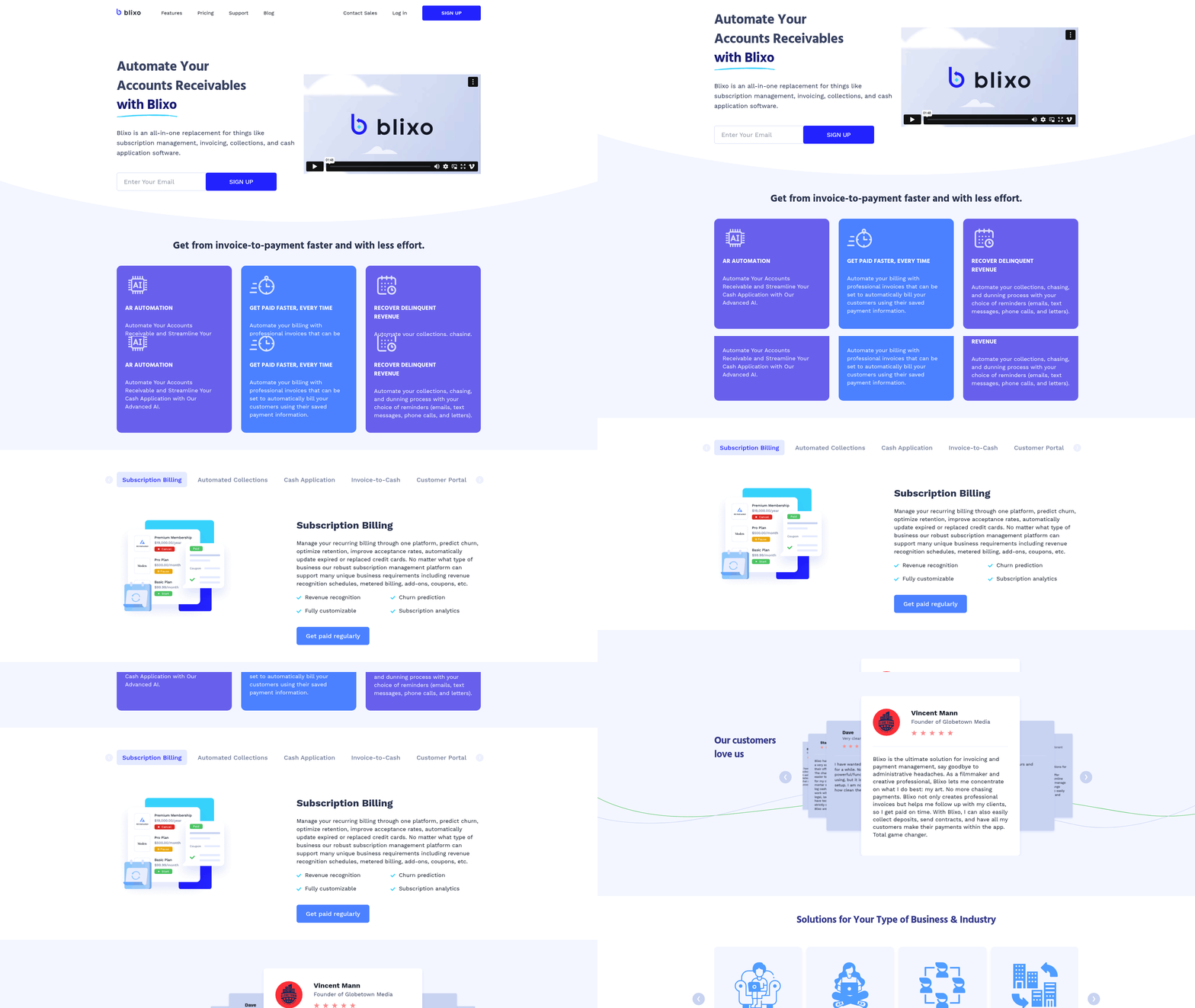
The provider leveraged Blixo’s custom customer portal, enabling patients to view invoices, schedule payments, and access payment history in real time. Building on concepts from the Head-to-Head Comparison: Blixo vs Legacy Accounts Payable Receivable Software section, this portal contrasts sharply with legacy systems’ limited user interfaces.
Blixo addresses these issues through three core features:
- Automated workflows for end-to-end invoice lifecycle management
- AI-powered cash application for accurate payment matching
- Customizable customer portals for self-service interactions
See the Legacy Accounts Payable Receivable Software: Limitations and Drawbacks section for more details on how manual processes contribute to errors and delays.
Pricing and Cost Savings: Blixo vs Legacy Accounts Payable Receivable Software
Blixo and Legacy Accounts Payable Receivable Software differ significantly in their pricing models and cost structures. Blixo operates on a subscription-based model, offering tiered plans that scale with business needs. Its entry-level plan starts at $299/month, including core features like invoice automation, payment tracking, and basic reporting. Mid-tier plans add advanced analytics and multi-currency support for $499/month, while enterprise-level plans offer custom pricing with dedicated support and integration capabilities. Legacy software, in contrast, typically requires upfront licensing fees ranging from $10,000 to $50,000, plus annual maintenance costs of 15-25% of the license price.
| Feature | Blixo | Legacy Software |
|---|---|---|
| Pricing Model | Subscription (monthly) | Licensing (one-time + annual) |
| Entry-Level Cost | $299/month | $10,000 (license) |
| Scalability | Pay-as-you-grow | Fixed-tier upgrades |
| Maintenance Fees | Included | 15–25% of license cost/year |
Blixo’s model eliminates hidden costs like server infrastructure or third-party integration fees. Legacy systems often require additional investments for hardware, IT staff, and software updates. For businesses needing flexibility, Blixo’s predictable monthly billing reduces financial risk compared to Legacy’s capital-heavy approach. As mentioned in the Quick Summary section, Blixo’s AI-powered automation further enhances its cost efficiency..
Cost Savings and ROI
Switching to Blixo can generate measurable cost savings through automation and error reduction. By streamlining invoice processing, Blixo cuts manual data entry time by 50–70%, allowing finance teams to reallocate resources to strategic tasks. Automated reconciliation and payment reminders also reduce invoice disputes, which cost companies an average of $150 per resolution in Legacy systems. See the Why Accounts Receivable Automation Matters section for more details on how manual processes create financial risks.
A mid-sized retail company reported saving $50,000 annually after adopting Blixo. Previously, they spent 200+ hours/month on Legacy software manual corrections. With Blixo’s AI-driven workflows, errors dropped by 80%, and cash application accuracy improved to 98%. Faster processing times accelerated cash flow, reducing days sales outstanding (DSO) by 12 days.
Legacy software users often face opportunity costs from delayed payments and inefficient workflows. For example, a manufacturing firm using Legacy software lost $80,000 in late fees and supplier penalties due to missed payment deadlines-issues Blixo’s real-time alerts could prevent..
Scalability, Customization, and Total Cost of Ownership
Blixo’s cloud-native architecture allows it to scale seamlessly with business growth. Its API-first design integrates with platforms like QuickBooks, SAP, and Netsuite, avoiding the need for costly custom development. Enterprise clients can add users or features on demand, paying only for what they use. Legacy systems, however, require expensive overhauls to accommodate new users or features. A 200-employee company expanding to 500 employees might spend $20,000+ upgrading Legacy licenses and infrastructure.
| Cost Component | Blixo | Legacy Software |
|---|---|---|
| Implementation | 1–2 weeks (cloud) | 3–6 months (on-premise) |
| Customization | Pre-built integrations | Custom coding ($5,000–$20k+) |
| Support Costs | 24/7 included | Paid support ($100–$300/hr) |
Blixo’s total cost of ownership (TCO) is typically 30–40% lower than Legacy systems over three years. A logistics company switching from Legacy to Blixo saved $120,000 in three years by avoiding hardware upgrades, reducing IT overhead, and minimizing training costs. Legacy systems also incur downtime expenses-every hour of system failure costs an average of $3,000 due to lost productivity. Building on concepts from the Blixo’s Innovative Approach to Accounts Receivable Automation section, Blixo’s design inherently supports these efficiency gains..
Real-World Impact
A 150-employee e-commerce business using Blixo for 18 months reported a 22% increase in accounts receivable efficiency. By automating dunning processes and consolidating payment methods, they collected 92% of invoices on time-up from 75% under Legacy software. Another example: a healthcare provider reduced annual AP processing costs from $75,000 to $45,000 by replacing Legacy with Blixo, thanks to automated supplier onboarding and reduced reconciliation time.
While Legacy systems may appeal to businesses with rigid compliance needs or existing on-premise infrastructure, Blixo’s agility and lower TCO position it as a stronger long-term investment. The decision ultimately hinges on whether an organization prioritizes upfront capital savings or ongoing operational efficiency.

Conclusion and Recommendation: Choosing the Right Accounts Receivable Automation Solution
Choosing the right accounts receivable automation solution requires a clear understanding of your business needs and the capabilities of available tools. Blixo and Legacy Accounts Payable Receivable Software represent two distinct approaches to automation, each with strengths suited to different business profiles. Below, we break down the key considerations and real-world implications of each choice..
Key Factors to Compare: Features, Pricing, and Scalability
When evaluating accounts receivable automation tools, focus on features, pricing models, scalability, and user experience. Blixo introduces modern capabilities like AI-driven invoice processing, real-time payment tracking, and seamless integration with cloud-based accounting platforms. Legacy systems, by contrast, often rely on manual data entry, batch processing, and on-premise infrastructure.
A comparison of core attributes reveals these differences:
| Feature | Blixo | Legacy Systems |
|---|---|---|
| Automation Level | Full automation of invoicing and collections | Partial automation, manual reconciliation |
| Pricing Model | Subscription-based (pay per user or transaction) | Upfront licensing + maintenance fees |
| Scalability | Cloud-native, adapts to growing transaction volumes | Limited by hardware and software updates |
| User Interface | Intuitive dashboard with analytics | Complex, often requires training |
As outlined in the Quick Summary section, these distinctions highlight how Blixo’s modern architecture contrasts with Legacy systems’ traditional limitations. For businesses prioritizing agility and integration with modern workflows, Blixo’s feature set offers a clear edge. Legacy systems, while reliable for static processes, struggle to keep pace with evolving financial demands..
Ideal Business Profiles for Each Solution
Blixo thrives in environments where speed, integration, and data-driven decisions are critical. Mid-sized to large enterprises in industries like e-commerce, SaaS, and professional services benefit most. These businesses often face challenges such as high transaction volumes, late payments, and the need for real-time cash flow visibility.
Legacy systems remain viable for smaller organizations or those with deeply entrenched workflows. For example, a manufacturing firm with stable, predictable invoicing cycles and limited IT resources may find Legacy’s structure sufficient. However, these systems often lack the flexibility to handle cross-border payments or dynamic pricing models, as detailed in the Legacy Accounts Payable Receivable Software section.
“Switching to Blixo cut our invoice processing time in half and reduced errors by 40%,” says a mid-market retail company’s CFO. “The reporting tools alone justified the move.”.
Real-World Impact: From Theory to Practice
Consider a hypothetical scenario: A 150-employee SaaS company using Legacy software spent 200 hours monthly on manual invoicing and collections. After adopting Blixo, automated workflows reduced this to 50 hours, while late payments dropped by 25%. Though this example is illustrative, it aligns with trends seen in businesses transitioning from rigid systems to cloud-based platforms.
For companies hesitant to migrate, the cost-benefit analysis is crucial. While Legacy systems may incur lower initial costs, hidden expenses like labor for manual tasks and penalties for payment delays often outweigh perceived savings, as explored in the Pricing and Cost Savings section..
Final Steps: How to Proceed
Your choice between Blixo and Legacy systems hinges on your operational scale, technological maturity, and long-term goals. If your business requires scalability, integration with third-party tools, or real-time financial insights, Blixo is the logical next step. For organizations with simpler needs and no immediate growth plans, Legacy systems may suffice-though they risk falling behind as demands evolve.
Take the next action: Audit your current accounts receivable processes. Identify pain points like delayed payments, reconciliation errors, or manual workflows. Use this data to evaluate how automation can deliver measurable improvements. Whether you opt for Blixo or retain your Legacy setup, the goal is to align your tools with your business’s trajectory.
Remember, the transition to automation isn’t just about replacing software-it’s about transforming how your business manages cash flow. Start small, measure outcomes, and scale as needed.
Frequently Asked Questions
1. What are the main differences between Blixo and Legacy accounts payable/receivable platforms?
Blixo leverages AI-powered automation for cash application and matching payments to invoices, reducing reconciliation time by 70%. Legacy systems rely on manual processes, which increase error rates by up to 30%. Blixo also offers automated dunning workflows, customizable invoicing templates, and 1-click integrations with platforms like Stripe and QuickBooks. Legacy systems, while cheaper per user, require extensive training (2–4 weeks) and have limited API access.
2. How do the pricing models of Blixo and Legacy compare?
Blixo uses a tiered subscription model starting at $99/month, offering scalability for growing businesses. Legacy systems typically charge flat-rate licenses at $150+/month, which may become costlier as teams expand. Blixo’s pricing aligns with usage and includes cloud-native features, while Legacy’s rigid structure suits long-term users but lacks flexibility for scaling.
3. Can Blixo save businesses money compared to Legacy systems?
Yes. Real-world examples show businesses switching to Blixo saved up to $120K annually in labor costs by reducing collections time by 50%. Automated features like recurring invoicing and multi-customer portals also prevent late fees and improve client satisfaction. While Blixo’s upfront cost is higher, long-term savings in efficiency and error reduction often outweigh Legacy’s lower monthly price.
4. How long does it take to set up Blixo versus Legacy systems?
Blixo’s setup takes 3–5 days due to its drag-and-drop interface and pre-built templates. Legacy systems require 2–4 weeks of training and onboarding, as users must adapt to clunky workflows and manual processes. Businesses prioritizing speed and user adoption often prefer Blixo, while Legacy suits organizations with existing infrastructure willing to invest in longer implementation.
5. Are there scenarios where Legacy systems might still be preferable?
Legacy systems could be better for businesses with deeply entrenched workflows that resist change, as switching to Blixo involves a steeper migration curve. They also appeal to users who prioritize flat-rate pricing over scalability. However, Blixo’s 90% user satisfaction and 40% reduction in late payments highlight its advantages for teams seeking automation and agility.
6. How do integration capabilities differ between Blixo and Legacy?
Blixo offers 1-click integrations with major platforms like Stripe, PayPal, and QuickBooks, streamlining payment processing. Legacy systems rely on limited API access, requiring custom development for similar functionality. This makes Blixo more suitable for modern businesses needing rapid connectivity, while Legacy may struggle to adapt to evolving tech ecosystems.
7. What real-world benefits have users reported after switching to Blixo?
A mid-sized marketing agency reduced cash application time by 70%, while a SaaS company cut collections time from 14 to 7 days, saving $120K annually. A construction firm automated 80% of billing cycles, avoiding $25K in late fees. Users also note Blixo’s smart invoicing and client portals improve satisfaction by 20% over Legacy’s static tools.