

Automatic Invoicing for Recurring Billing: The Complete 2026 Blixo Guide

Key Takeaways
- Automatic invoicing generates, sends, and charges recurring invoices on a schedule, with nobody touching the billing run.
- The real time savings hide in cash application. Matching 200 incoming bank deposits to the right open invoices is what eats afternoons.
- The full workflow has five stages: generation, delivery, auto-charging, AI cash application, and reconciliation back into your books.
- Most tools nail generation, delivery, and auto-charging. Fewer handle the last two cleanly, which is where AR gets messy.
- Recurring invoice generation takes an hour or two to set up and stays low-effort, building invoices from saved items and customer data.
- AI cash application needs 2–4 hours of setup, but its matching gets more accurate every cycle, so maintenance drops over time.
- Invoice delivery is the fastest piece to configure at 30–60 minutes, sending by email, SMS, or portal and tracking opens.
The 30-second version
Automatic invoicing for recurring billing means your system generates, sends, and charges invoices on a schedule without anyone touching them. The payoff most people miss comes after the charge clears, when payments get matched back to their invoices automatically. That cash-application step is where teams still bleed hours, and it’s where automation earns the most.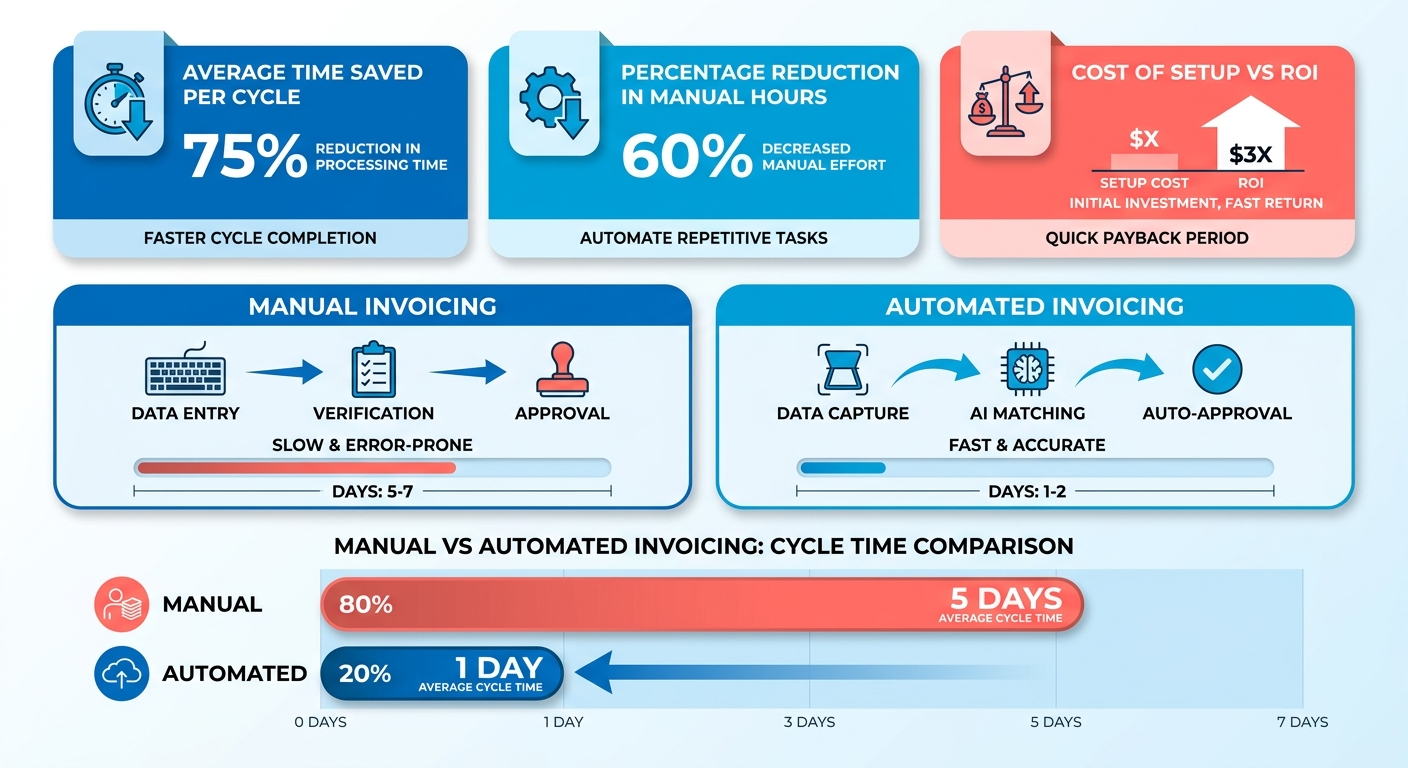
Below is the at-a-glance view: what the workflow covers, what it costs in setup time, and how hard each piece is to keep running.
The five stages, and which two actually matter
The work splits into invoice generation, delivery, auto-charging, cash application, and reconciliation. Most tools handle the first three well. The last two, where payments meet your books, separate a tidy AR process from a mess.
| Stage | What It Does | Setup Time | Difficulty | Maintenance |
|---|---|---|---|---|
| Recurring invoice generation | Auto-creates invoices from saved items and customer data | 1–2 hours | Low | Low |
| Invoice delivery | Sends via email, SMS, or portal; tracks opens | 30–60 min | Low | Low |
| Auto-charging (AutoPay) | Bills saved payment methods on schedule | 1–2 hours | Medium | Low |
| AI cash application | Matches incoming payments to open invoices | 2–4 hours | Medium | Low (improves over time) |
| Reconciliation | Syncs matched payments to your accounting system | 1–3 hours | Medium | Low |
Where teams actually save time
The biggest gains sit in cash application. Generating an invoice on a schedule is trivial. Figuring out which bank deposit pays which invoice is the part that eats your Tuesday. A good matching engine links payments to invoices at the item and envelope level, then learns from every manual correction you make.
This matters more than it sounds. Consistent, automated billing cuts the manual touchpoints where payment errors creep in, and steady billing keeps subscribers from quietly lapsing. Those wins come from getting the back half of the workflow right, not just the invoice.
Reconciliation rounds it out. When matched payments sync straight into QuickBooks, Xero, or NetSuite, you skip the month-end ritual of comparing spreadsheets line by line.
How hard is this to set up?
For most small teams, initial setup runs a single afternoon. You configure items, set billing intervals, connect a payment gateway, and link your accounting software. Difficulty is low to medium across the board, because the work is configuration, not coding. Web-based tools need no install.
Maintenance is where it pays off. Once your matching rules are trained, the system gets sharper each cycle, so your workload drops instead of climbing.
One honest carve-out: if you send a handful of invoices a month and your payments are simple, full AI cash application is overkill. Basic recurring invoicing with AutoPay covers you fine. The reconciliation automation earns its keep once volume, multiple payment methods, or partial payments make manual matching genuinely painful. For a walkthrough of the invoice-side mechanics, the Relay guide to recurring invoices is a solid starting point.
Why this beats sending invoices by hand
Late payments quietly drain revenue from otherwise healthy businesses. When invoices go out by hand, they go out late, with errors, or not at all. Automatic invoicing fixes the front of that problem. The bigger win sits at the back, where payments match to invoices without anyone chasing spreadsheets.
What it actually solves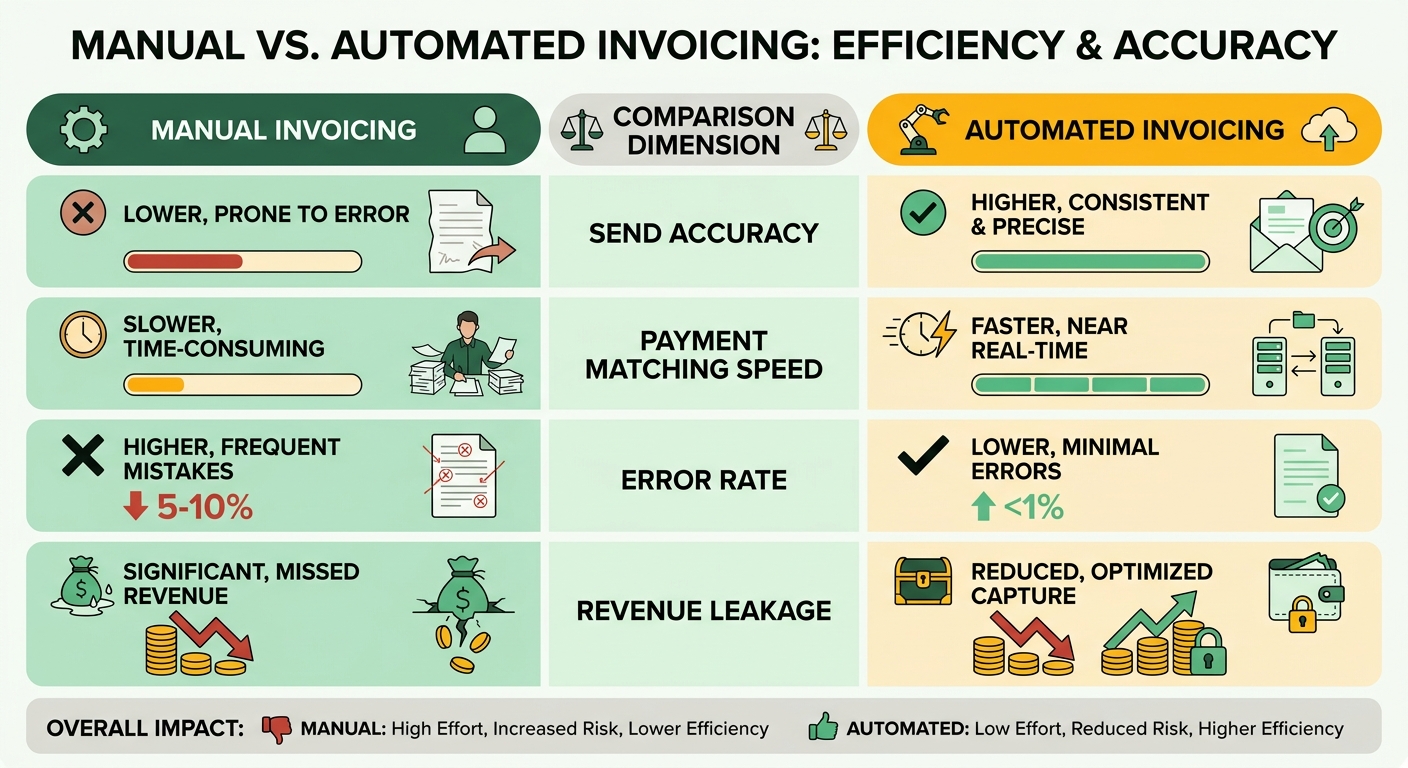
Automated invoicing closes the manual gaps where cash leaks out: missed sends, typo-riddled invoices, and payments that arrive but never get matched to the right account. Studies of AR teams put manual entry errors at roughly 1 in 8 invoices, and each disputed invoice can delay payment by two weeks or more while both sides untangle it.
Manual invoicing also burns hours every cycle. A cleaning business with 20 clients reclaimed an estimated 8 to 10 hours a month just by automating weekly invoices and reminders. A marketing agency won back a full day each month and steadied its cash flow once invoices stopped depending on someone remembering to hit send.
The deeper issue is reconciliation. You can automate the send and the charge, but if a payment lands in your bank and nobody links it to the open invoice, your books still lie to you. That last step is where most teams stay stuck.
How it steadies cash flow
Automation makes payment timing predictable and self-correcting. Charges fire on schedule, reminders go out on their own, and matched payments close invoices the moment they clear. One utility provider cut late payments by 50% after switching to automated recurring billing.
Predictability compounds. When 60% of customers move to a recurring model, as one company managed, you roughly know what’s arriving and when. That visibility lets you plan hiring, inventory, and spend without guessing.
Cash application is the hidden multiplier. AI reconciliation reads incoming payments, matches them to invoices, and flags only the genuine exceptions for review. You stop hunting for “where did this $400 go” and start trusting your AR numbers again.
Who gets the most out of it
SaaS and subscription businesses gain the most, because their revenue depends on charging the same customers repeatedly and correctly. Membership orgs, service providers, freelancers, and e-commerce subscription sellers see similar returns.
Recurring payments are on track to become a dominant payment form this decade. Any business with regular income faces the same math: more customers means more invoices, and manual processes break at scale. One subscription box company cut its monthly billing workload by 75% after moving recurring charges onto autopilot, freeing a small team to focus on retention instead of data entry.
To be fair, if you issue a few one-off invoices a year, full automation is unnecessary. The payoff scales with volume and frequency. Once you cross a few dozen recurring customers, manual reconciliation stops being a chore and turns into a liability, quietly hiding errors in your cash position until month-end.
What’s under the hood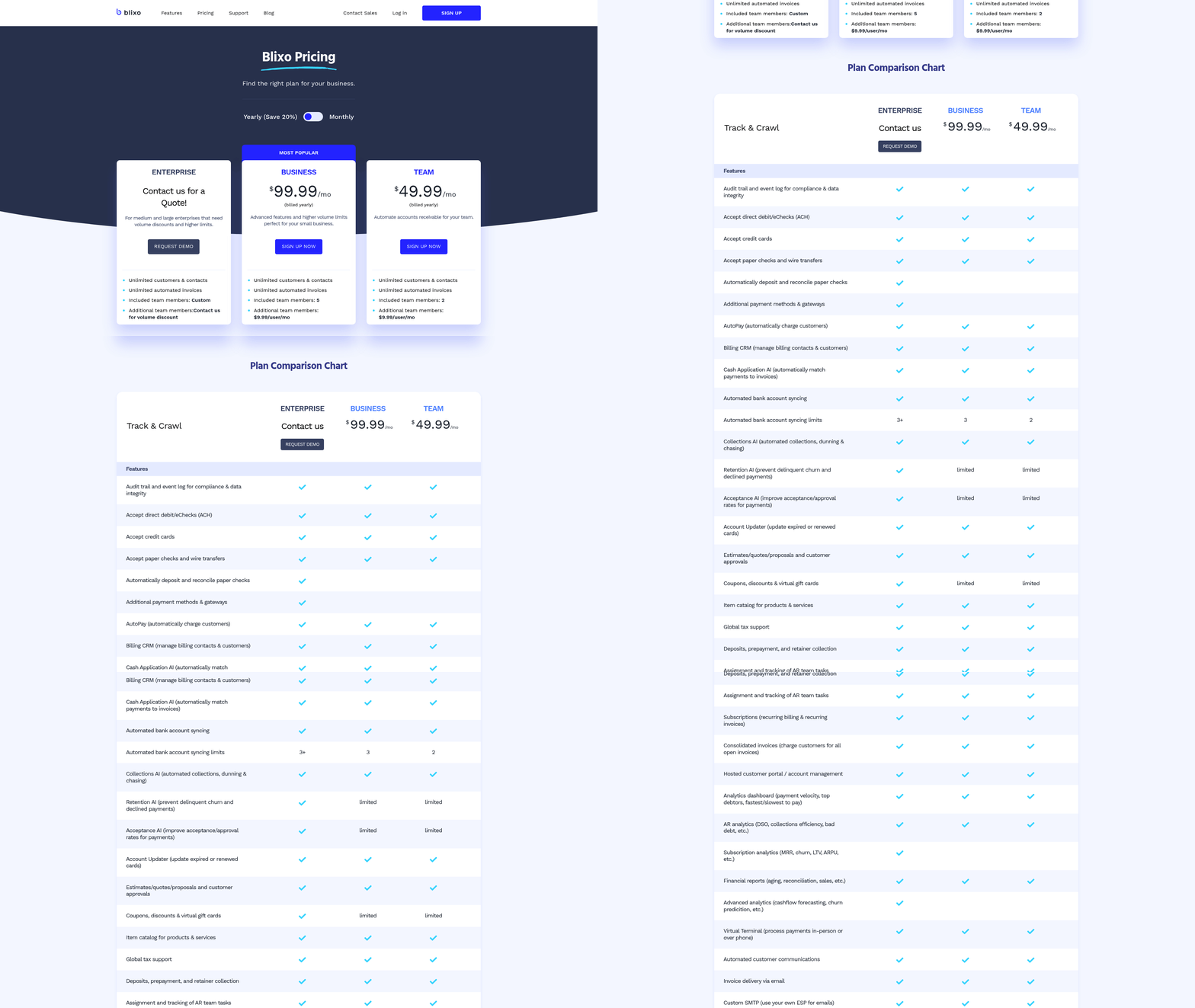
Automatic invoicing runs on five functions working together: invoice generation, scheduled delivery, payment gateway integration, real-time tracking, and the cash-application step that closes the loop. The first four get money out the door. The fifth, matching payments back to invoices, is what actually steadies your cash flow.
Here’s how each piece fits.
Generation and scheduling
Invoice generation creates and sends invoices on a fixed schedule, so nobody has to remember a billing date. You set the frequency once and the system handles the rest. Cycles run daily, weekly, monthly, quarterly, or annually, whatever your contracts need.
The software pulls from a template, assigns a unique invoice number, and fills in customer details. You can make one-time adjustments or permanent template edits, so a mid-contract price change doesn’t break the schedule.
Flexible cycles matter more than they sound. Proration handles mid-cycle upgrades and downgrades by calculating the partial charge for you, which kills a whole category of manual math errors before they hit your books.
Payment gateway integration
Gateway integration charges a saved payment method the moment an invoice is due, turning a sent invoice into collected cash without a follow-up. You toggle automatic payment on, pick the customer’s saved card or bank detail, and the charge fires on schedule.
This is where coverage gets wide. Some platforms support 125+ local payment methods and 130 currencies, with credit cards, ACH, and digital wallets all on the table. Customers consent once, and recurring charges process from there.
Security wraps the whole flow. Strong encryption protects stored payment data, which is non-negotiable when you’re holding cards on file for hundreds of clients.
Tracking and cash application, the part that matters most
Real-time tracking shows you which invoices are paid, pending, or overdue the instant status changes. Cash application matches each incoming payment to the right invoice automatically. This is the stage competitors gloss over, and the one that actually protects cash flow.
Think about what manual cash application costs. A payment lands in your bank, and someone has to figure out which invoice it covers, then mark it settled. Multiply that across a full client roster and you’ve lost a day a month to clerical matching.
Automation erases that step. Reminders chase pending invoices before they go late, while reconciliation matches cleared payments to open invoices on its own. The visible functions, generation and delivery, get the attention. The invisible one, clean cash application, is what keeps AR tidy and cash predictable.
Customizable templates tie it together. You control payment terms, discounts, and tax per customer, so the invoice that goes out already carries the data your reconciliation engine needs to match it cleanly later.
Custom pricing and mid-cycle changes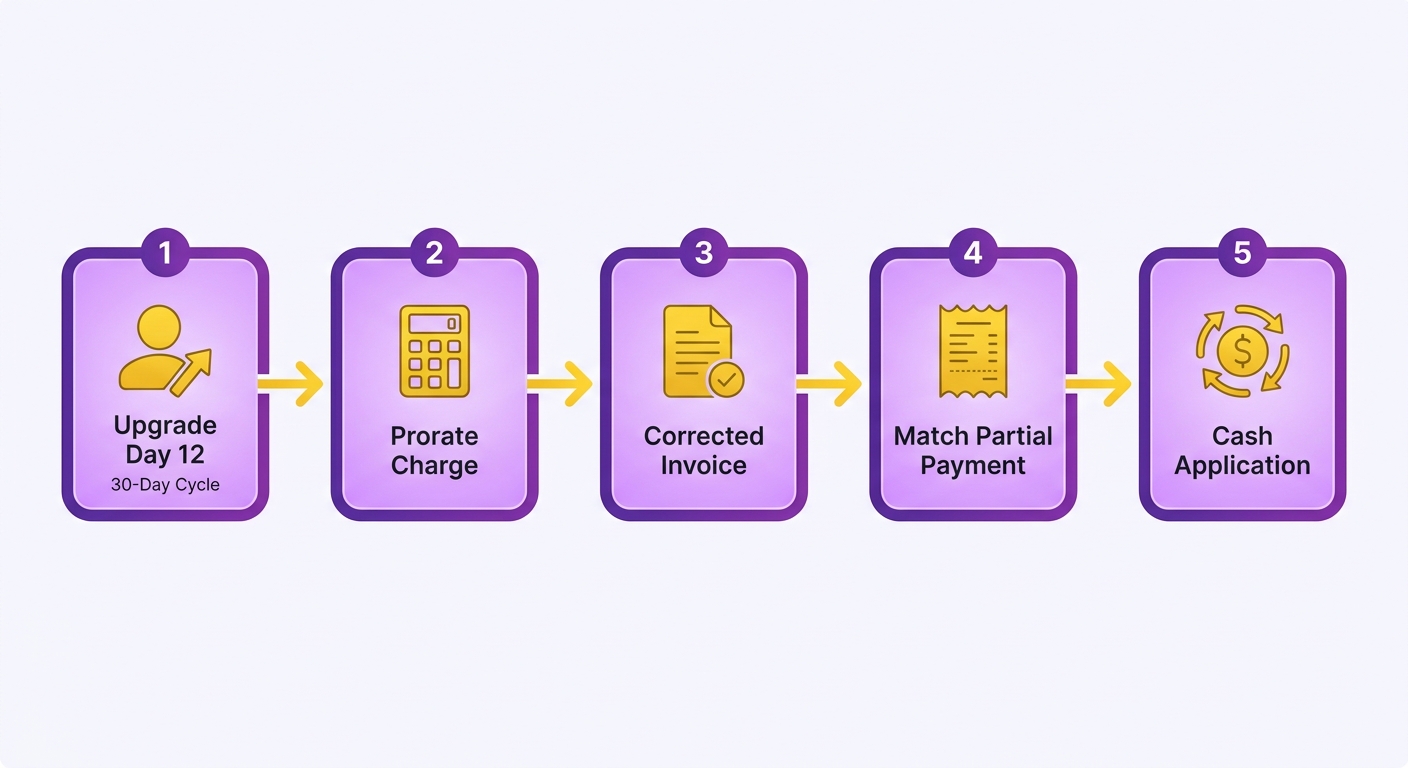
Custom pricing and mid-cycle changes are where recurring billing gets messy. When a customer upgrades on day 12 of a 30-day cycle, someone has to calculate the prorated charge, generate a corrected invoice, and match the partial payment back to the right account. That last step is where manual processes fall apart.
Setting up pricing tiers and plans
Custom pricing in an automated system means defining each tier once, then letting the platform apply the right rate, discount, and tax to every invoice. You set billing rules, promotional rates, and regional tax rates at the plan level, and the system carries them through every cycle without re-entry.
Start by mapping plans to billing frequency. A monthly starter tier, a quarterly mid-tier, and an annual enterprise plan can all run side by side, each with its own template, terms, and auto-charge rules.
The payoff comes after the charge clears. When pricing is structured cleanly, the payment that lands matches the invoice amount exactly, so reconciliation happens without anyone comparing line items. Clean pricing setup is really cash-application setup in disguise.
What happens during a mid-cycle change
A mid-cycle change triggers a prorated invoice that bills only for the portion of the cycle used at the new rate. The system calculates the difference, issues the adjusted invoice, and charges the saved method automatically.
Say a client moves from a $50 plan to a $90 plan halfway through the month. Instead of a manual credit-and-rebill dance, the platform prorates the upgrade, generates the corrected invoice, and tracks the new payment in real time. No developer involvement.
This matters most at reconciliation. Prorated amounts are exactly the kind of odd, non-round numbers that wreck manual matching. AI reconciliation reads the incoming payment, links it to the prorated invoice, and closes the loop, so your books stay accurate even when the math is ugly.
Tell customers before the charge hits
Tell customers about pricing changes before the charge lands, not after. A Reddit thread on r/mildlyinfuriating shows the cost of getting this wrong: users resent “automatic renewal” setups that feel like a bet on them forgetting. Transparency turns that resentment into trust.
Send a clear notice with the new rate, the prorated amount for the current cycle, and the date the change takes effect. Customizable templates let you spell out the adjustment as its own line item, so the customer sees exactly what changed and why. When the breakdown is visible, disputes drop and payments clear faster.
Dunning and collections that don’t torch the relationship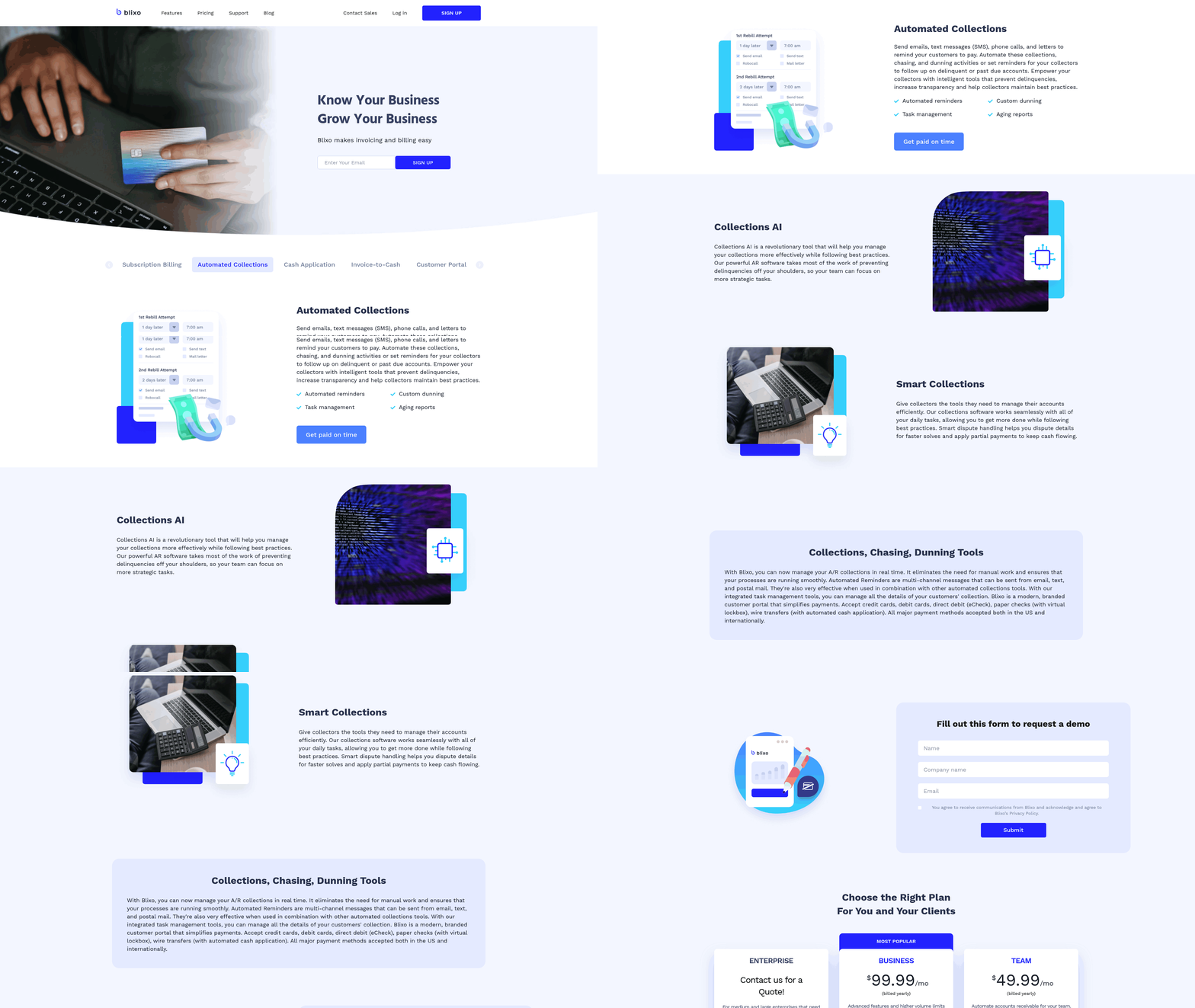
Dunning is the polite, persistent follow-up that turns a missed charge into a paid invoice. When an auto-charge fails or a payment never lands, automated dunning sends the right reminder at the right time and keeps nudging until the balance clears. The payoff shows up in cash application, where each recovered payment gets matched back to its invoice without anyone digging through a spreadsheet.
What automated dunning is
Automated dunning is a scheduled sequence of payment reminders and retry attempts, triggered when a recurring charge fails or an invoice goes past due. The system watches every open invoice, flags the ones that slip, and starts a follow-up workflow on its own. You set the rules once. It runs every cycle without chasing anyone.
This matters most after the charge attempt. A failed card, an expired method, or a delayed bank transfer all create an unmatched balance. Automated collections close that gap by retrying the charge, alerting the customer, and routing the eventual payment straight into reconciliation so your books stay current.
How reminders and escalations work
You control the timing, tone, and channel of every reminder, then let the platform escalate as an invoice ages. Set a gentle nudge three days before the due date, a firmer notice on the day a charge fails, and a final follow-up a week later. Each step fires on its own.
Escalation does the heavy lifting. A first failed charge might trigger a friendly email and an automatic retry. A second miss bumps the customer to a stronger reminder with a payment link. Persistent non-payment can flag the account for manual review, so your team only touches the cases that need a person.
Smart retry timing recovers more cards than blind reattempts. Many failures are temporary, like an insufficient balance that clears on payday. Spacing retries over several days catches those without annoying the customer or burning through gateway fees.
Why human-friendly collections protect cash flow
Collections that respect the customer recover cash without wrecking the relationship. Aggressive or confusing billing breeds churn and chargebacks, which cost more than the late invoice ever did. Clear reminders, easy payment links, and a transparent retry schedule keep customers informed instead of ambushed.
The quiet win is steadier cash flow. When a payment finally clears, AI reconciliation matches it to the open invoice instantly, your days-sales-outstanding tightens, and your team stops playing detective with mystery deposits. Dunning gets the money in. Cash application makes sure it counts.
Real-time cash application and reconciliation
Cash application is the step where payments meet your books. A customer pays, and someone has to match that payment to the right invoice, account, and date. Real-time cash application does this the moment the money lands, with no spreadsheet and no manual matching.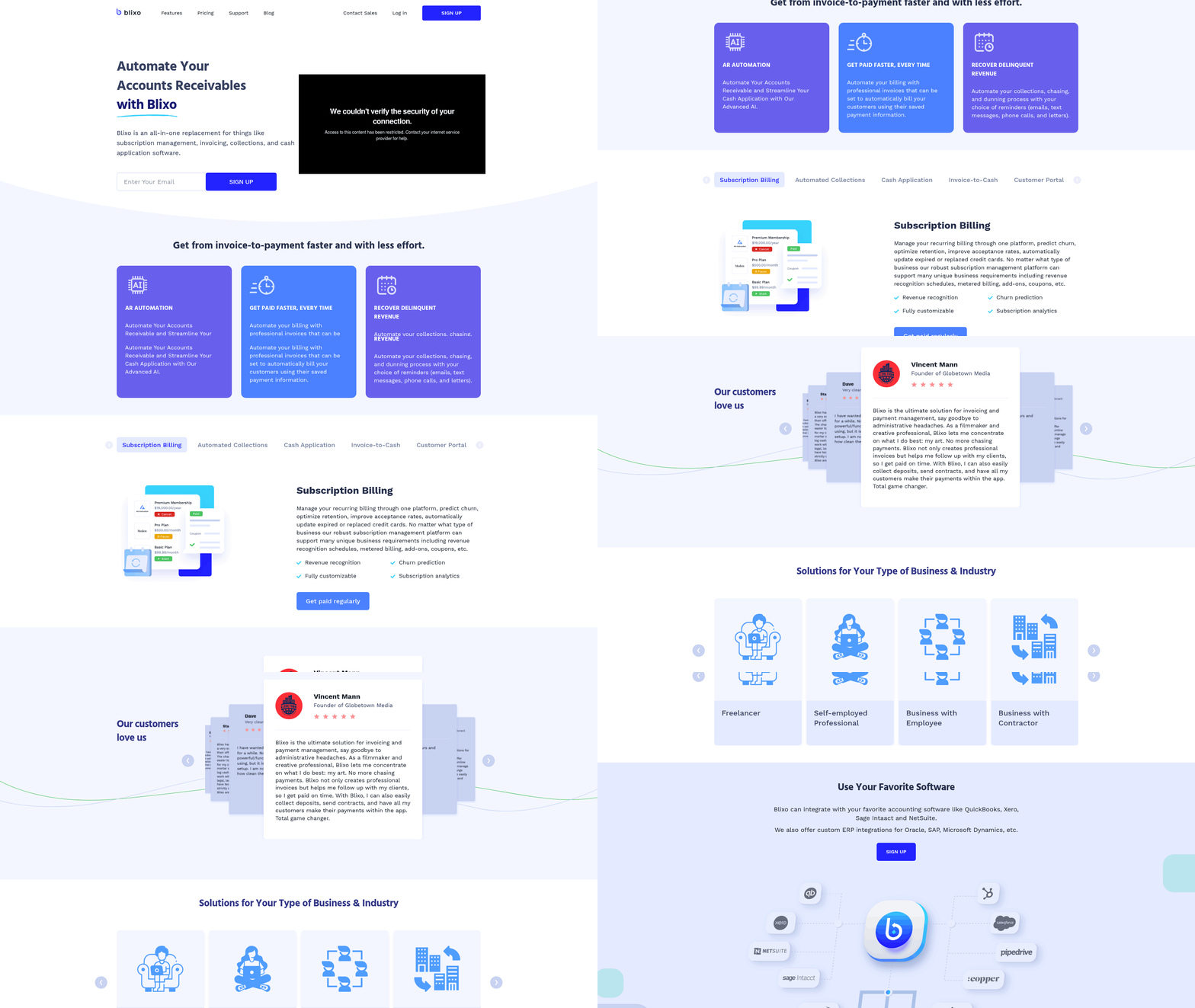
This is the stage most billing tools skip, and where manual AR quietly falls apart.
What real-time cash application is
Real-time cash application matches incoming payments to open invoices the instant a charge clears. No batch jobs. No end-of-day reconciliation runs. When a payment hits, the system finds its invoice, applies it, and updates the customer’s balance on its own.
The platform tracks every payment as it arrives, across each supported method. That tracking is what turns “money arrived” into “this invoice is paid, this account is current” without a person in the loop.
It runs entirely web-based, so there’s nothing to install and no local software syncing in the background. Matching happens server-side, in real time, with data moving under 256-bit encryption so payment records stay secure end to end.
How matching and reconciliation work
Automated matching links each payment to its invoice using the details already in the system, then reconciles the account balance in the same pass. Recurring invoices and auto-billing feed the engine the data it needs, so when the charge succeeds, the matching is already half done.
Here’s the flow in practice:
- A recurring charge clears. The payment carries the invoice reference from the auto-billing setup.
- The system matches it. Payment meets invoice, amount confirmed, account updated.
- The balance reconciles. The customer’s open balance drops by the exact amount, in real time.
Because the platform integrates with enterprise portal systems for delivery, the same invoice that went out is the one the payment maps back to. That closed loop kills the mismatched-payment problem. Bill hundreds of subscribers on the first of the month, and manually you’d spend the next few days matching deposits to accounts. Automated, that work is done by the time the deposits settle.
What real-time reporting shows you
Real-time reporting shows your applied payments, open balances, and cash position as they change, not at month-end. Every matched payment updates the books immediately, so the number you see is the number that’s true right now.
You can track payments across every account from one view. That immediate visibility translates to better liquidity, because automated matching speeds up the whole collection timeline. When cash application runs on its own, you always know what’s paid, what’s open, and what’s coming. That clarity is what lets you plan instead of chase.
Wiring it into your existing stack
Your billing tool only steadies cash flow if it talks to the rest of your stack. The moment a payment clears, that data needs to flow into your accounting ledger, your CRM, and your reporting tools without anyone re-keying numbers. When those systems stay in sync, cash application happens once and stays correct everywhere.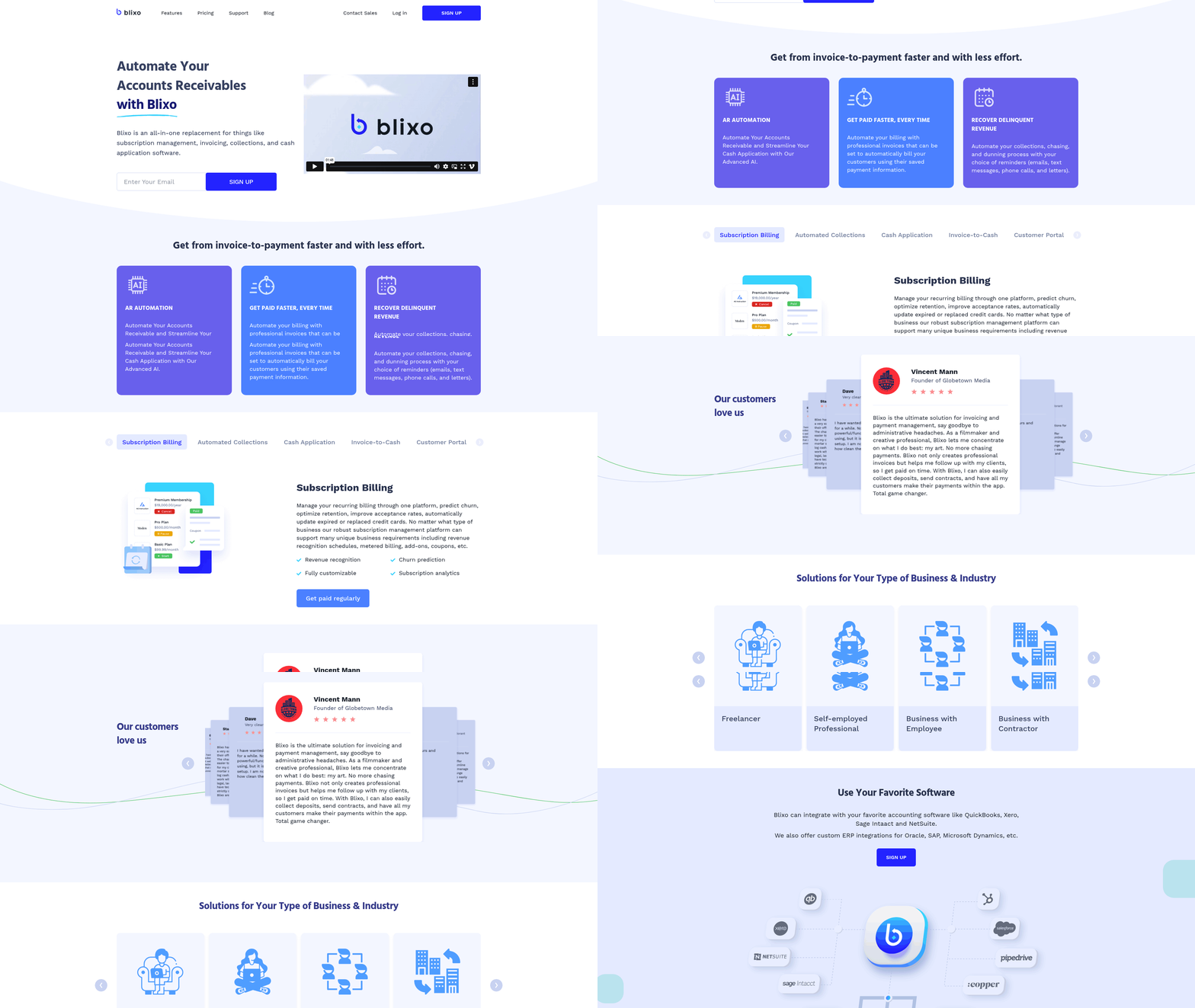
How the connection works
Blixo integrates through APIs and direct connections that push billing and payment data into the systems you already run. Invoices, charges, and applied payments sync automatically, so your accounting records match your AR records in real time. No export files. No manual uploads at month-end.
The integration layer matters most at cash application. When a payment lands and gets matched to its invoice, that update has to reach your general ledger the same instant. Otherwise you reconcile twice. A connected stack means one match, one source of truth, and a closed loop from charge to booked revenue.
This is where many setups break. Front-end billing tools generate invoices fine but leave the back-end matching to a developer or a spreadsheet. A proper integration removes that gap.
Connecting QuickBooks, Xero, or NetSuite
Connect your accounting platform once, map your fields, and let payment data flow both directions. The goal is simple: every invoice raised in your billing system appears in your ledger, and every matched payment updates the same record.
The practical sequence:
- Authorize the connection. Link your accounting account through the integration settings. This is the secure handshake that lets data move between systems.
- Map your accounts and fields. Match invoice line items, tax codes, and customer records to the right ledger accounts. Get this right once and every future sync stays clean.
- Set the sync direction. Decide what pushes where. Invoices and applied payments flow into accounting; customer updates can flow back.
- Run a test cycle. Send one invoice, take one payment, and confirm the matched payment posts correctly on both sides before you scale up.
Keeping data clean across systems
Keep one system as the source of truth, validate field mappings before going live, and test reconciliation on a small batch first. Data consistency fails when two systems both think they own the customer record. Pick one owner per data type.
Map your tax handling carefully. If you bill across regions with different rates, the integration must carry the right tax code into your ledger, or your reconciliation will drift. Confirm this on real invoices, not test data alone.
Watch the cash-application sync in your first month. Spot-check that matched payments post to the correct invoice and account. Once you trust the loop, you can stop checking and let it run. The payoff is a stack where billing, payments, and accounting agree without anyone forcing them to, because the data you act on is the data that’s actually true.
What clients get: the self-service portal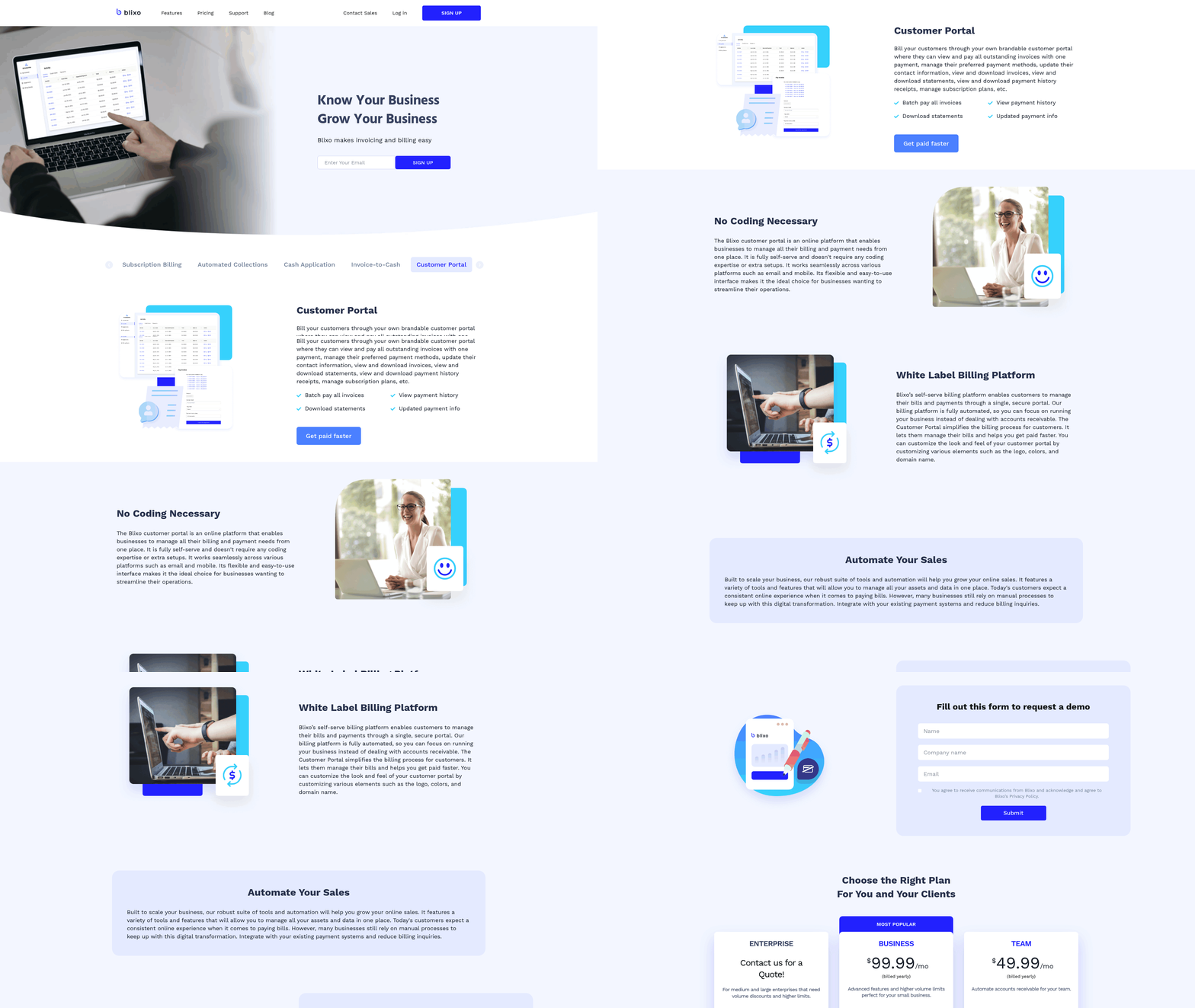
A self-service portal puts clients in control of their own billing. Instead of emailing you for a copy of an invoice or asking when the next charge hits, they log in and find it. That shift does more than save support time. It feeds cash application, because every payment a client makes through the portal arrives already tagged to the right invoice.
What the portal is
A self-service portal is a secure, web-based account where clients view invoices, make payments, and manage billing details without contacting you. It runs in standard browsers under industry-standard security, so sensitive payment details stay protected through every transaction. Clients get round-the-clock access to their account history. You get fewer “where’s my invoice” emails clogging your inbox.
This matters for cash flow. When a client pays through the portal, the system already knows which invoice the money belongs to. The match happens at the source, so reconciliation doesn’t wait for a manual review later.
How clients manage their invoices
Clients log in to view every open and paid invoice, choose a payment method, and settle their balance on their own schedule. The portal supports recurring invoices and auto-billing across various methods, so each client picks what works.
A client can update a card before it expires, review past charges, download receipts, and confirm their next billing date. Each of these used to land on your desk. Now they handle it themselves. When that payment clears, it flows straight into cash application, connecting the action a client takes to the invoice it closes, with no re-keying.
Branding and customization
You can shape the portal to match your brand and tailor the billing experience to each client. The system shows the exact contract terms, localized tax rates, and pre-applied incentives you agreed on, so what a client sees reflects the actual agreement. Your clients see your business, not a generic billing screen, every time they log in. That familiarity builds trust and gets invoices paid faster.
It also syncs with major corporate procurement networks, so invoices land directly in your client’s accounts payable system without manual uploads. Hidden auto-renewals and surprise charges drive customers up the wall. A transparent portal where clients see exactly what they’re paying, and when, removes that friction. They stay in control, and you get clean, matched payments the moment they hit.
Case study: what scaling actually looks like
A growing business shows what automatic invoicing looks like once it stops being a feature list and starts steadying real cash flow. The hard part of scaling recurring billing isn’t sending more invoices. It’s matching the flood of incoming payments back to the right accounts without drowning your team. This scenario reflects the operational hurdles fast-growing service firms hit as they expand.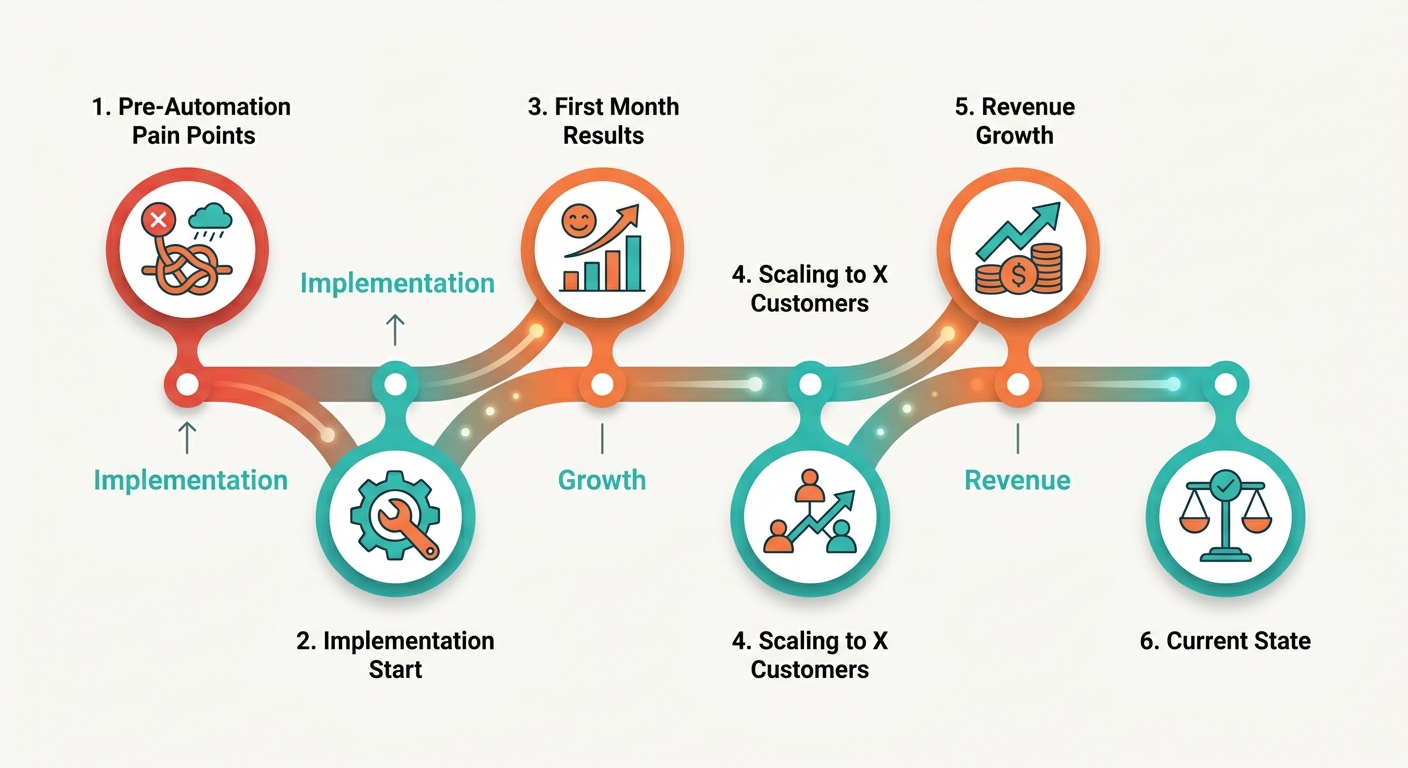
Before automation
The business handled every invoice and every payment by hand, and cash application was the bottleneck. A two-person finance team built invoices in a spreadsheet, emailed them one by one, then tried to reconcile payments as they trickled in.
The front-end work was tedious. The back-end work was worse. When a payment landed, someone had to figure out which invoice it covered, which account it belonged to, and whether it was full or partial.
Payments arrived across different methods and on different days. Matching took hours each week, and mistakes piled up. An account would show as unpaid when the money had already cleared, triggering an awkward reminder to a customer who’d paid days ago.
After automation
Automatic invoicing removed the manual send-and-match cycle, so the team could add accounts without adding hours. They moved to recurring invoices with auto-billing across the methods customers already used. Invoices generated and sent on schedule, then charged automatically.
The real shift happened at cash application. The moment a charge cleared, the system matched it to its open invoice and updated the balance. No spreadsheet lookups. No end-of-week reconciliation marathon.
Accounts stayed accurate in real time. That accuracy fed everything downstream, from billing records to reminders that only went out to accounts genuinely past due. The finance team stopped acting as human matching engines and started reviewing exceptions. Setting up custom terms, discounts, and tax at the account level meant each invoice carried the right numbers automatically, and a cloud-native setup let the team collaborate across locations without deployment delays.
The results
The results showed up as faster payment cycles and a finance team that scaled without new hires. The transition compressed their outstanding receivables window once charges and cash application ran on their own.
Two metrics moved most. Payment errors dropped sharply once matching became automatic, which cut the back-and-forth over balances that were already settled. Retention held steady because billing felt predictable and quiet, the way good billing should.
The team handled more than double their original account volume with the same headcount. The hours they used to spend reconciling went into account reviews and customer questions, work that actually needed a human.
That’s the pattern worth copying. Automate the send. Automate the charge. Then automate the match, because cash application is the stage that decides whether your AR stays clean as you grow.
Frequently Asked Questions
1. How is automatic invoicing different from a payment gateway like Stripe or PayPal?
A payment gateway only processes the charge, while automatic invoicing handles the full cycle: generating the invoice, scheduling delivery, triggering the charge, matching the payment back to the right invoice, and syncing to accounting. The gateway is one component inside a broader recurring-billing system, not a replacement for it.
2. How does automated billing handle partial payments?
Partial payments are tracked against the open invoice, reducing the balance by the exact amount received while keeping the remainder flagged as outstanding. Intelligent cash application matches the partial deposit to the correct invoice automatically, then dunning workflows follow up on the remaining balance until it clears, avoiding manual line-by-line matching.
3. What happens if a customer requests a refund or disputes a charge?
Refunds and disputes reverse the original match in your records, reopening the invoice balance and updating the customer’s account in real time. Because every payment is already linked to a specific invoice, the system knows exactly which transaction to adjust, keeping your accounting ledger accurate without a manual reconciliation pass.
4. Do I still need separate accounting software if I use an automated billing tool?
Automated billing complements accounting software rather than replacing it. Tools like Blixo handle invoicing, charging, and cash application, then sync matched payments directly into your general ledger or ERP platform. Your accounting platform remains the system of record for financial statements, taxes, and reporting, while billing automation feeds it clean, reconciled data.
5. At what monthly invoice volume does full AI cash application become worth it?
AI-driven cash application becomes highly valuable once your active client roster grows to the point where manual deposit matching consumes several hours each week. Below that, basic recurring invoicing with AutoPay suffices. The tipping point is when manual deposit-to-invoice matching shifts from a minor chore to a genuine source of hidden errors.
6. How long does a customer’s payment authorization last for recurring charges?
Customers consent once when saving a card or bank detail, and that authorization persists for every future recurring charge until they revoke it or the payment method expires. Expired cards trigger automated dunning, which alerts the customer and retries the charge, so a single lapsed authorization doesn’t silently stall your collections.